Looks
Each card opens one outcome. The workbench is on that page, with the look already selected. Hair color is the only hub that also runs a tool.
Hairstyles
A haircut is easier to judge on the head you already have. These pages do not share one slider. Buzz is stubble, bald is a bare scalp, bangs cover the forehead, and the perm is roller-set waves rather than the curl control.
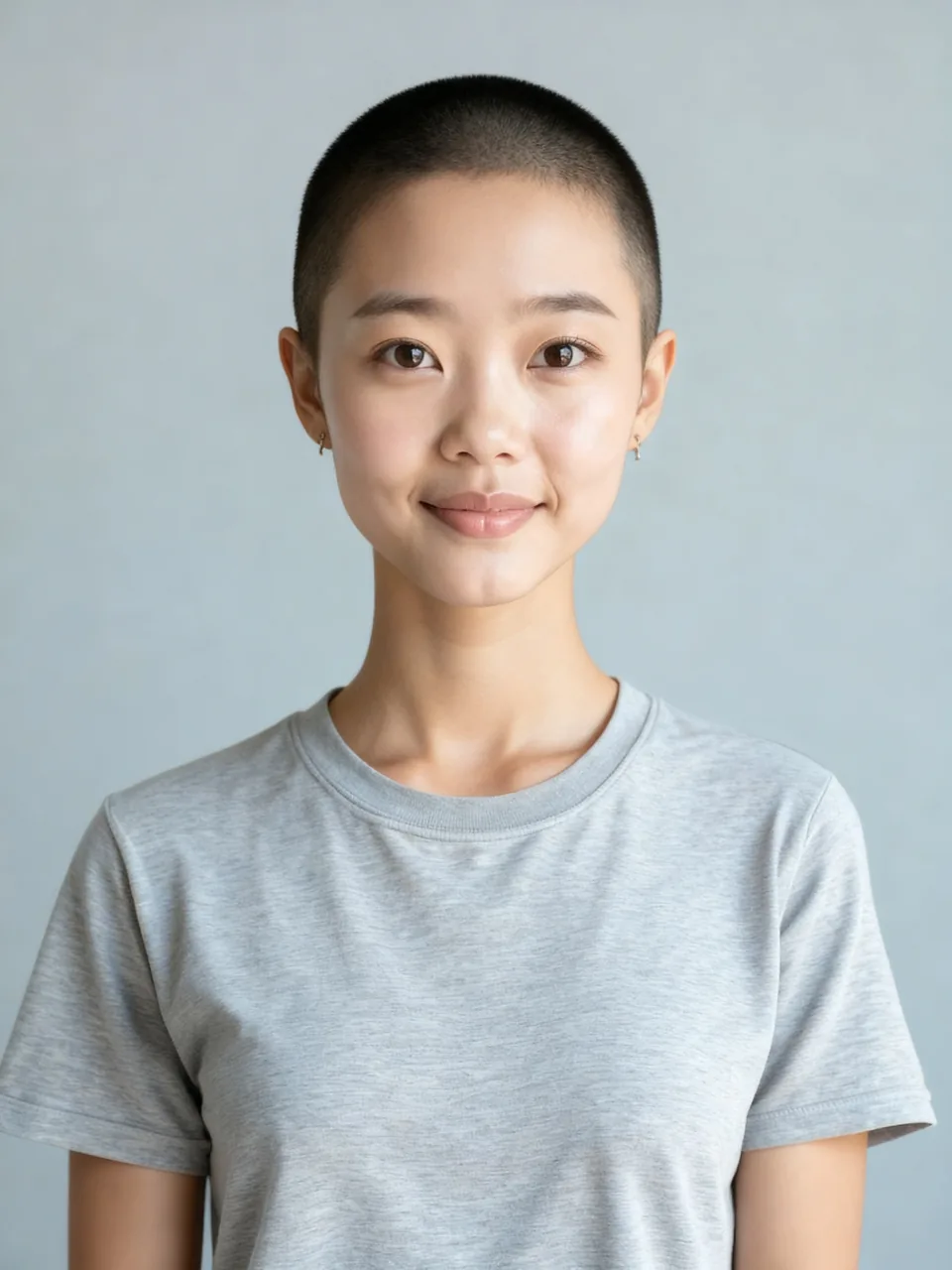 Buzz cut filterUpload one photo and see a buzz cut on your own hairline. The free result is one watermarked preview. The clean image is one credit.
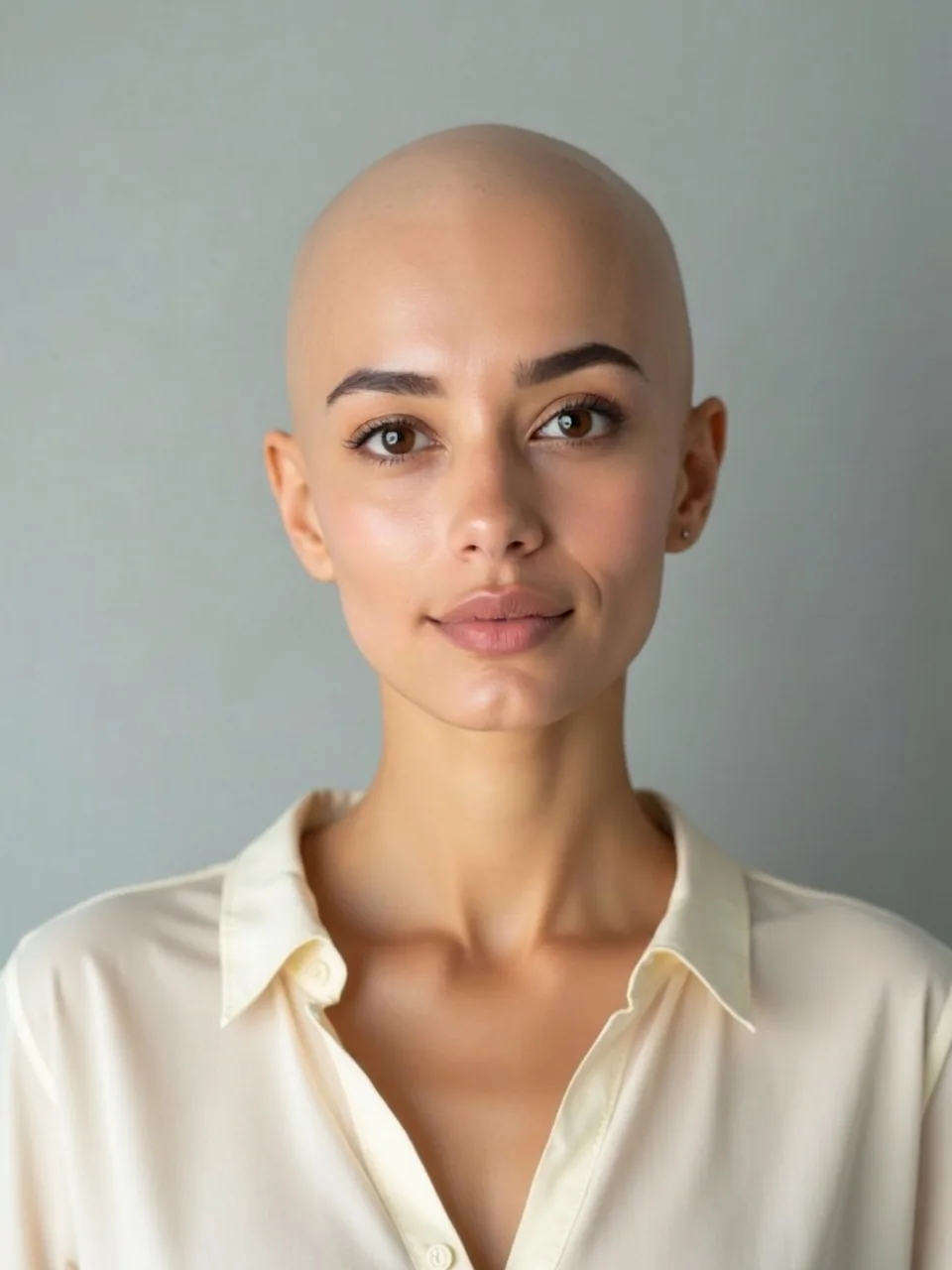 Bald filterSee a fully bald head on your photo, not a buzz. One watermarked preview is free. The clean image is one credit.
 Bangs filterSee bangs across your own forehead. One watermarked preview is free. The clean image is one credit.
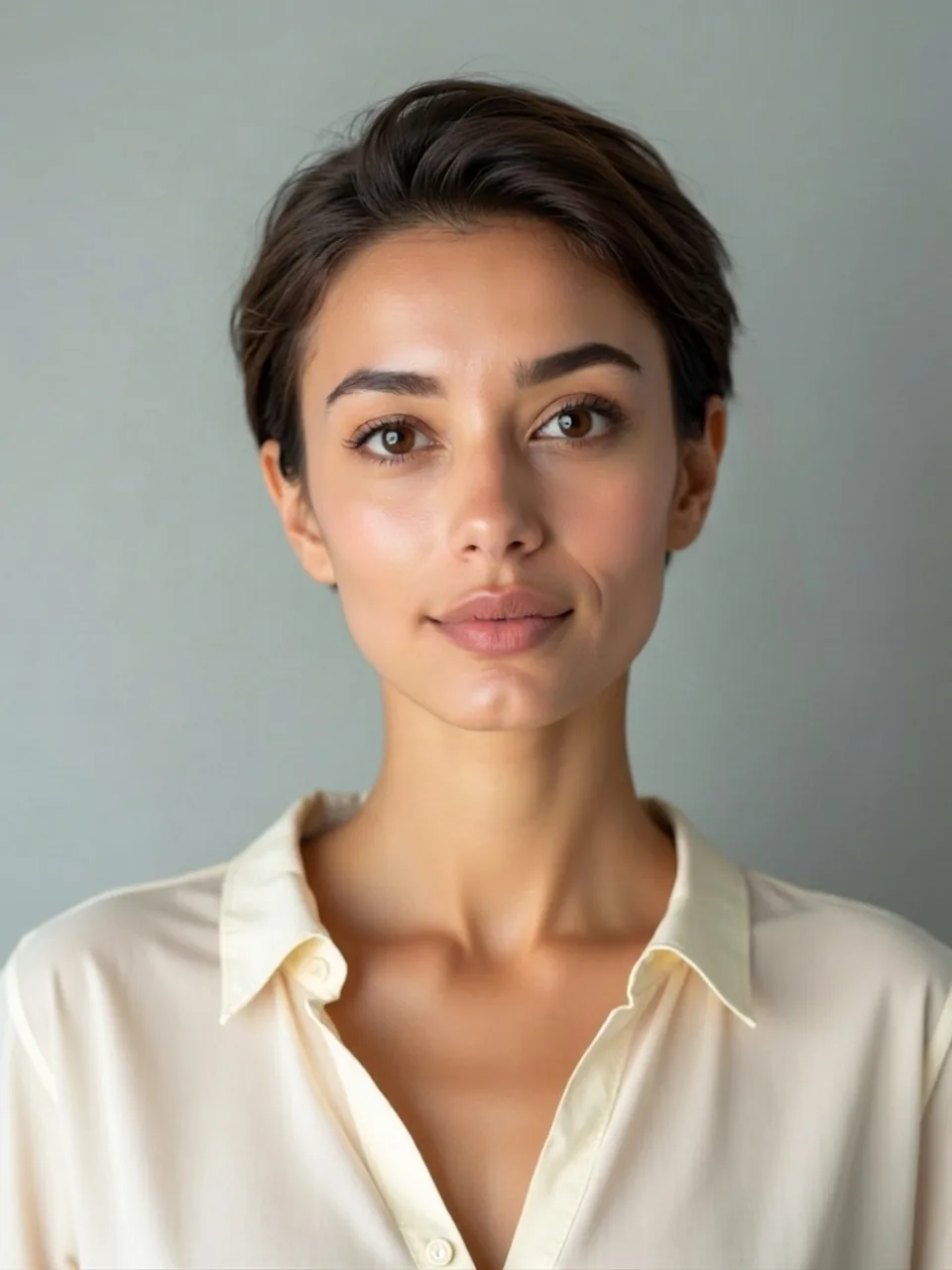 Short hair filterSee a short cut on your photo without going down to a buzz. One watermarked preview is free. The clean image is one credit.
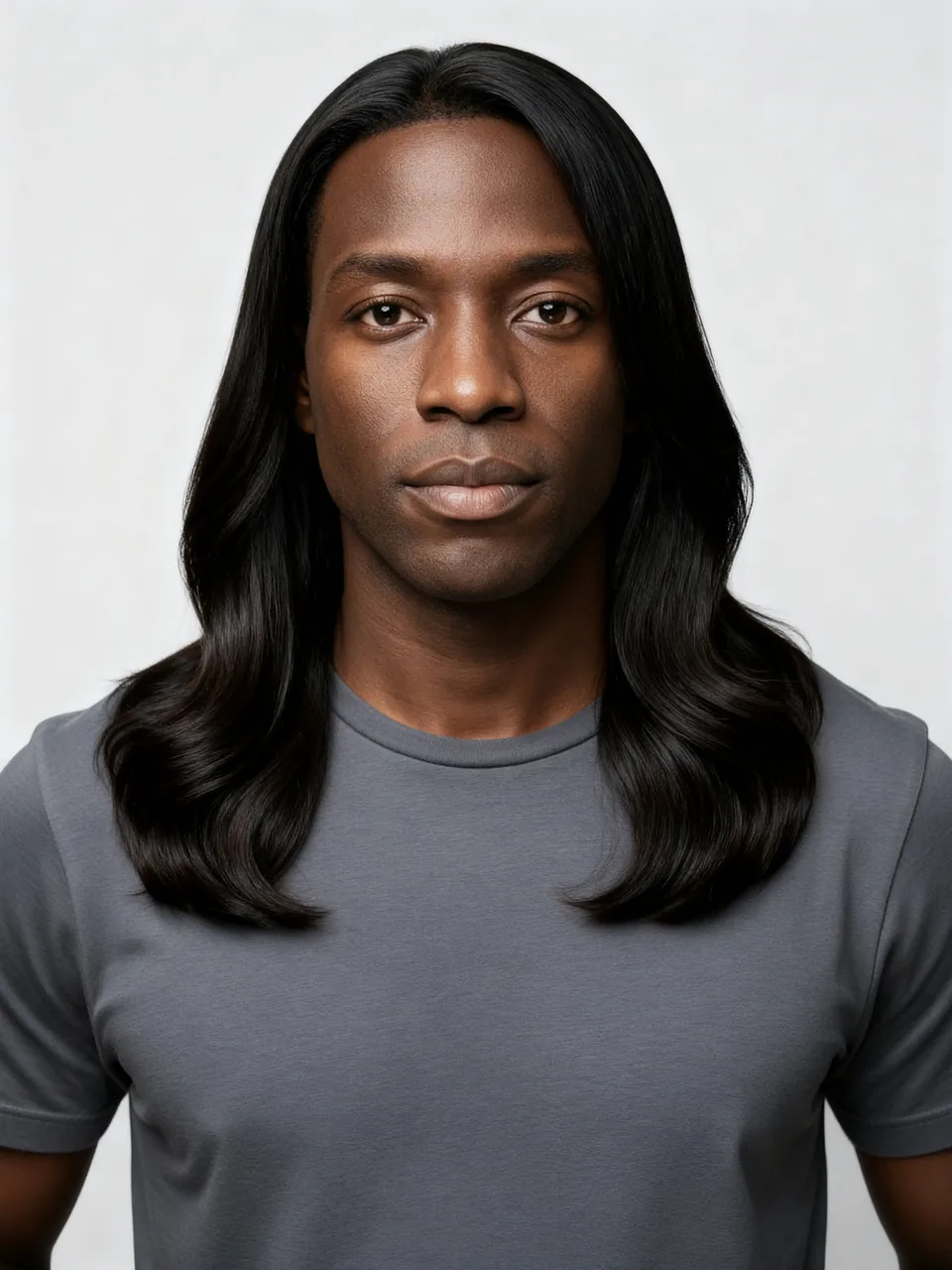 Long hair filterSee long hair on your photo while the face stays yours. One watermarked preview is free. The clean image is one credit.
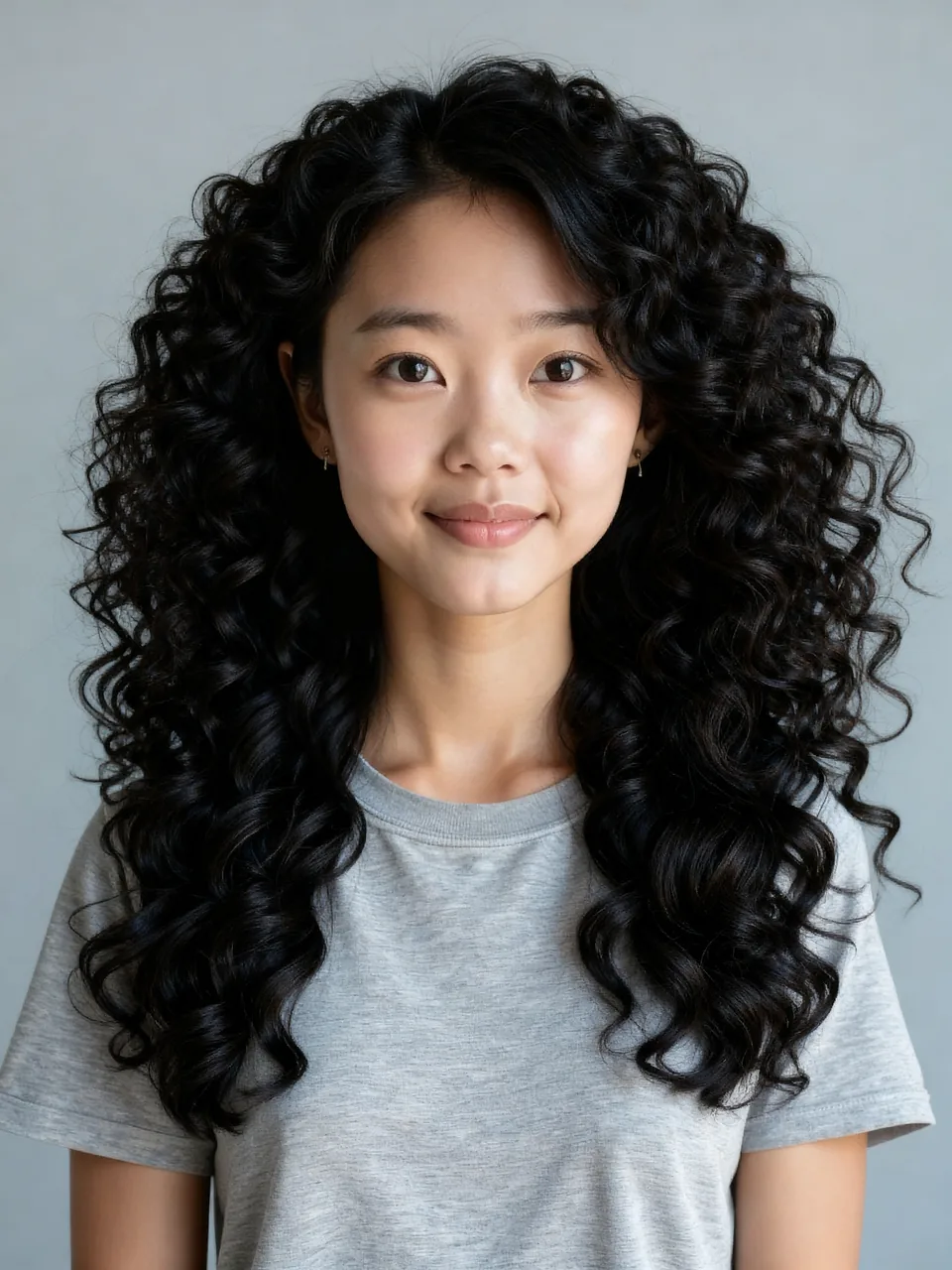 Curly hair filterSee curls on your photo. This is a curl pattern, not a roller perm. One watermarked preview is free. The clean image is one credit.
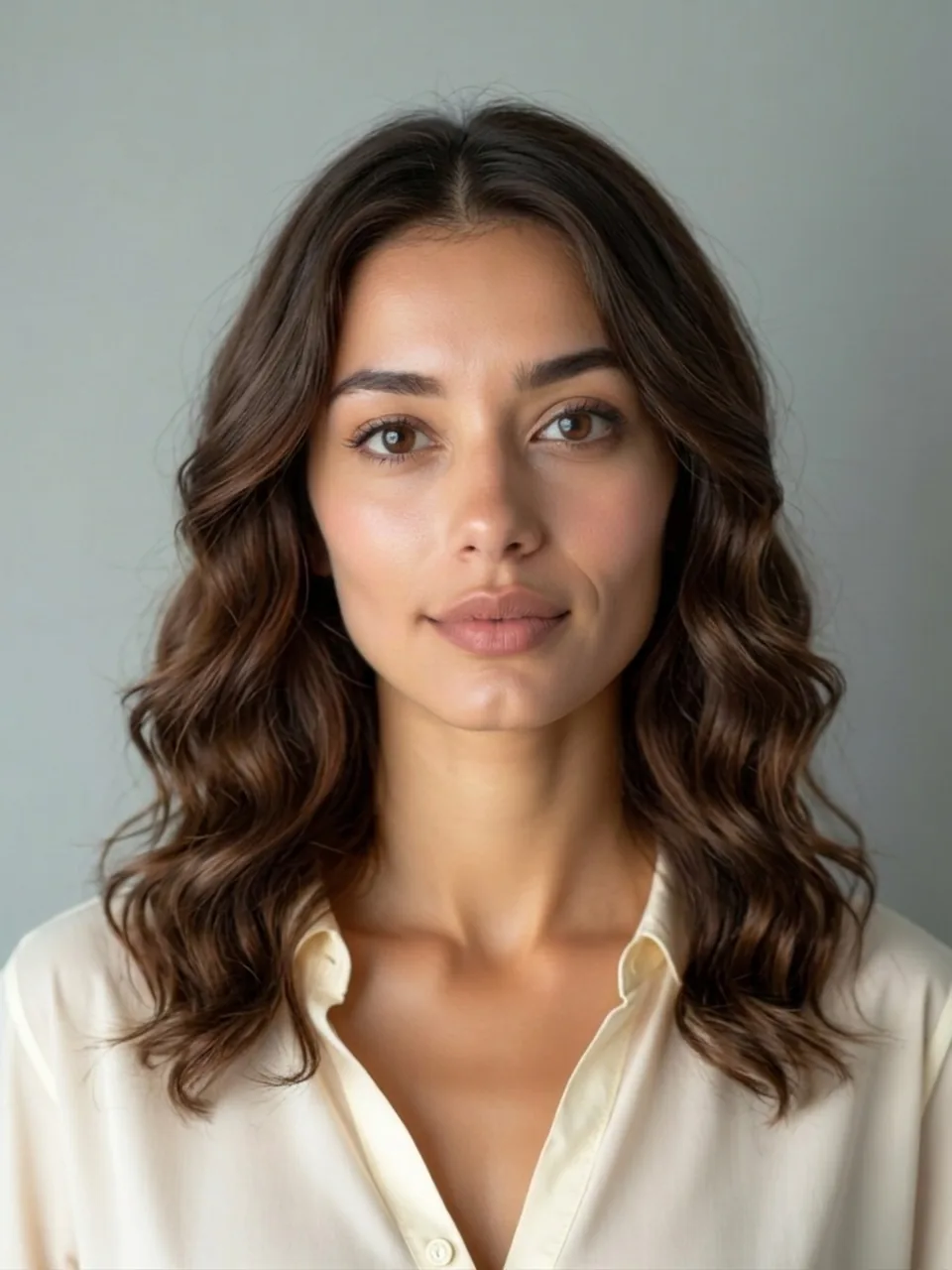 Perm filterSee roller-set waves on your photo. This is not the curly-hair control. One watermarked preview is free. The clean image is one credit.
Hair color
The hub is the only page that lets you pick among five colors. Blonde, black, red, and pink each have their own page and open on that dye.
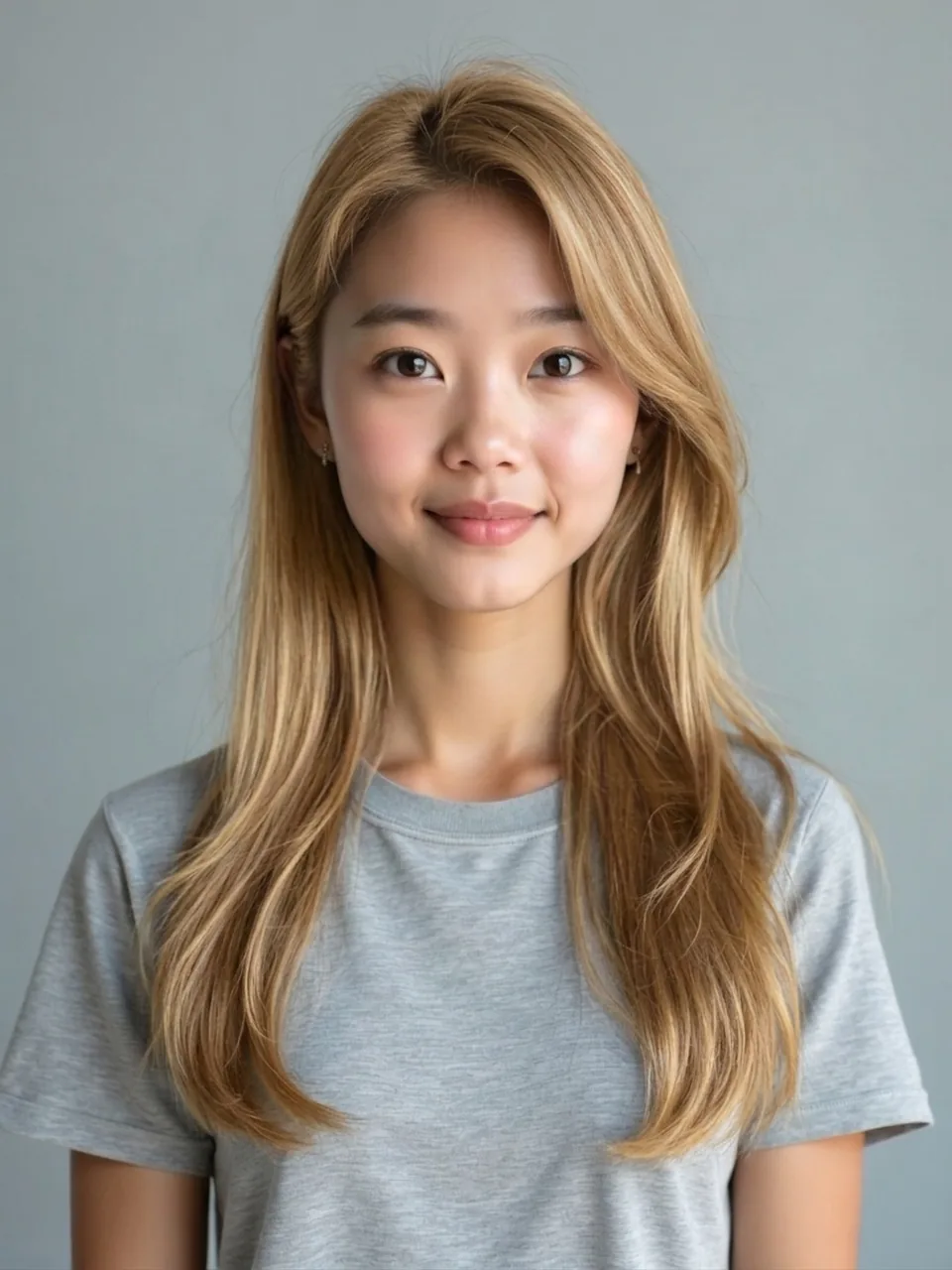 AI hair color changerPick one of five colors and see it on your photo. Length stays as uploaded. One watermarked preview is free. The clean image is one credit.
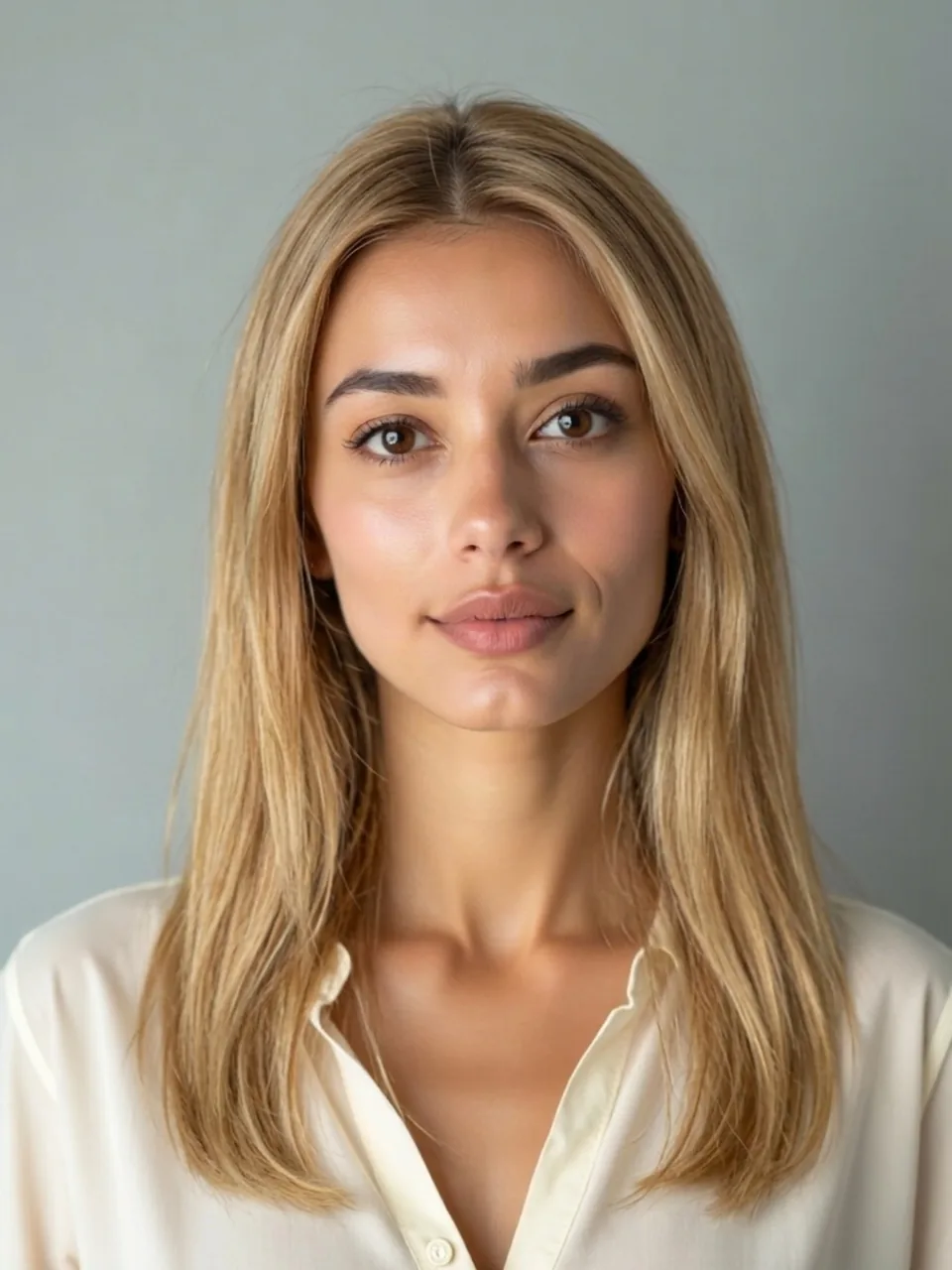 Blonde hair filterSee blonde on the hair length you already have. The cut does not change. One watermarked preview is free. The clean image is one credit.
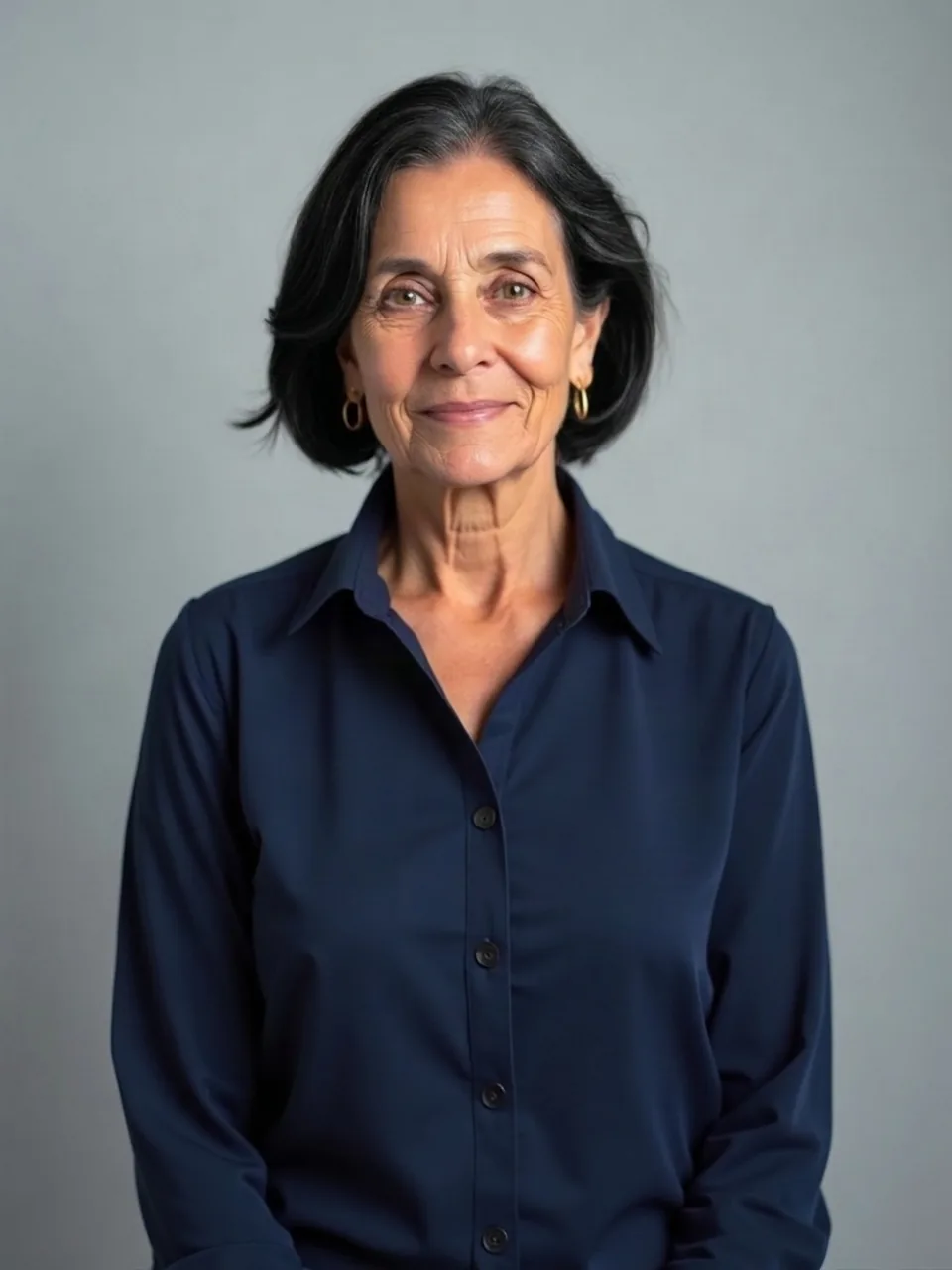 Black hair filterTurn the hair in your photo black. Length stays as uploaded. One watermarked preview is free. The clean image is one credit.
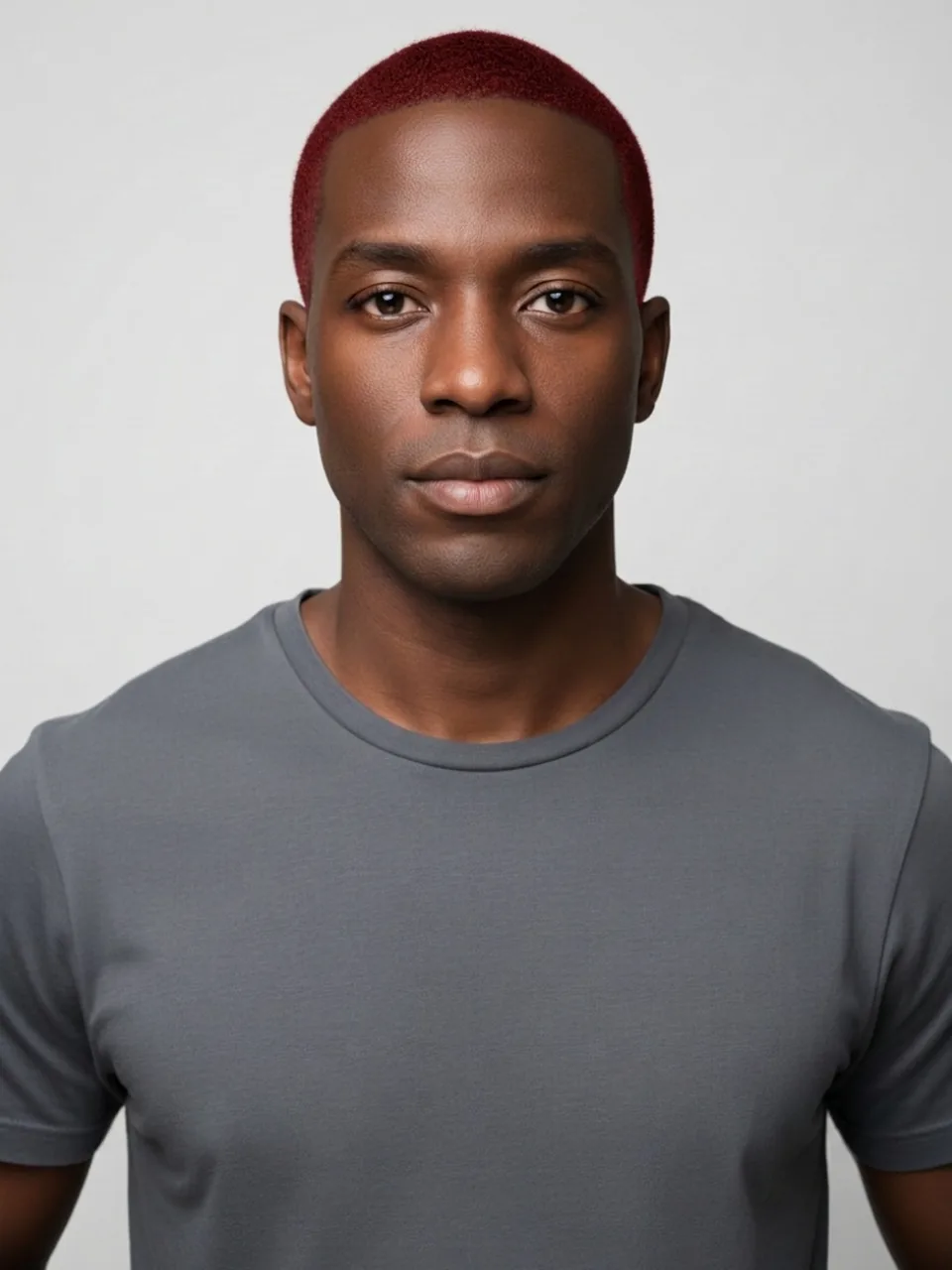 Red hair filterSee red on the hair length you already have. The cut does not change. One watermarked preview is free. The clean image is one credit.
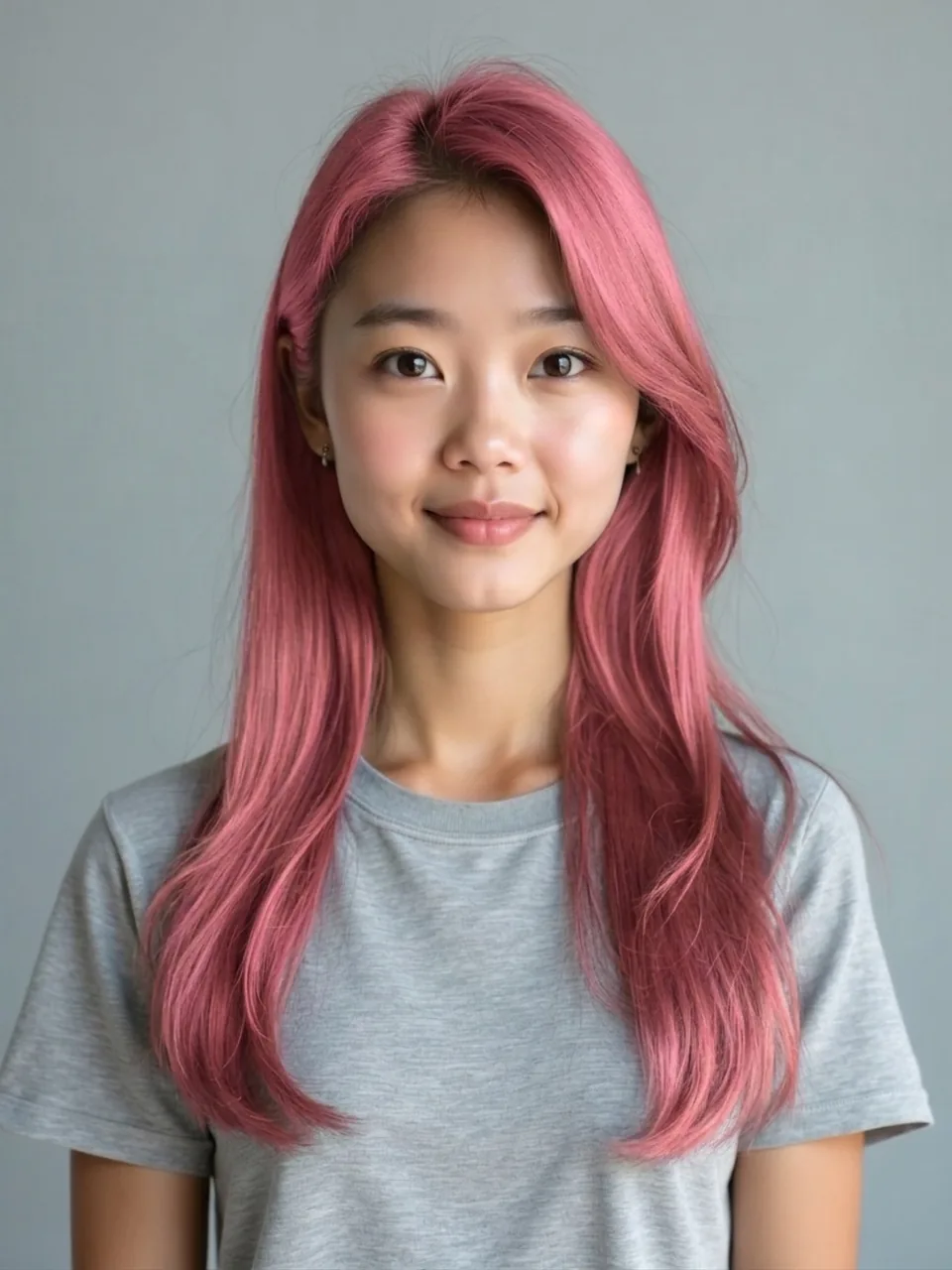 Pink hair filterSee pink on the hair length you already have. The cut does not change. One watermarked preview is free. The clean image is one credit.
Facial hair
The beard is a short jaw line. No beard expects a bearded photo. The mustache stays on the upper lip. The goatee is chin and lip, not the cheeks.
 Beard filterSee a short natural beard on your jaw. Cheeks stay in proportion. One watermarked preview is free. The clean image is one credit.
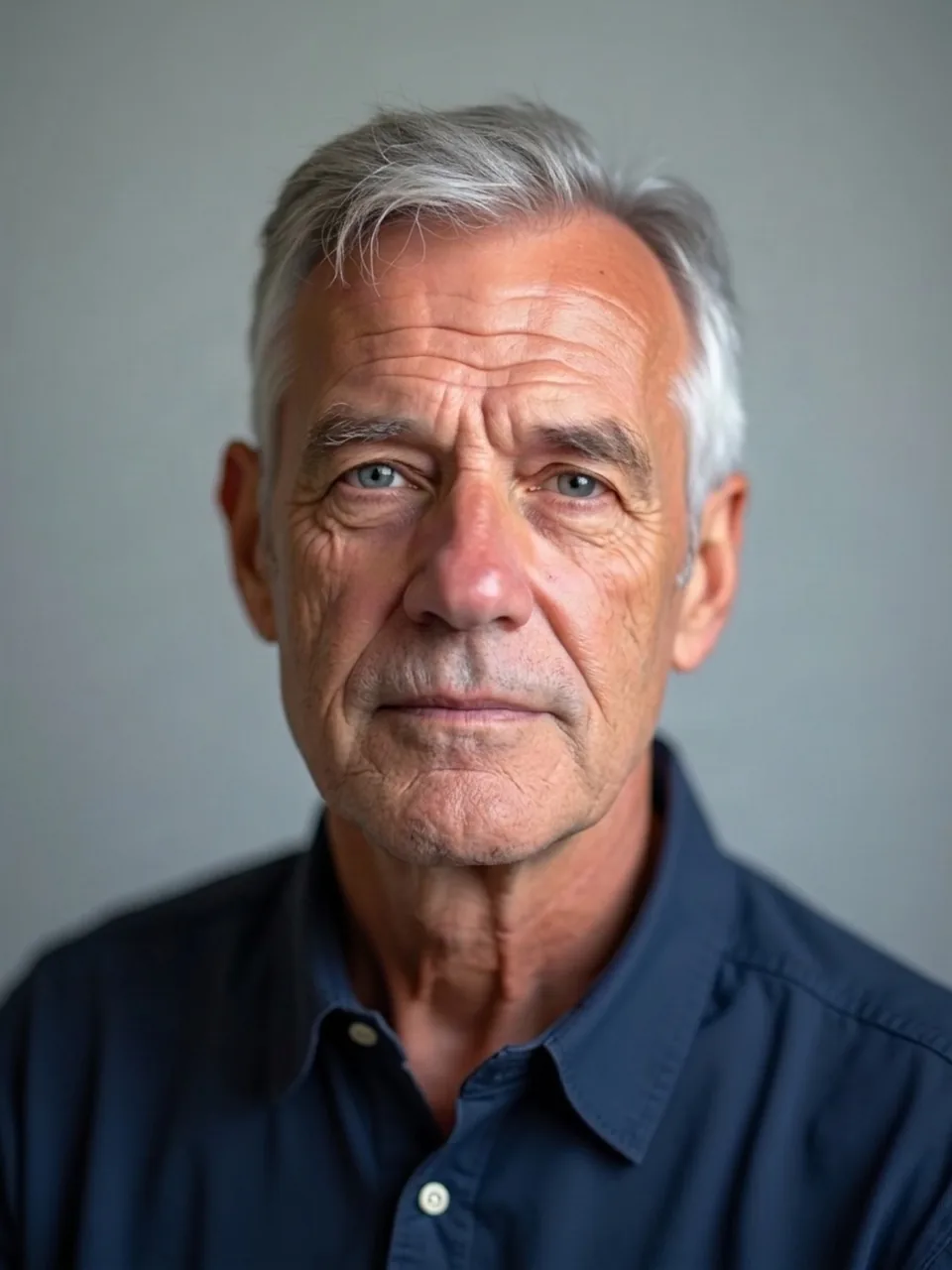 No beard filterSee your face with the beard removed. Upload a bearded photo. One watermarked preview is free. The clean image is one credit.
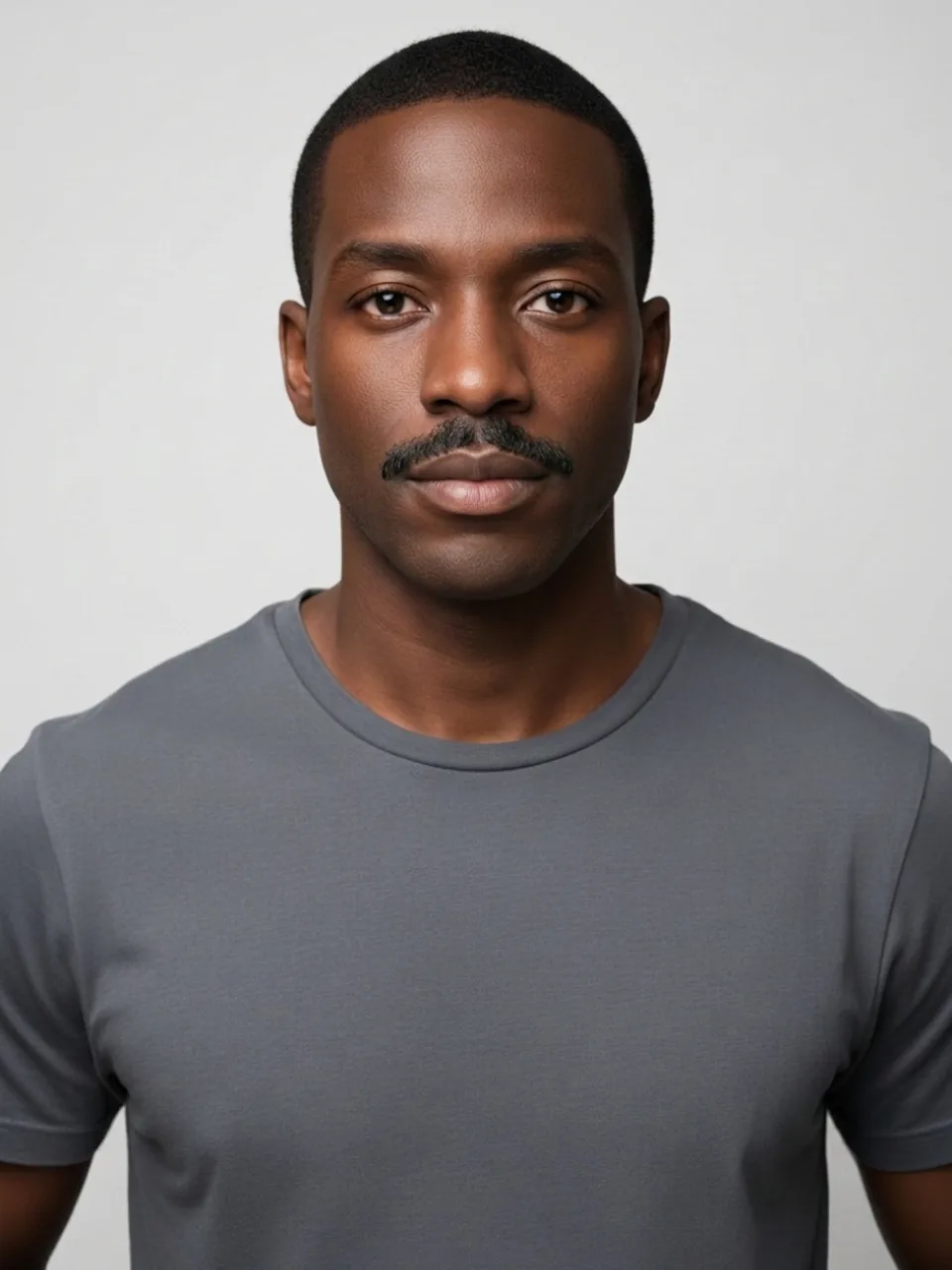 Mustache filterSee a mustache on the upper lip only. The cheeks and chin stay bare. One watermarked preview is free. The clean image is one credit.
 Goatee filterSee a goatee on the chin and upper lip, not the cheeks. One watermarked preview is free. The clean image is one credit.
Face
These pages edit one thing. Skin tone is lighter or deeper, with no race names. Age stays an adult. The smile moves the mouth. The fat filter keeps the face, clothes, pose, and background.
 Fat filterSee a fuller adult build on your photo. Clothes, pose, and background stay. One watermarked preview is free. The clean image is one credit.
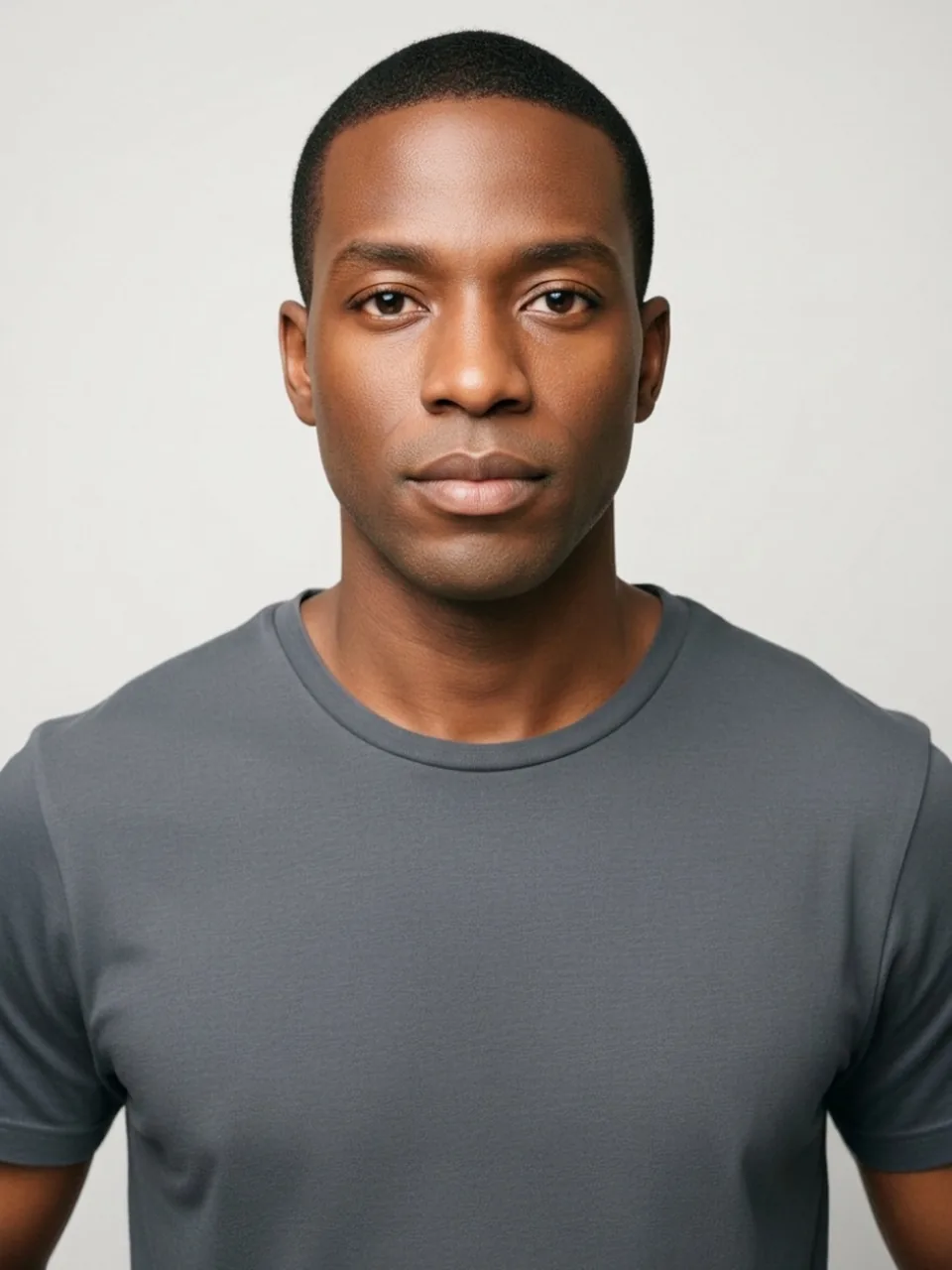 Skin color changerSee your skin a little lighter or a little deeper. There is no race control. One watermarked preview is free. The clean image is one credit.
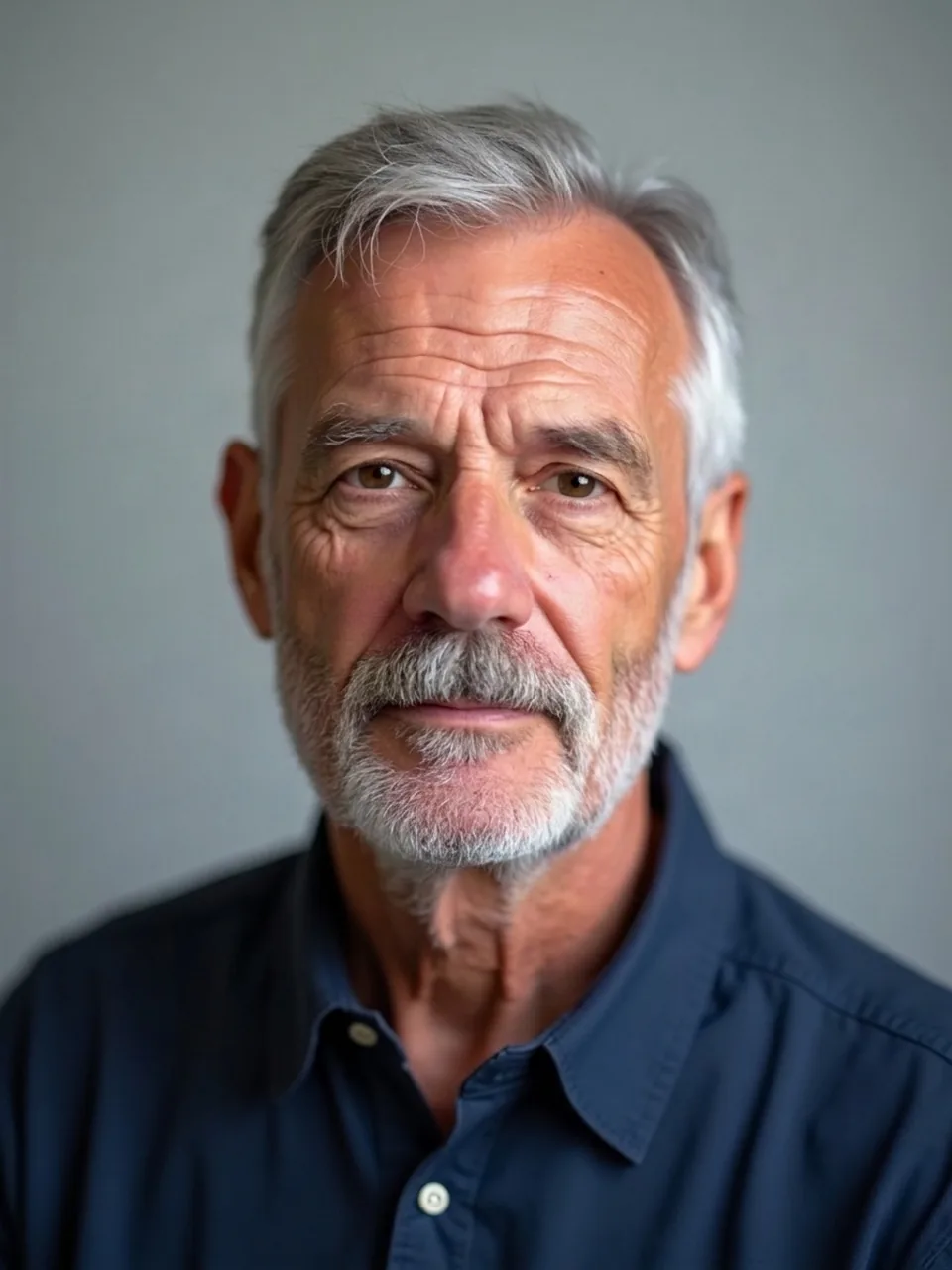 Eye color changerSee a different iris color. The rest of the eye and the face stay. One watermarked preview is free. The clean image is one credit.
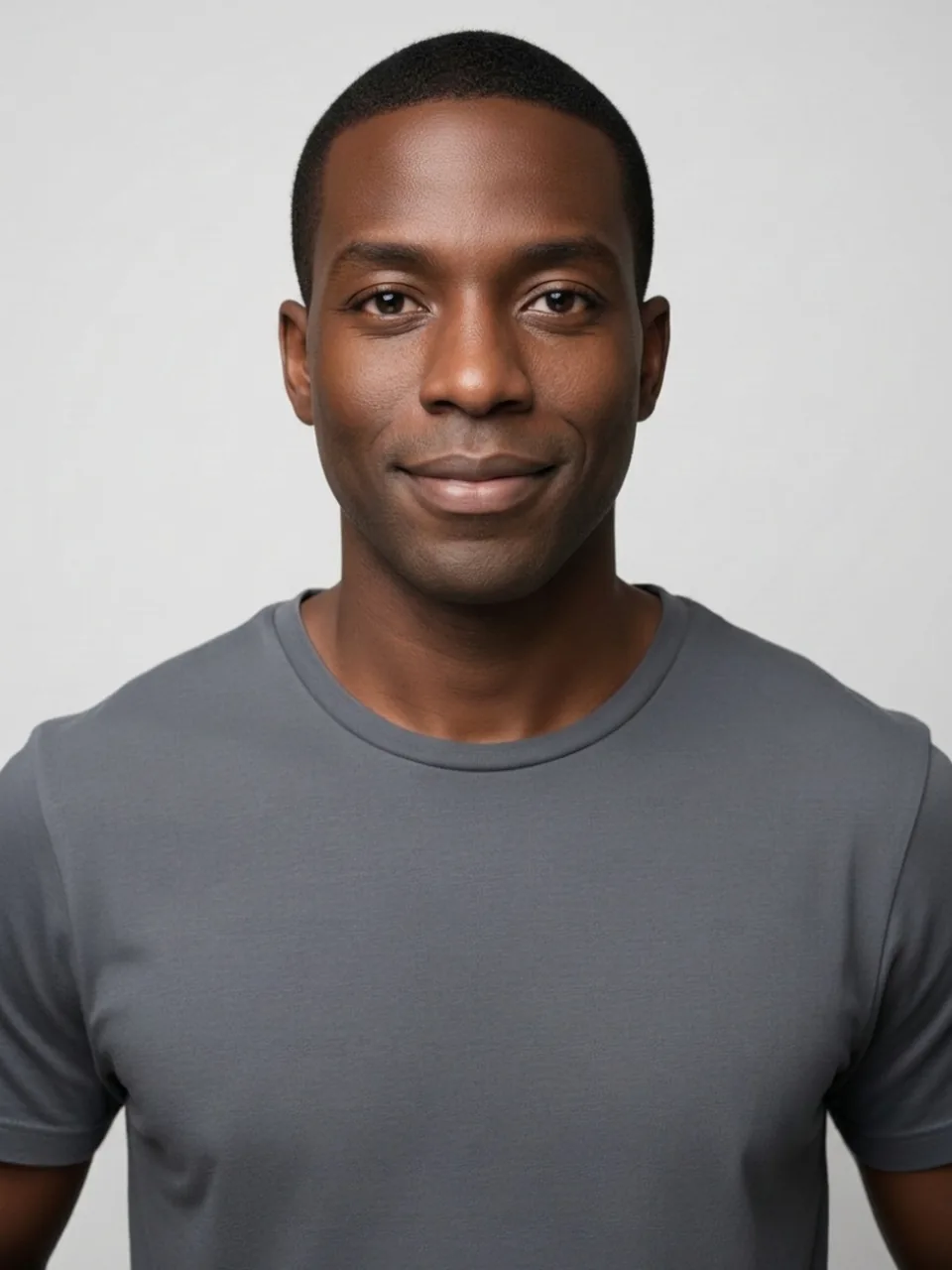 Smile filterSee a smile change the mouth only. The eyes and identity stay. One watermarked preview is free. The clean image is one credit.
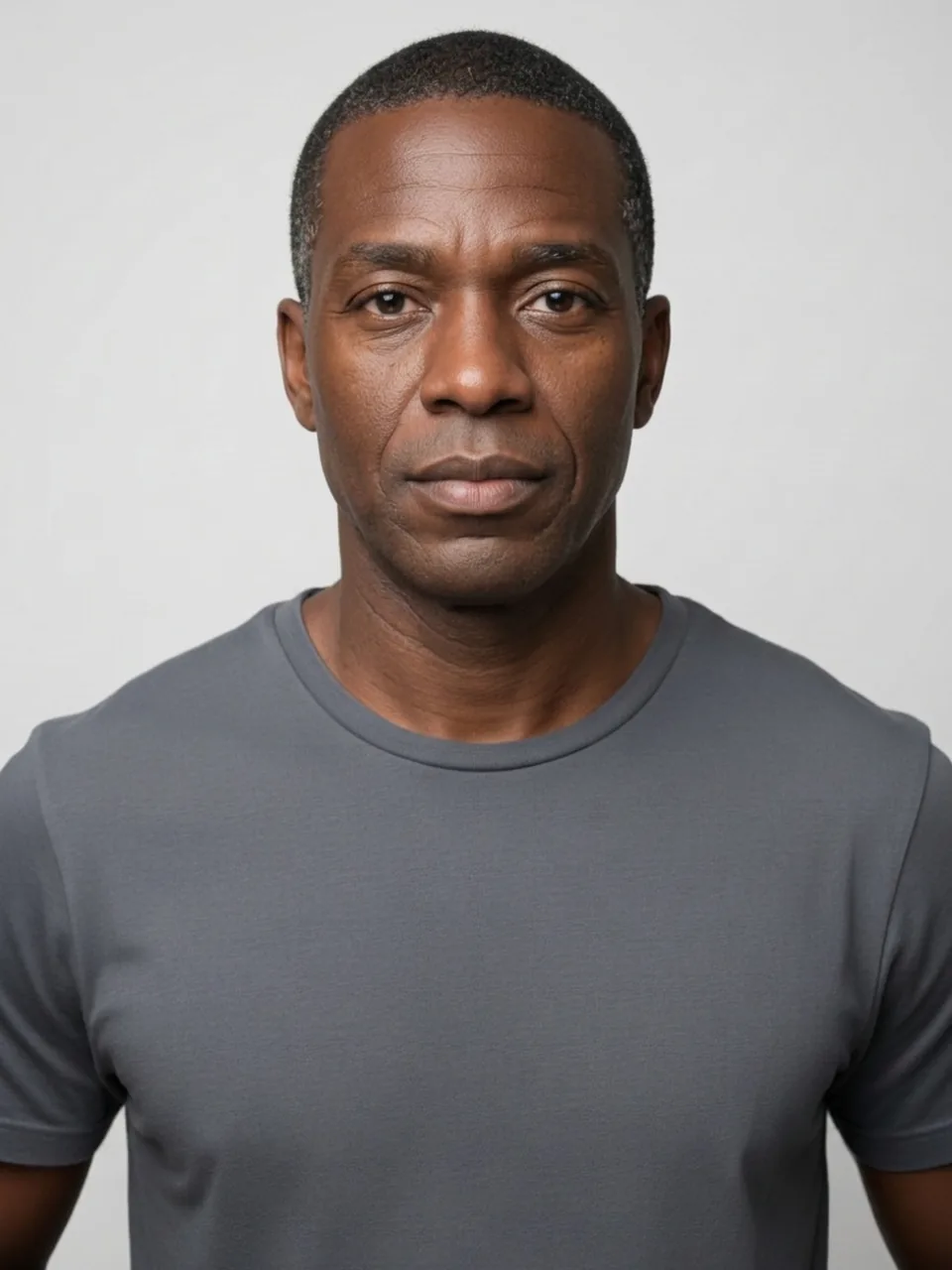 AI age filterSee an older or younger adult version of your face. It does not make a baby. One watermarked preview is free. The clean image is one credit.
Photo privacy
Use this when the frame is for someone else to see and the face should not be. The other looks on this site call a model. This one does not.
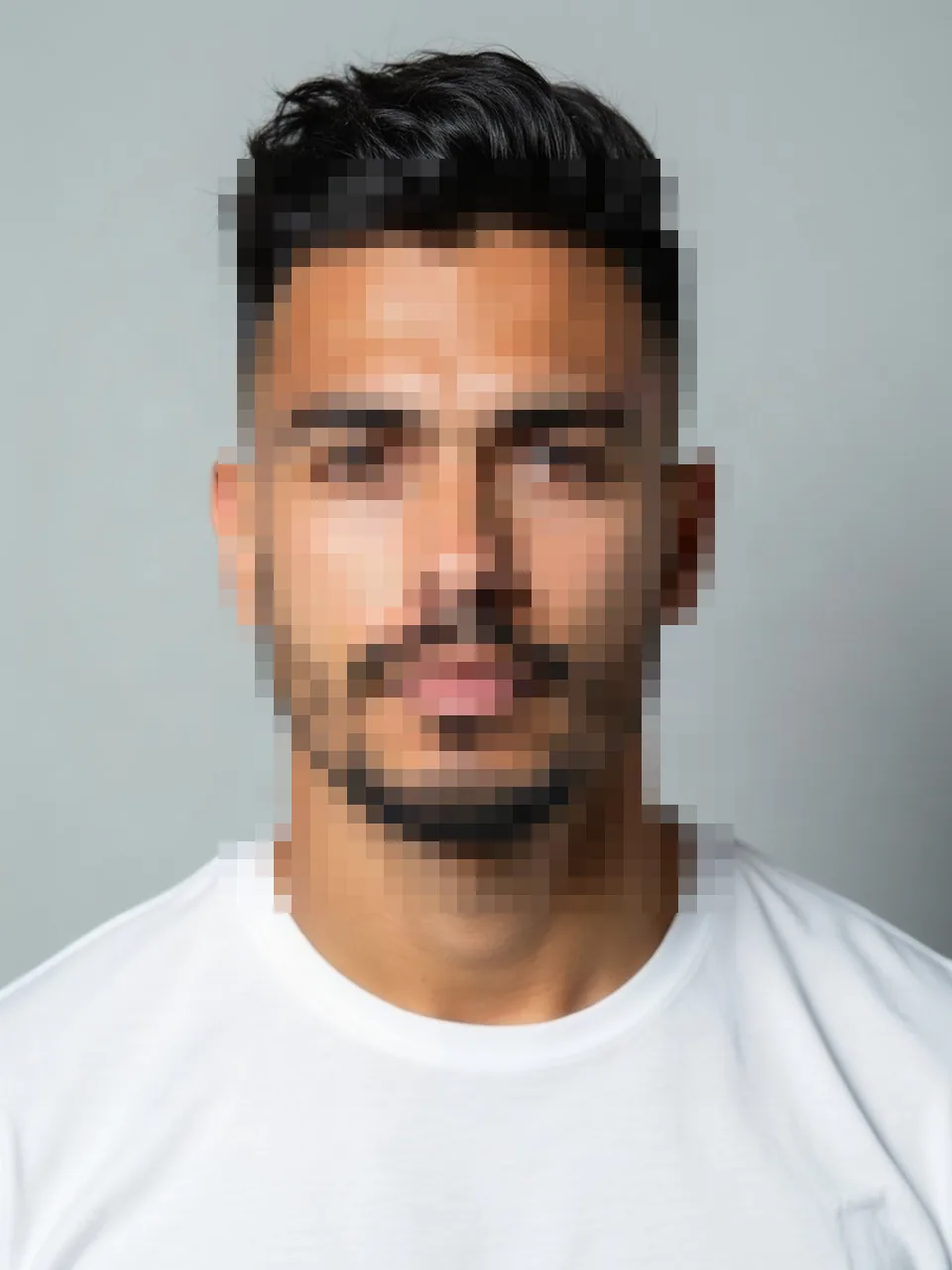 Face blur
Each look links to a screenshot guide. The full list is on Help. Prices for the clean file are on pricing. The organization is named on About, and the deletion window is on how it works.