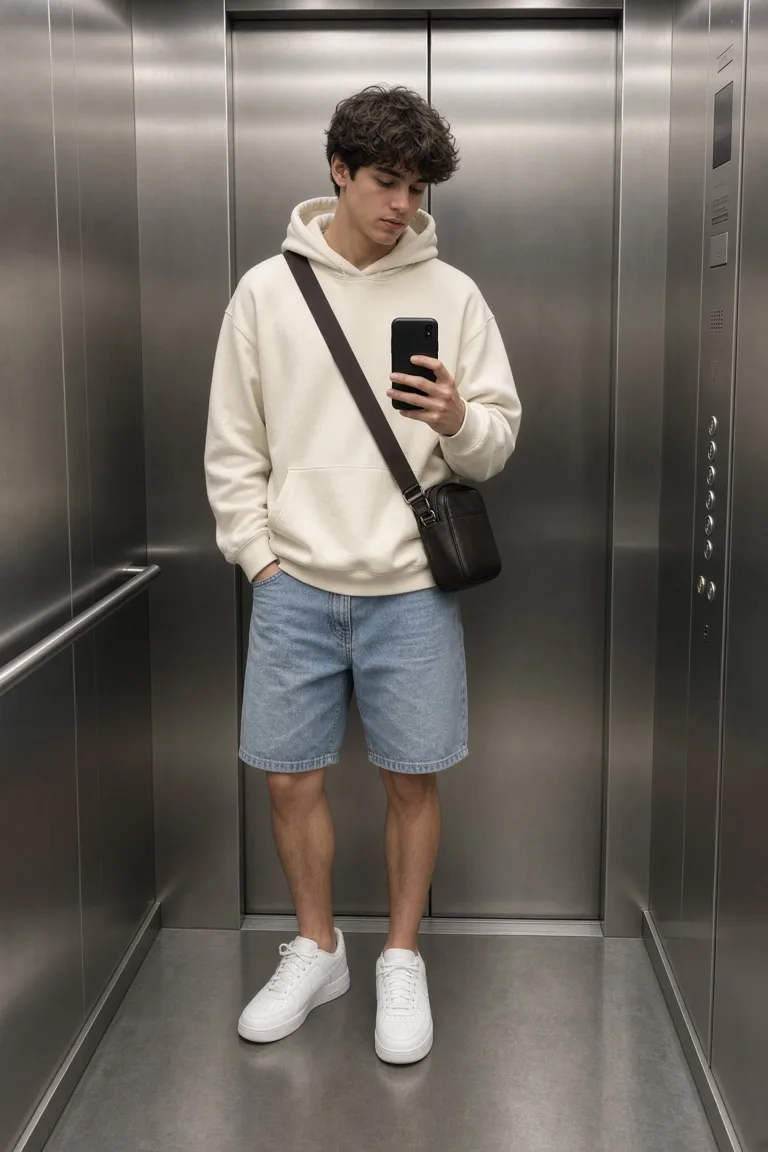
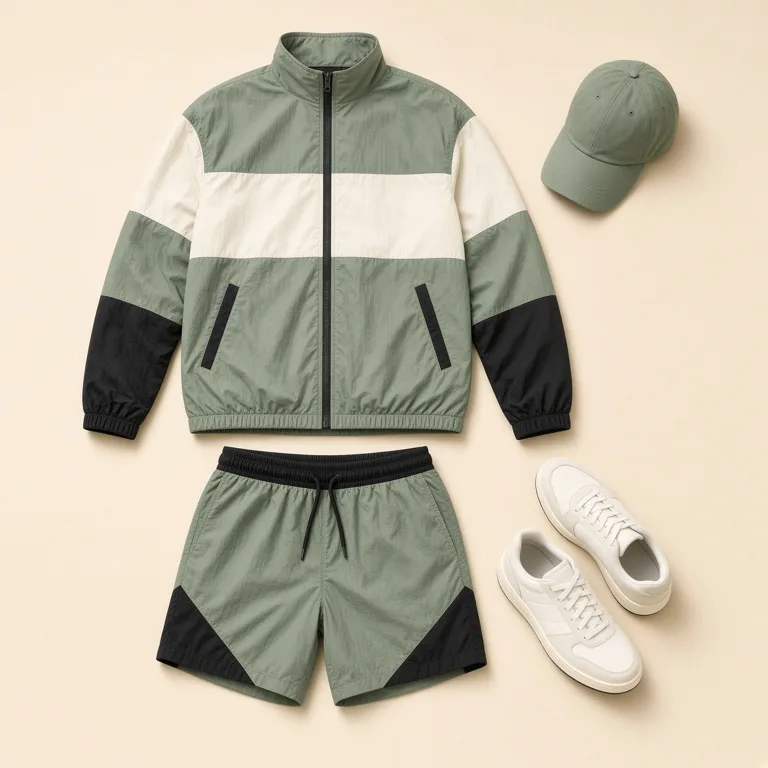
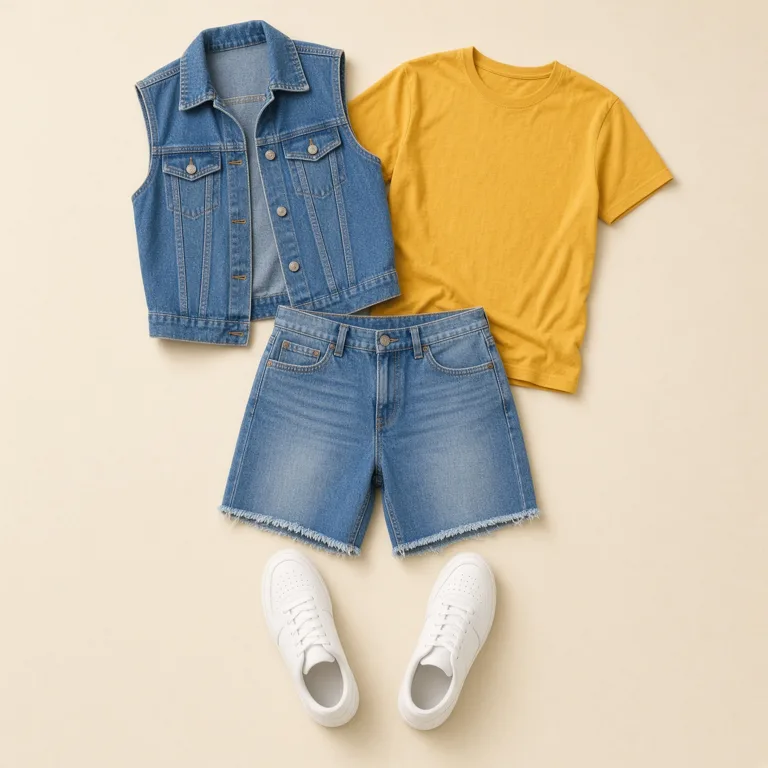
Replace the clothes, keep the person
Upload a photo of a person. Pick a preset, upload a clothing photo, or describe the outfit. This is a clothes swap, not a headshot and not a haircut.
Change clothes in 3 steps
- 1
Upload a person photo
One person, with the body and the current clothes in frame.
- 2
Choose the outfit
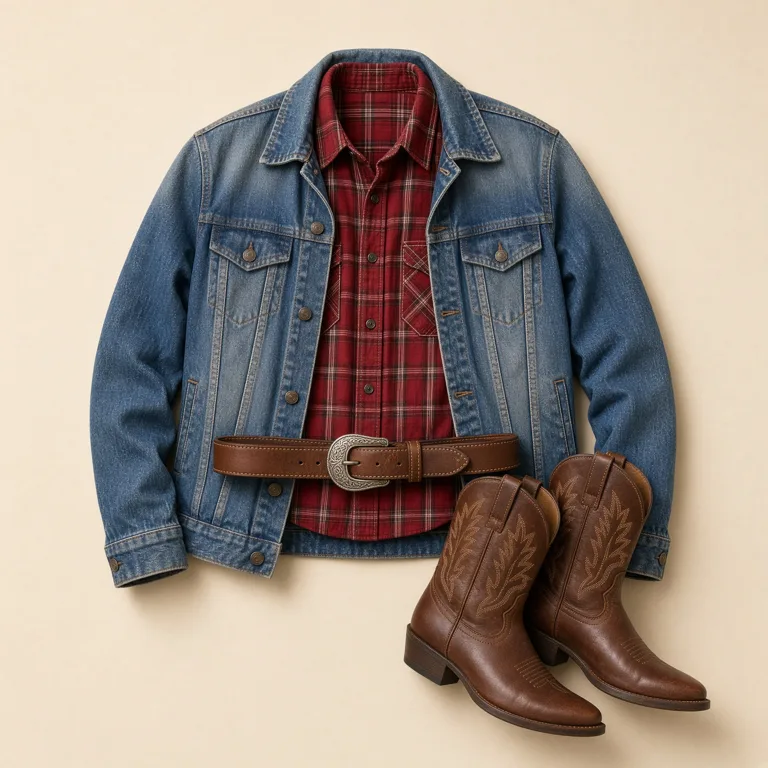
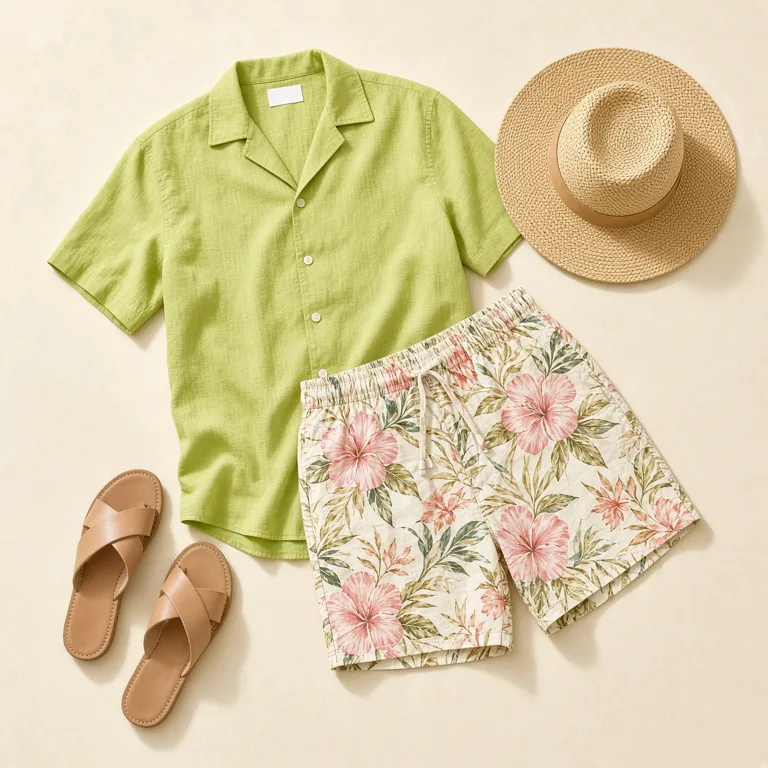
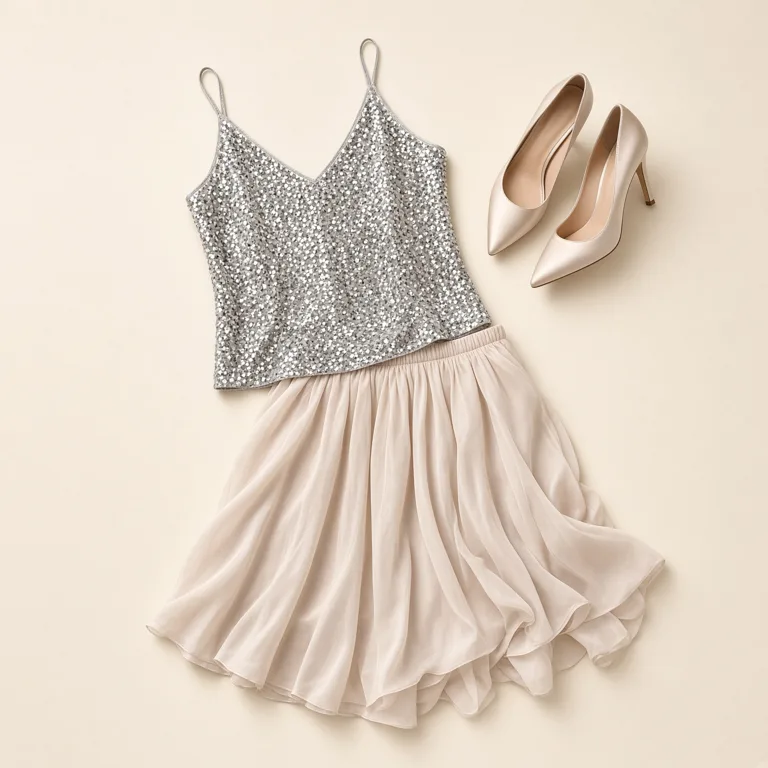
A preset such as denim, sequins, or western. Or upload a clothing photo. Or describe it.
- 3
Generate and preview
The first watermarked preview is free. The clean file is one credit.
Why use this clothes changer
- The clothes change
Jackets, dresses, knits, denim, and sequins. Not a suit-and-blazer headshot.
- The person stays
Face, hair, body, and the place in the photo are asked to stay.
- Three ways in
A preset board, a clothing photo, or a short description.
- Not a fitting room
It does not measure size or how a real garment would feel.
- See it on your photo
The wall on the right is a set of examples. Your upload is the file that runs.
- One credit for the clean file
The first watermarked preview is free. A failed run does not keep the credit.
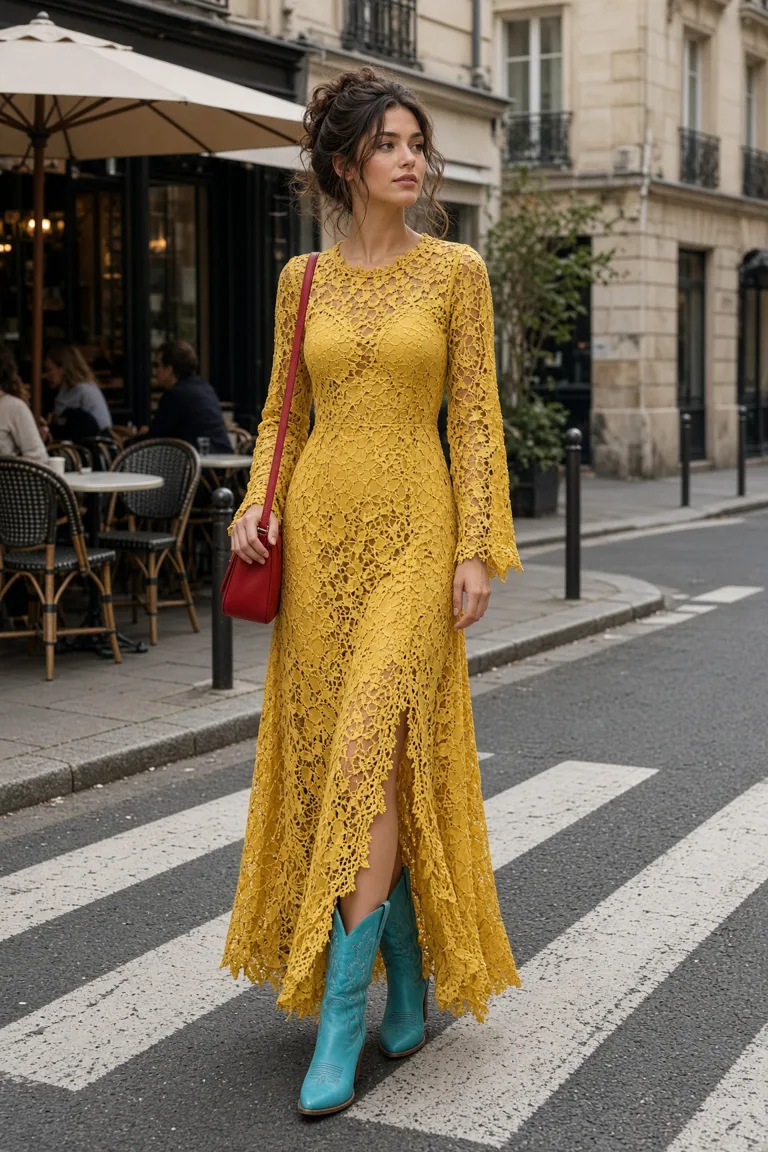
The clean outfit, without the watermark
The free preview is stamped EASYFACE. One credit downloads that same clothes swap clean.
See pricingLooks, not office portraits
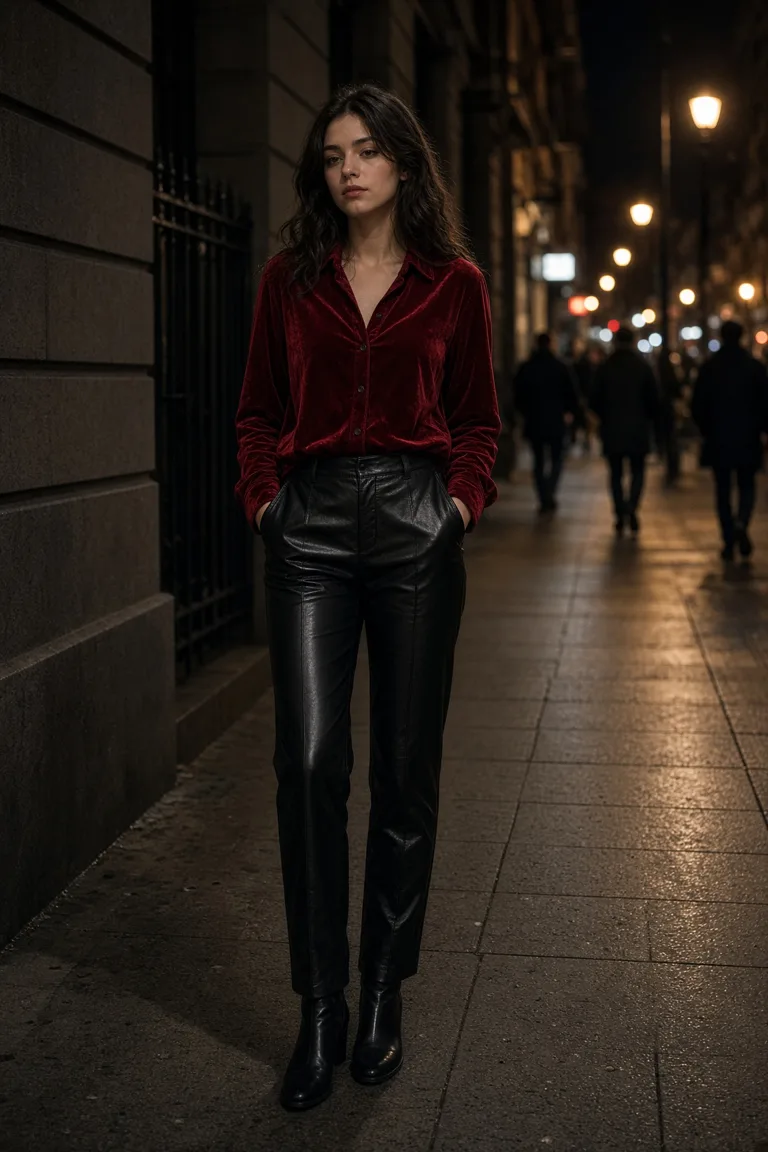 StreetA full outfit on a real sidewalk.
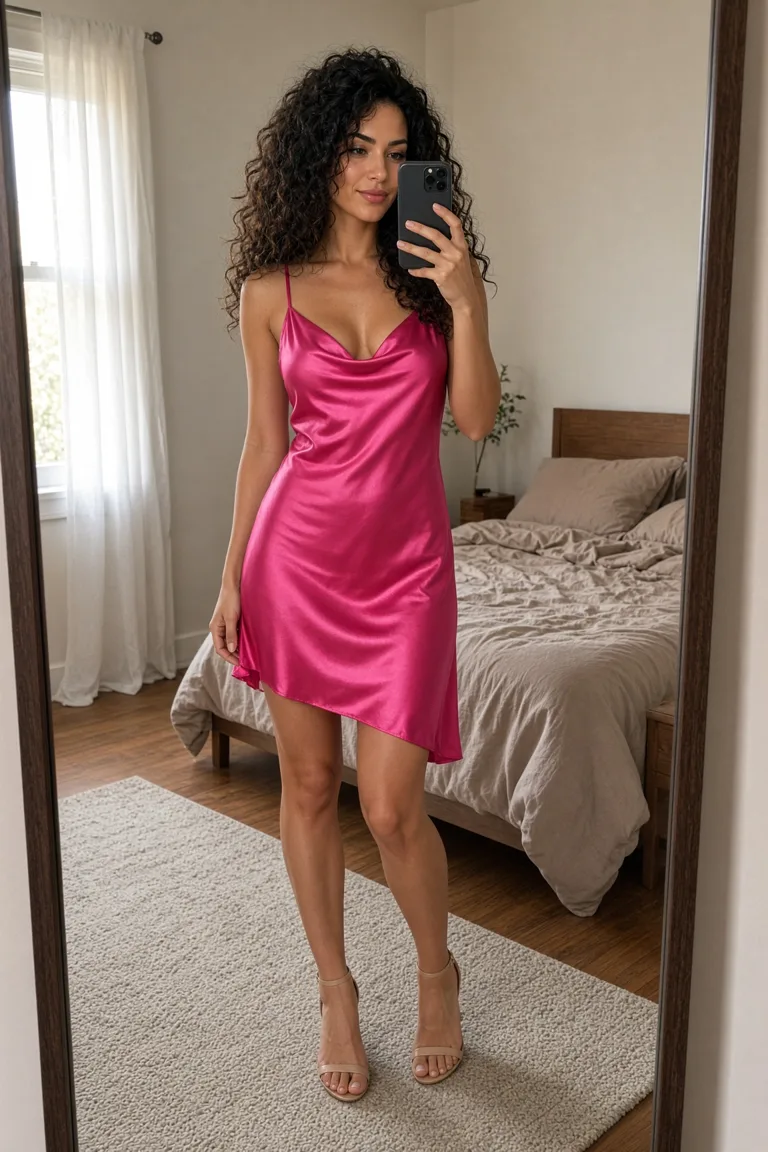
- DressLace, color, and boots. Not a blazer.
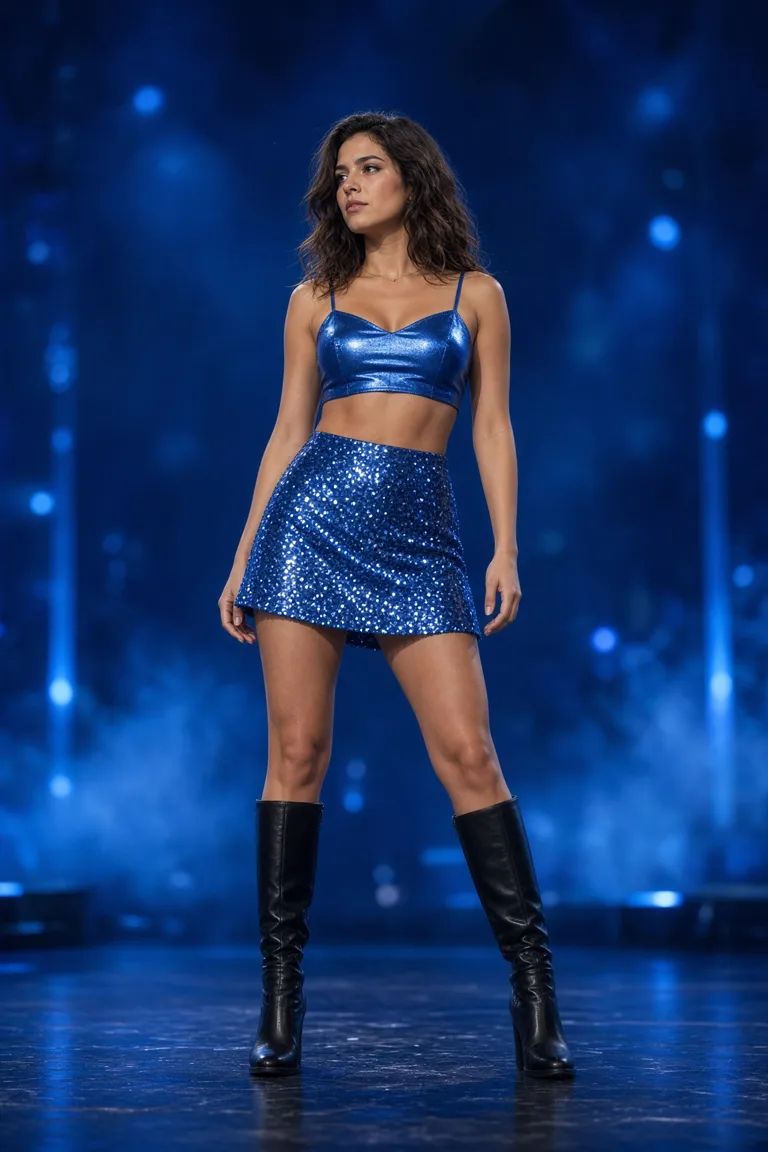 StageSequins and boots under stage light.
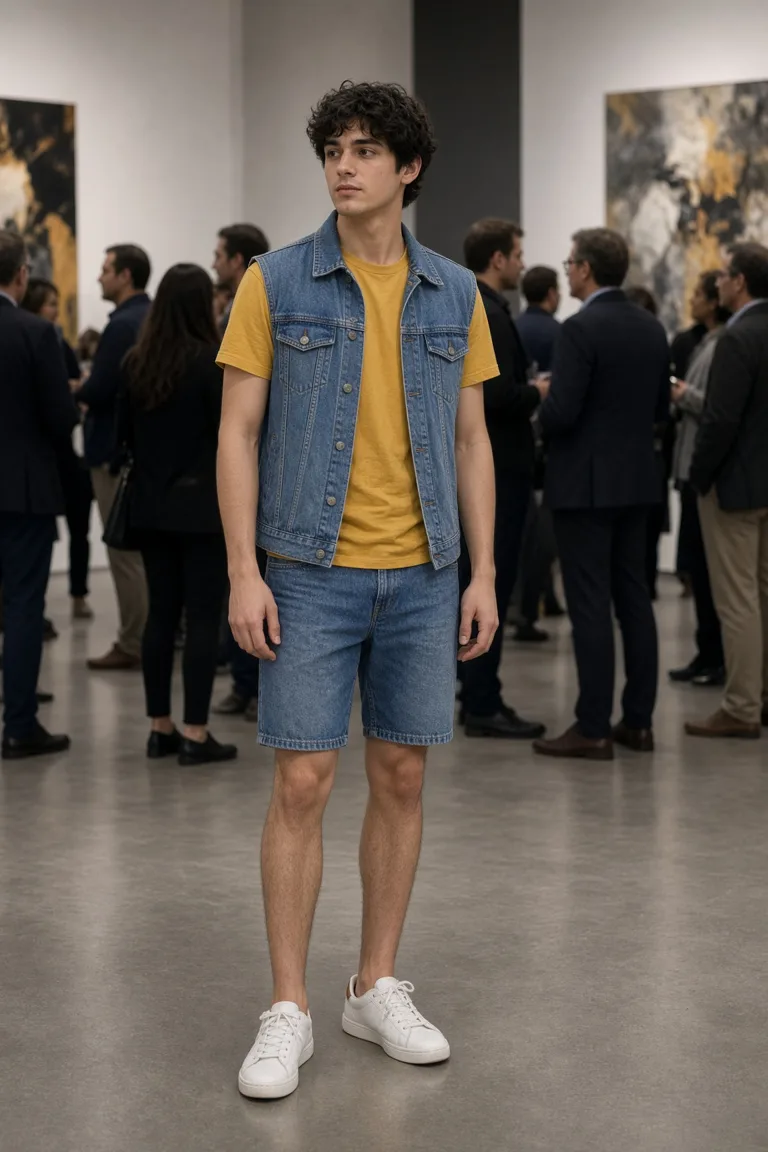 DenimA vest and shorts, still the same person.
Clothes changer FAQs
What gets replaced, what stays, and what a clothing photo is for.
What photo works best?
One person, facing the camera, with the clothes and torso in frame. A tight face crop gives the edit less clothing to replace.
Will it change my face or the background?
It is asked to change the clothes only and keep the face, hair, pose, and background. If the face moves, do not pay for that file.
Can I describe the outfit?
Yes. Choose Describe and name the garments and colors. That text is the only clothing instruction on that run.
Does this show how a real garment will fit?
No. It is a picture of a look. It does not measure size, fabric, or how the clothes would feel.
Can I try more than one outfit?
Yes. The photo stays while you pick another card or another description. Each clean file is one credit.
Can I post the result?
The clean file is the one you download. The free preview is stamped EASYFACE and is at most 800 pixels on the long edge.
Other tools
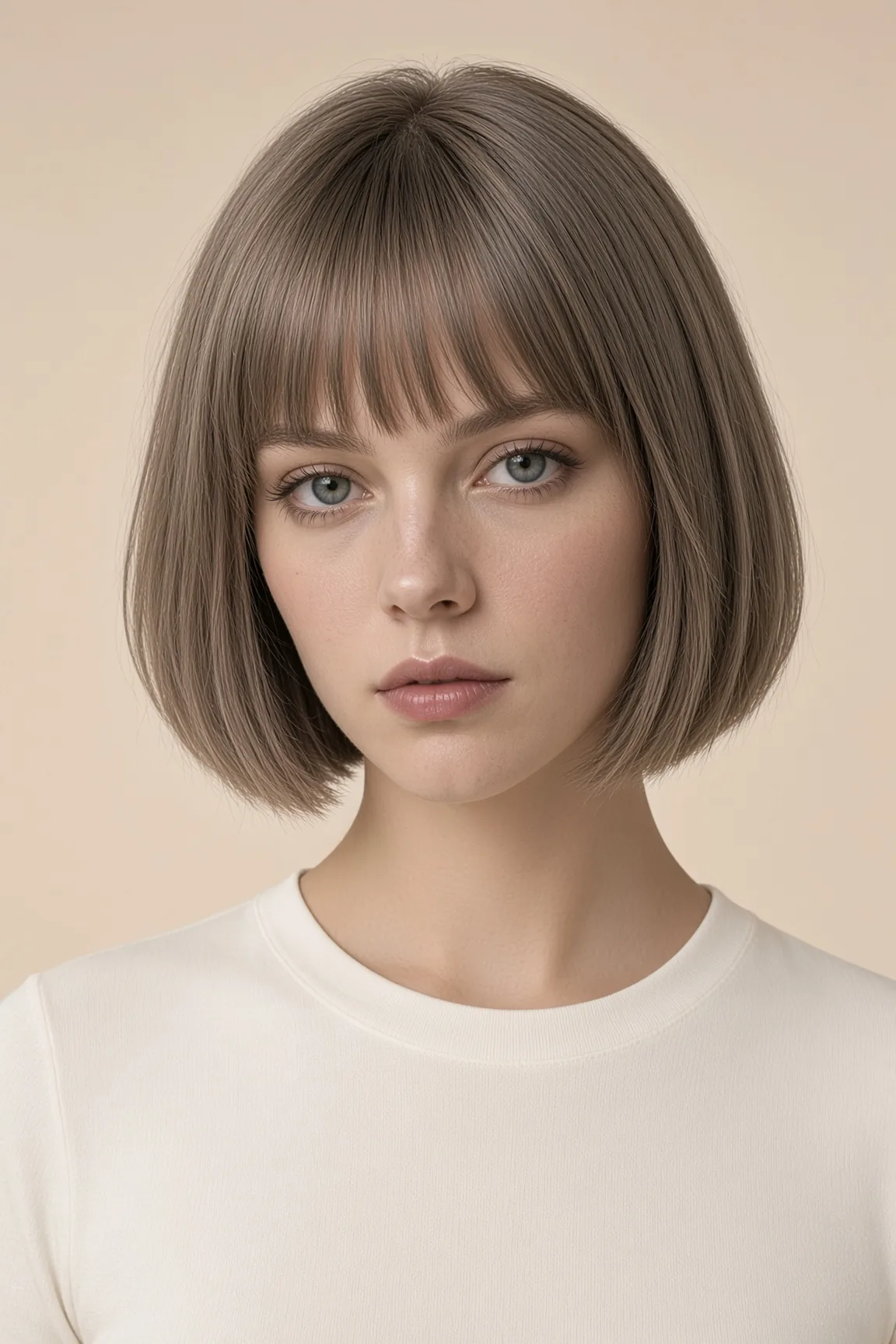 HairstylesCuts to try on the photo you already have.
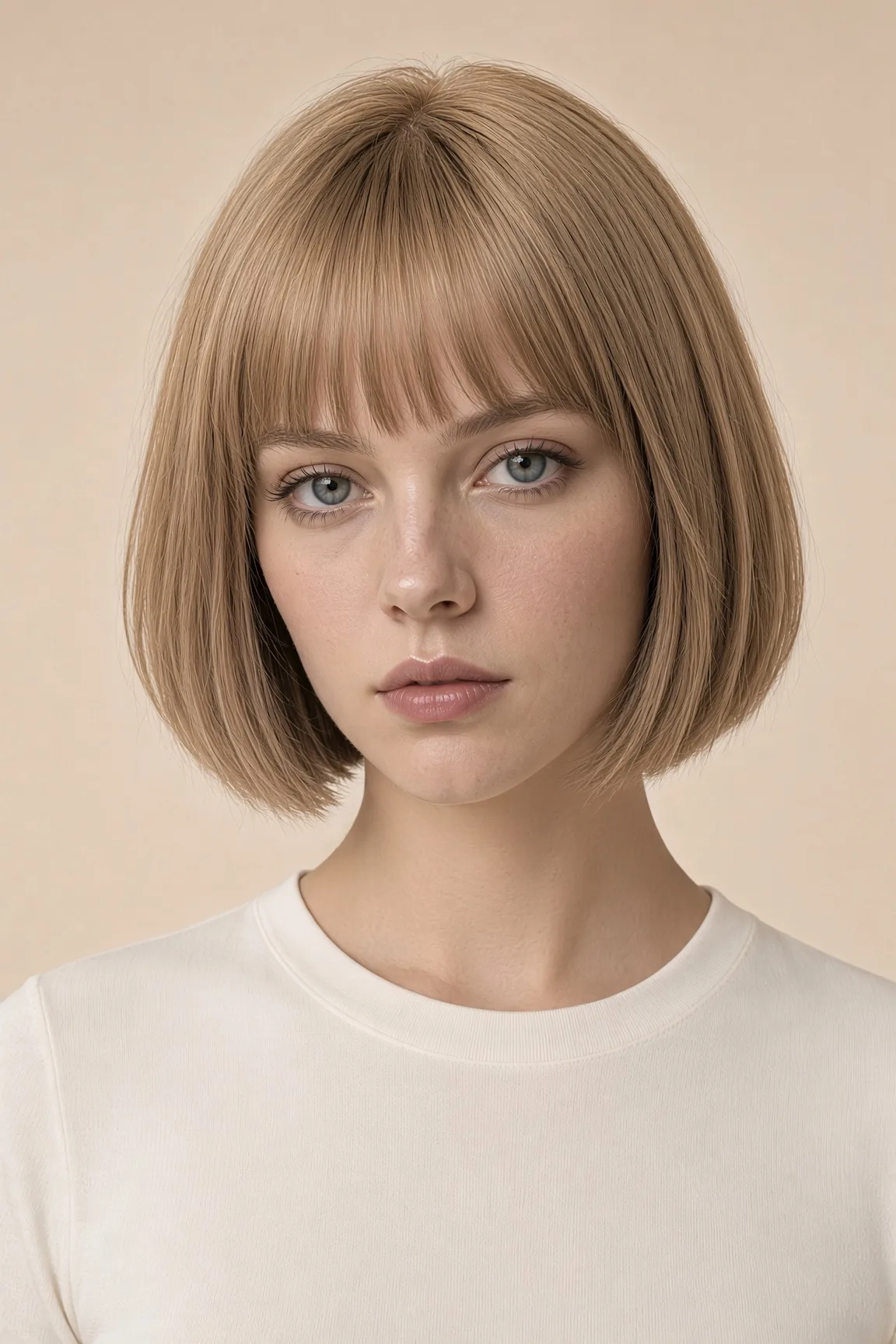 Hair colorSame cut. Only the color changes.
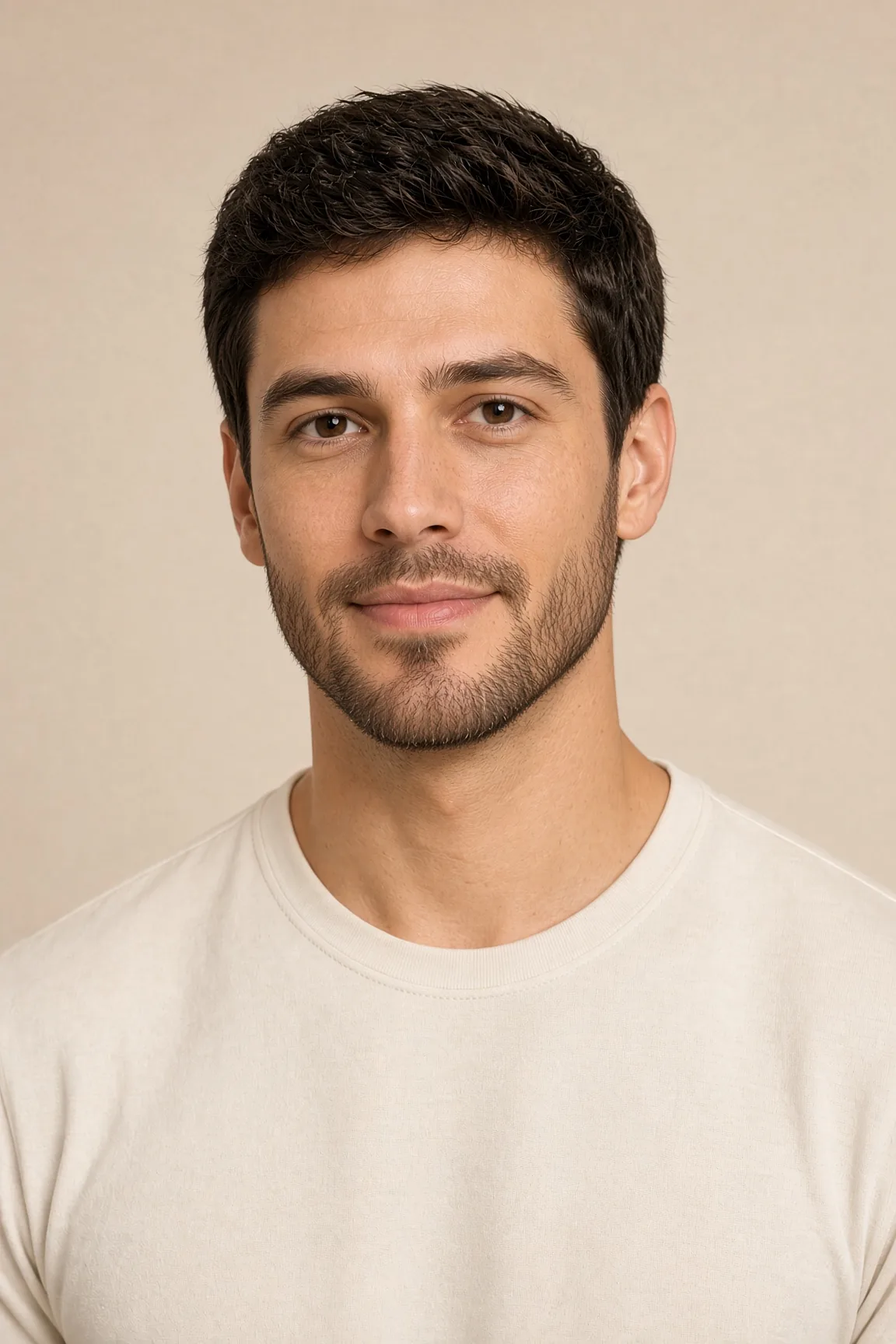 Facial hairBeard, no beard, mustache, or goatee.
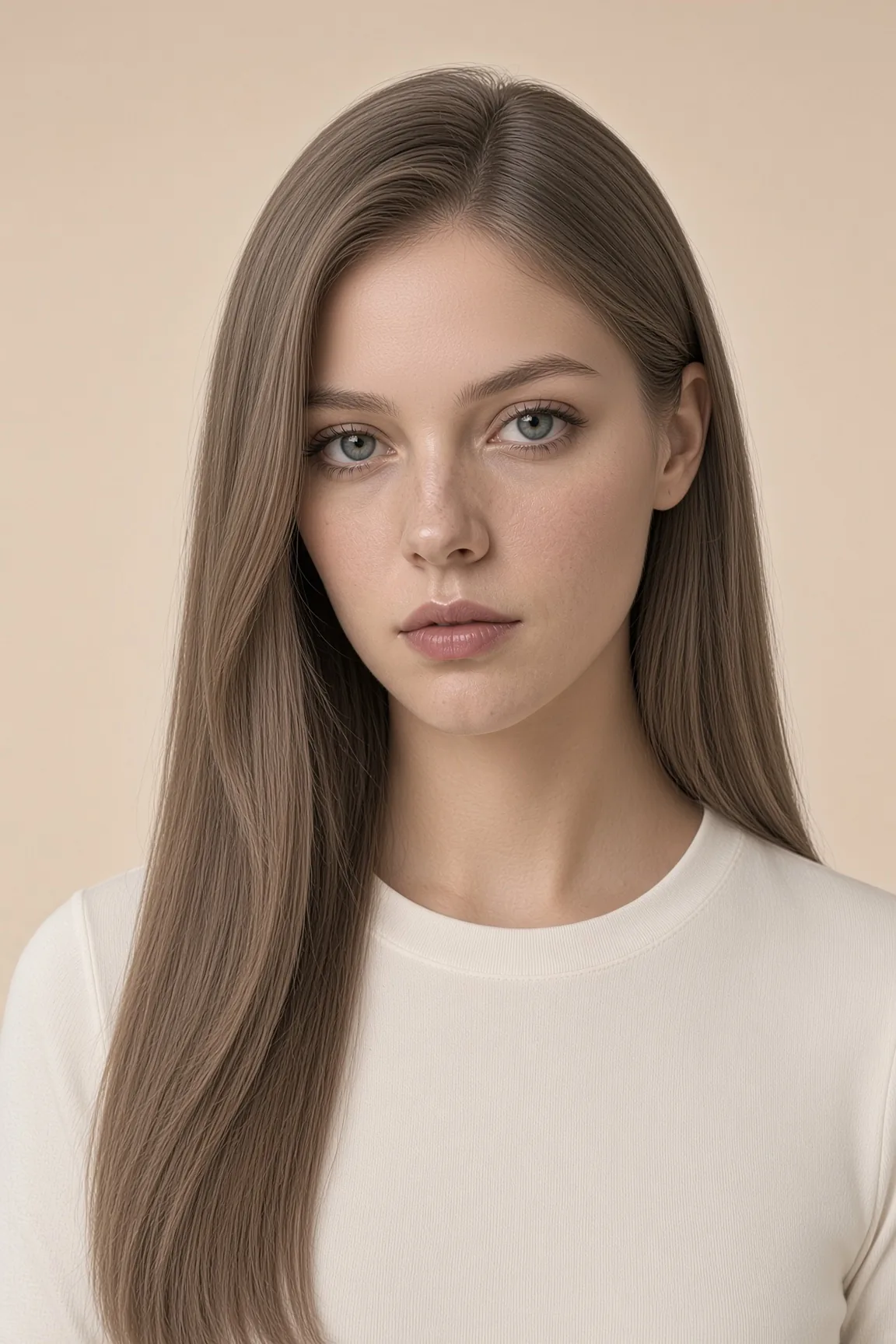 FaceSmile, age, eyes, skin tone, and a fuller build.
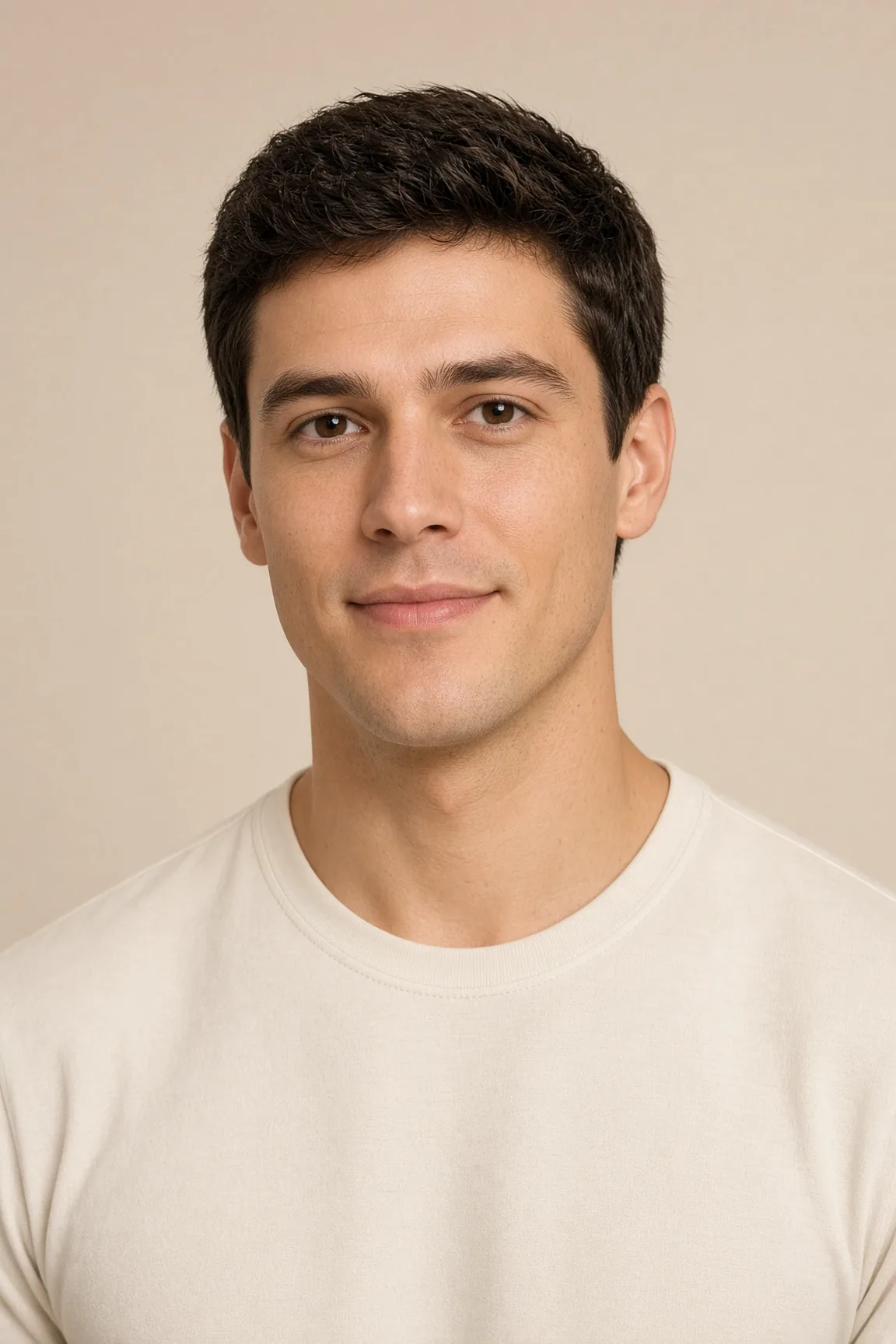 Photo privacyBlur a face in the browser. No upload to a model.
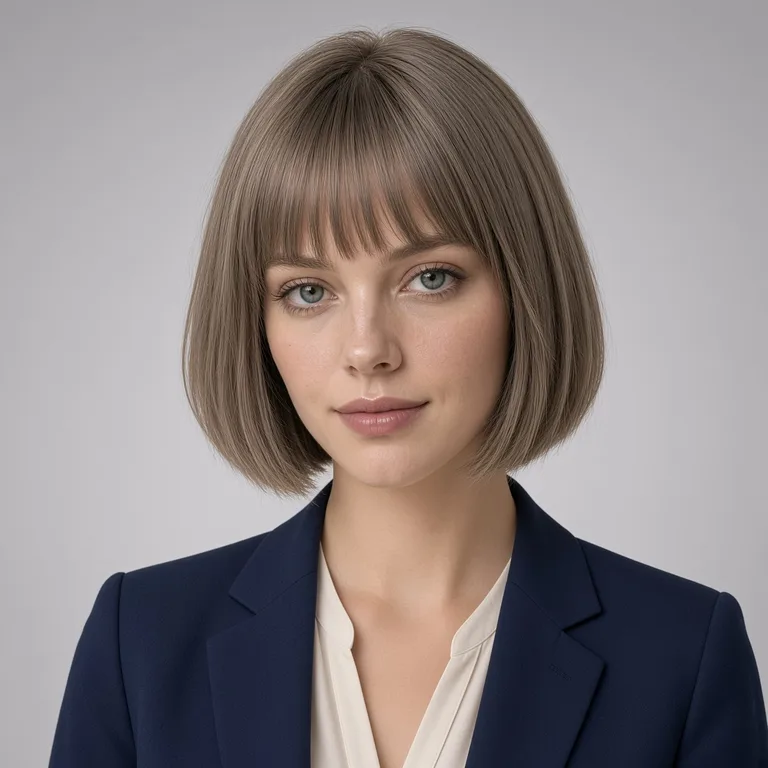 HeadshotsClothes, light, and background. The haircut stays.
- ClothesThe outfit changes. The face and the hair stay.