 LinkedIn
A headshot from one photo
Upload a clear portrait, pick the setting, and preview. This page changes clothes, light, and background. The haircut page is separate.
Create a headshot in 3 steps
- 1
Upload your photo
A clear face, facing the camera. JPEG, PNG, or WebP.
- 2
Pick a setting
LinkedIn, studio, outdoor, medical, legal, real estate, tech, academic, actor, or black tie. Female and Male only change the examples.
- 3
Generate and preview
The first watermarked preview is free. The clean file of that portrait is one credit.
Why use this headshot generator
- Clothes, light, background
The portrait changes. The haircut page is a different tool.
- Same person
The face, age, and identity stay. It does not invent another sitter.
- A setting for the job
LinkedIn, studio, medical, legal, real estate, tech, academic, actor, or black tie.
- Female and Male are examples
The tabs change the sample portraits, not the photo you upload.
- One credit for the clean file
The first watermarked preview is free. A failed run does not keep the credit.
- No editing skill
Upload, pick a setting, and press Generate.
The clean headshot, without the watermark
The free preview is stamped EASYFACE. One credit downloads that same headshot clean.
See pricingA portrait for the job
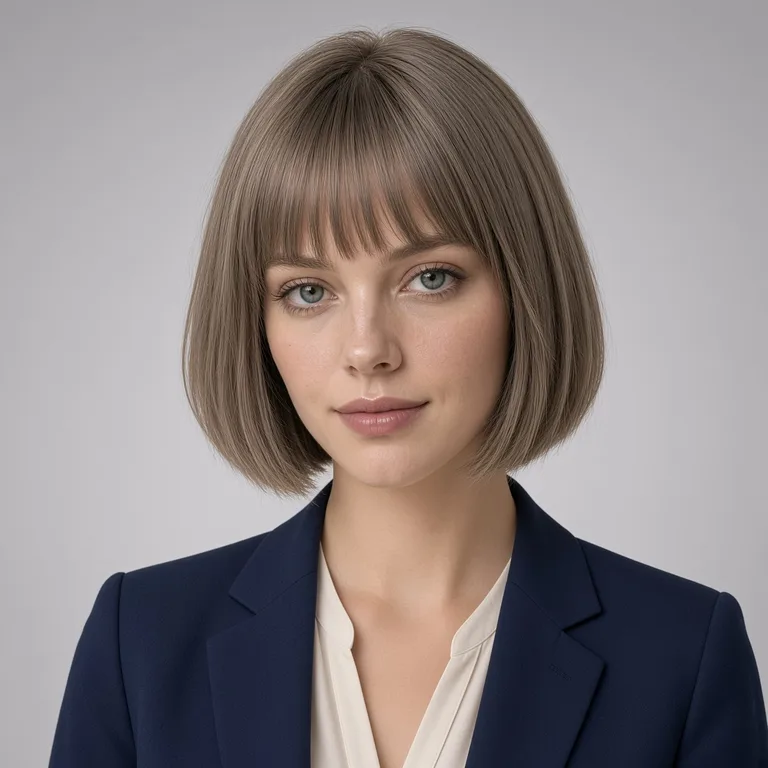
- LinkedInNavy blazer, soft gray, a small smile.
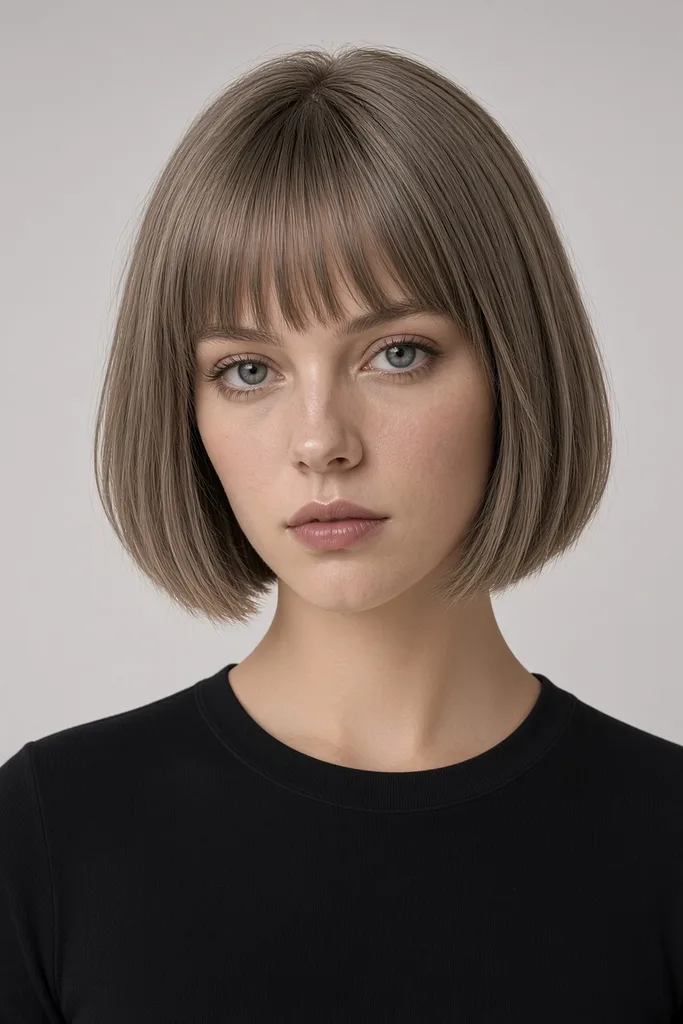 StudioBlack top and clean studio light.
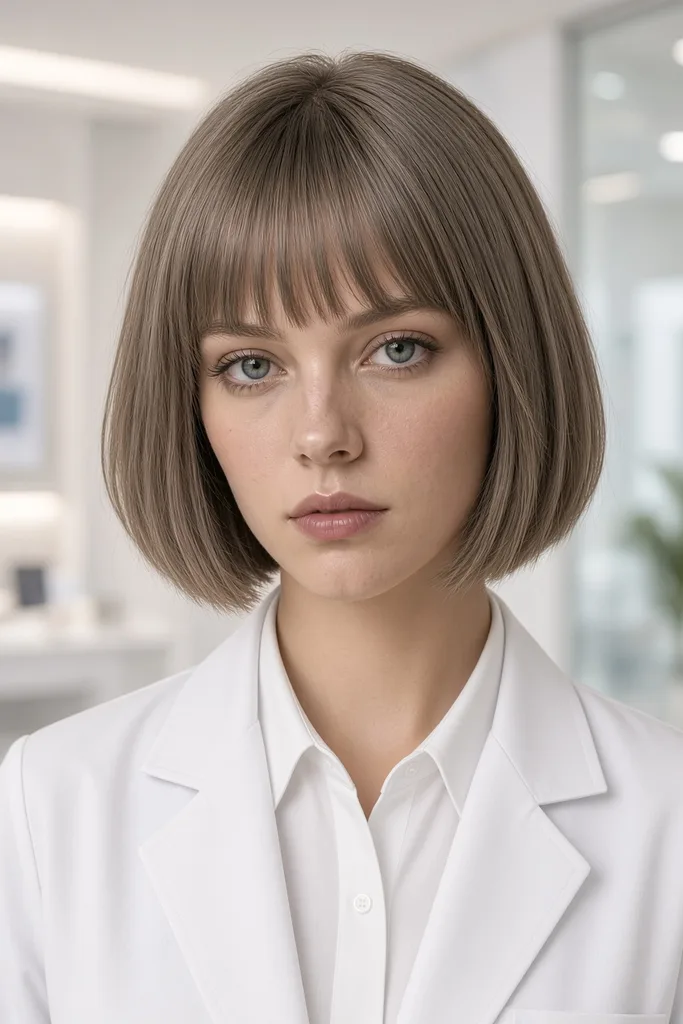 MedicalWhite coat and clinic light. The face stays yours.
 Black tieEvening clothes. This page does not change the haircut.
Headshot FAQs
What the portrait changes, what it leaves alone, and which file you can post.
How does the headshot generator work?
You upload one photo and pick a setting. The edit is asked to keep the same person and change the clothes, light, and background.
Does it change my face or my haircut?
It should not. Haircuts stay on Hairstyles. If the result redraws the face, do not pay for that file.
Do I need editing skills?
No. Upload, pick a setting, and press Generate.
Can I try more than one setting?
Yes. LinkedIn, studio, medical, legal, real estate, tech, academic, actor, and black tie are separate cards. Female and Male only change the examples.
What photos work best?
A clear face, facing the camera, as a JPEG, PNG, or WebP.
Can I use the result on LinkedIn?
The clean file is the one you download. The free preview is stamped EASYFACE and is at most 800 pixels on the long edge.
Other tools
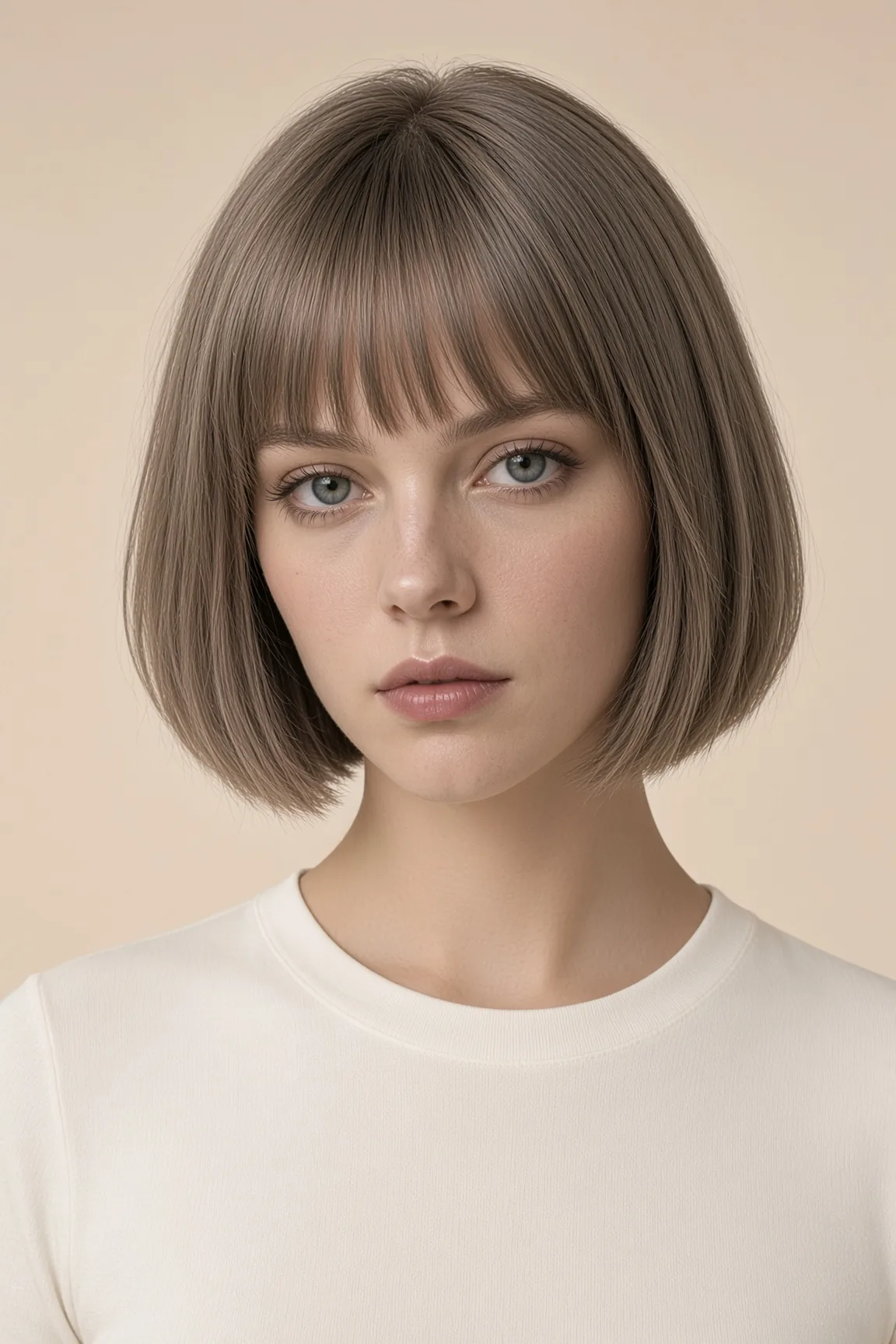 HairstylesCuts to try on the photo you already have.
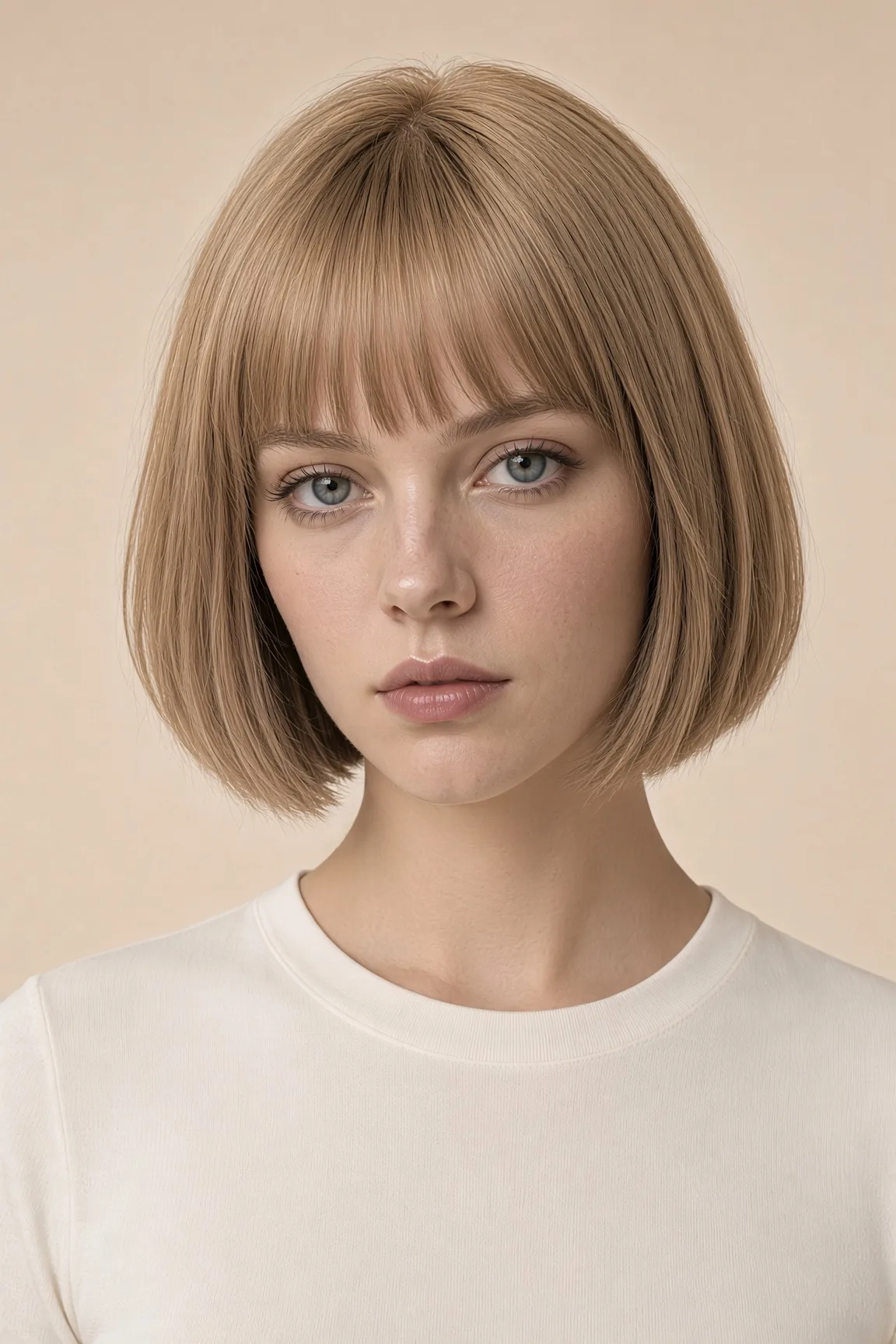 Hair colorSame cut. Only the color changes.
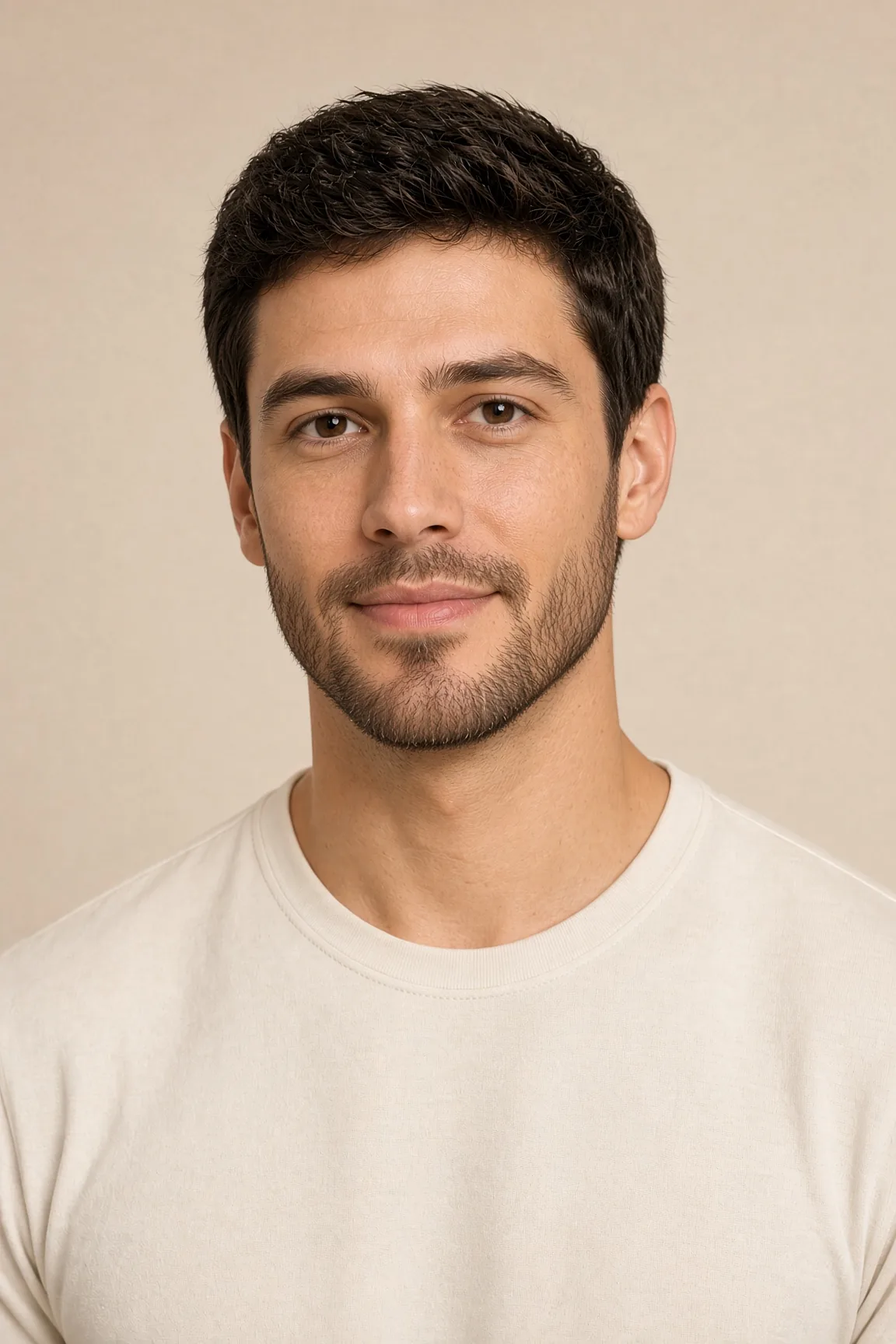 Facial hairBeard, no beard, mustache, or goatee.
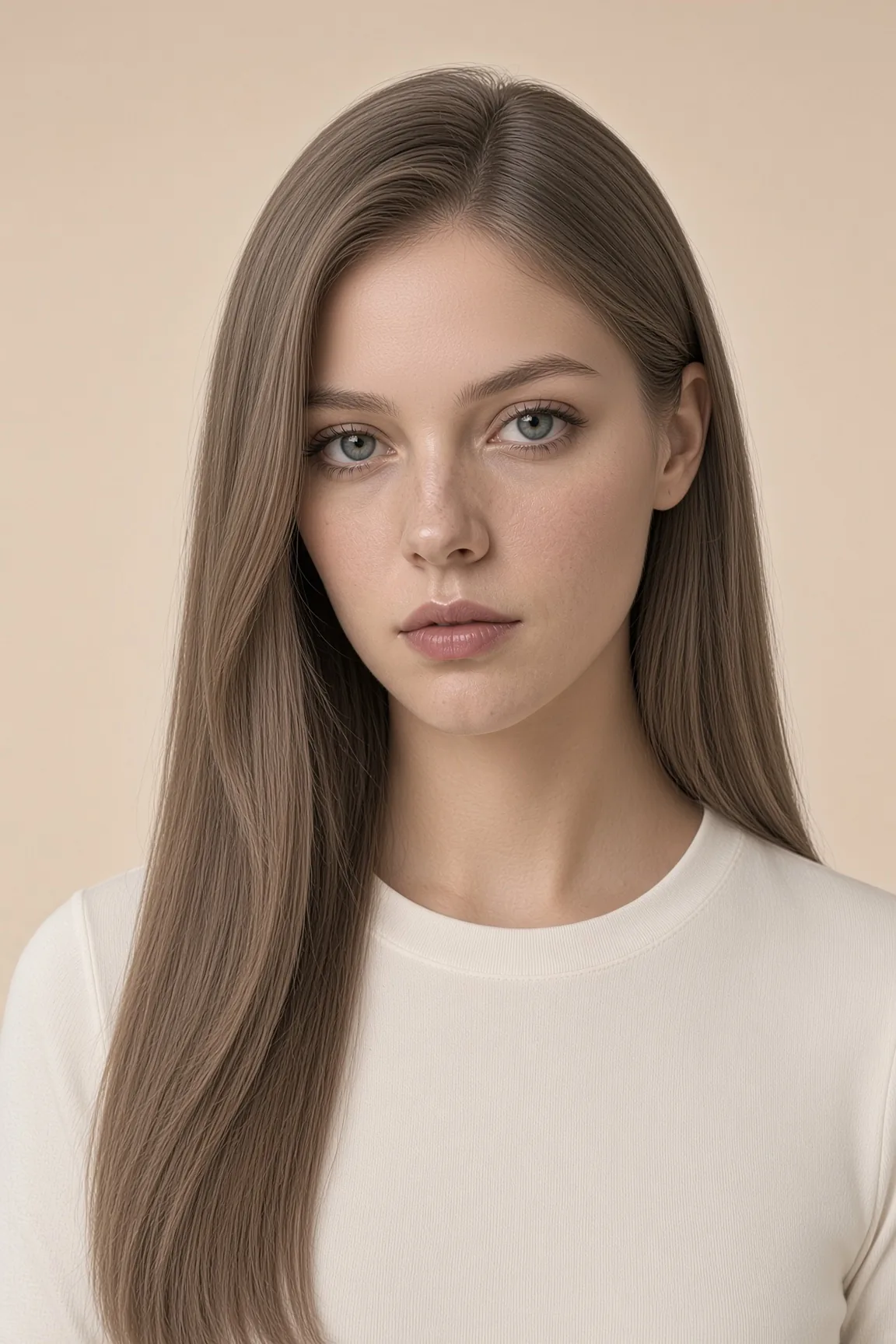 FaceSmile, age, eyes, skin tone, and a fuller build.
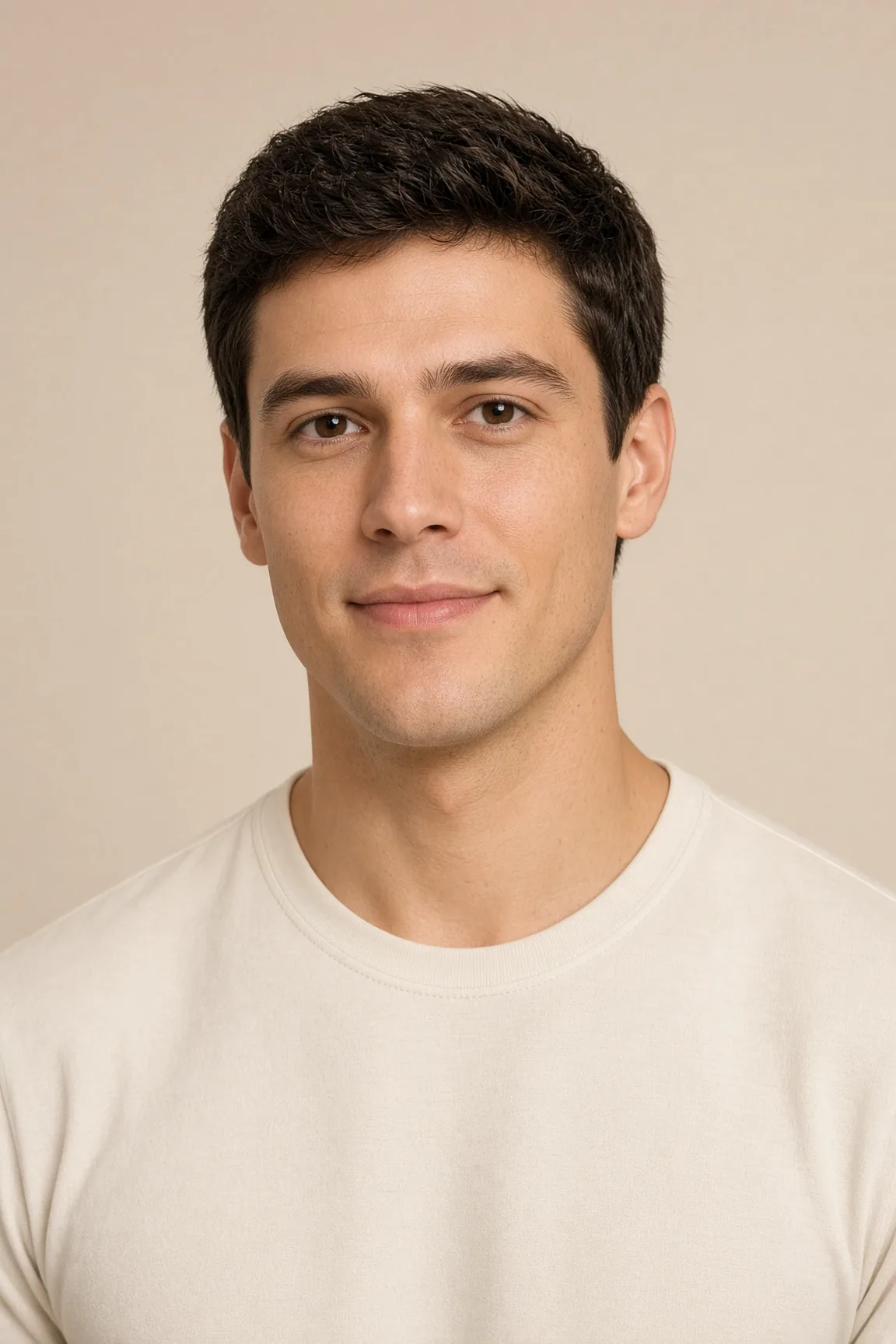 Photo privacyBlur a face in the browser. No upload to a model.
- HeadshotsClothes, light, and background. The haircut stays.