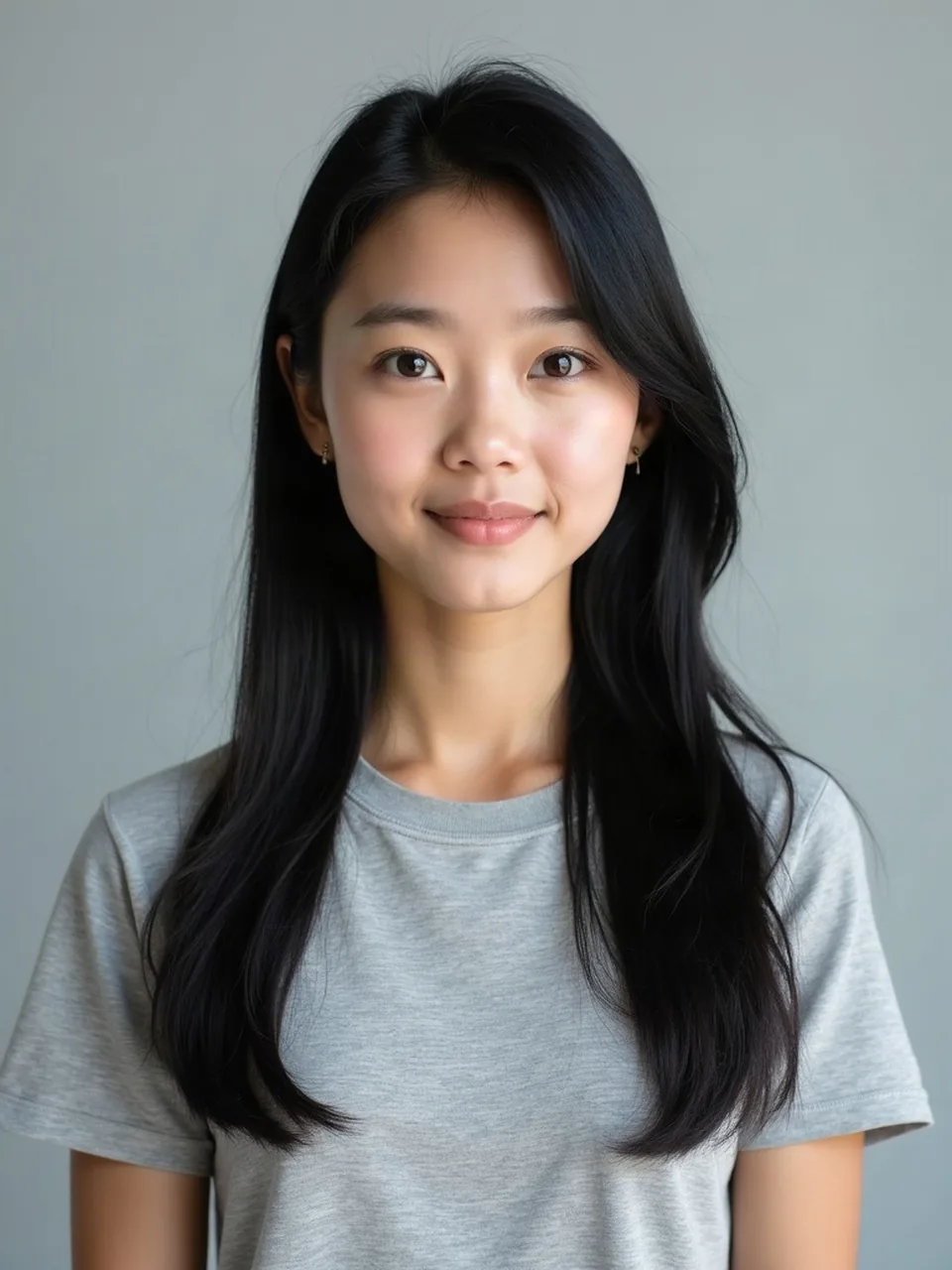
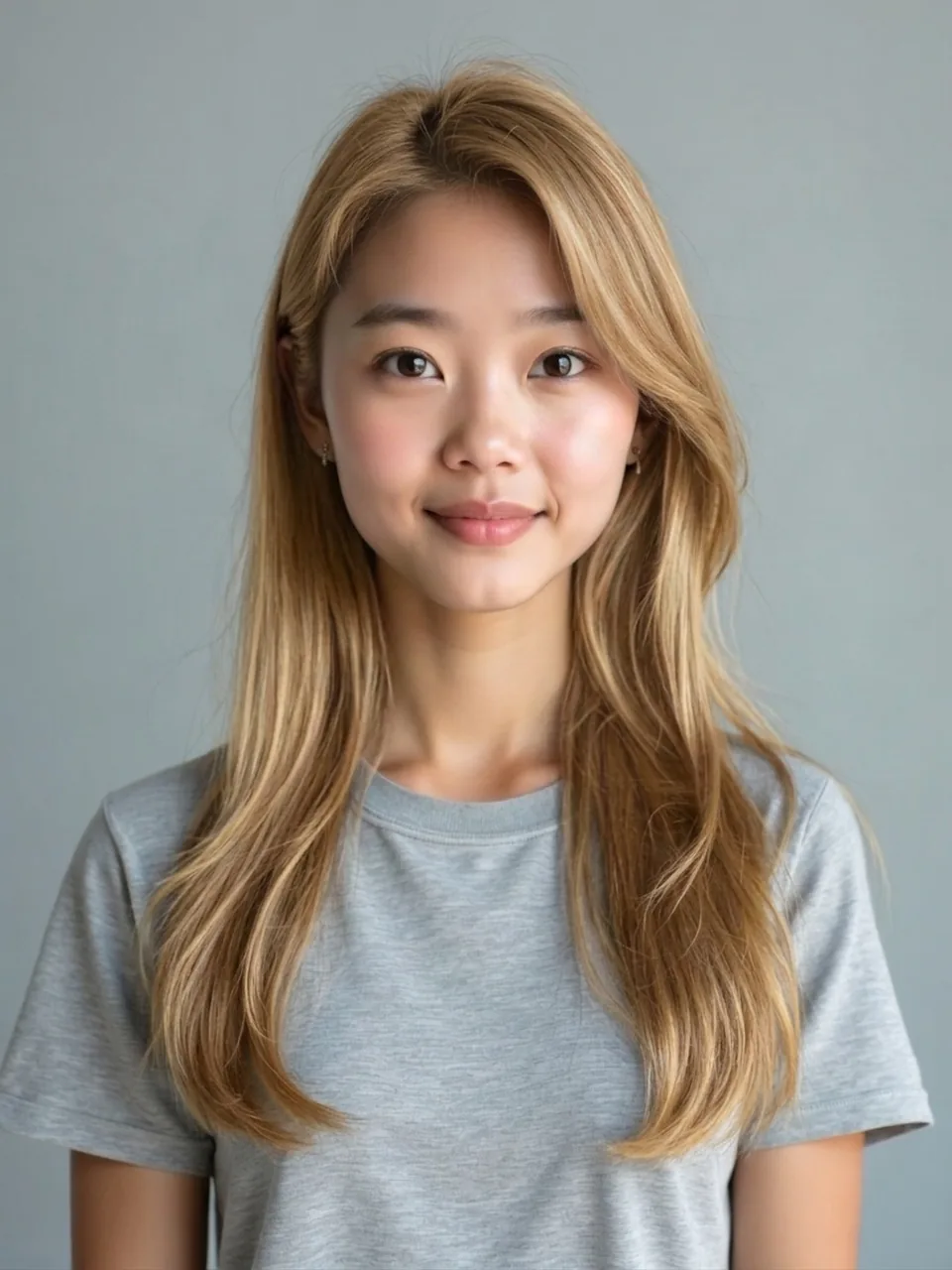
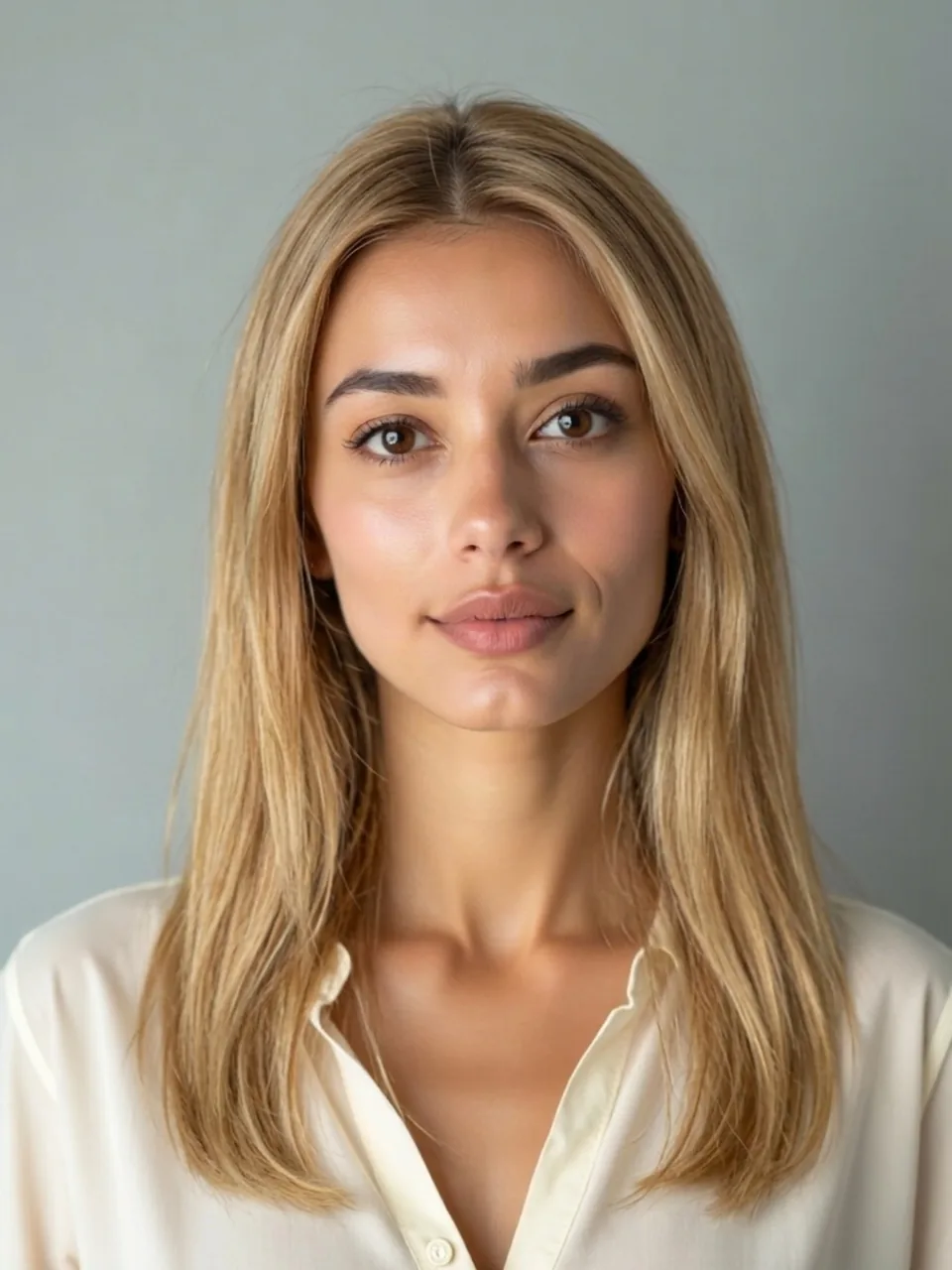
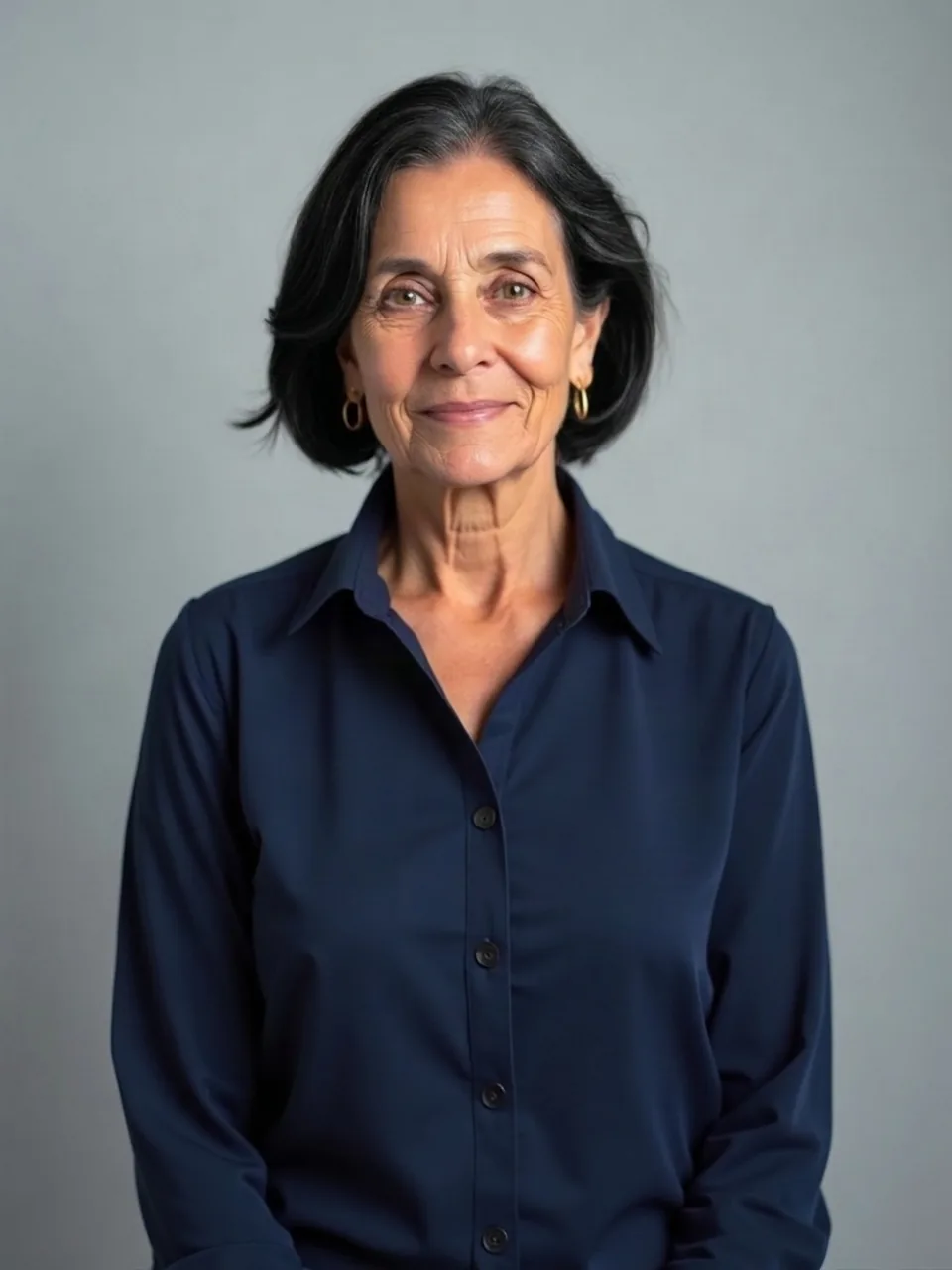
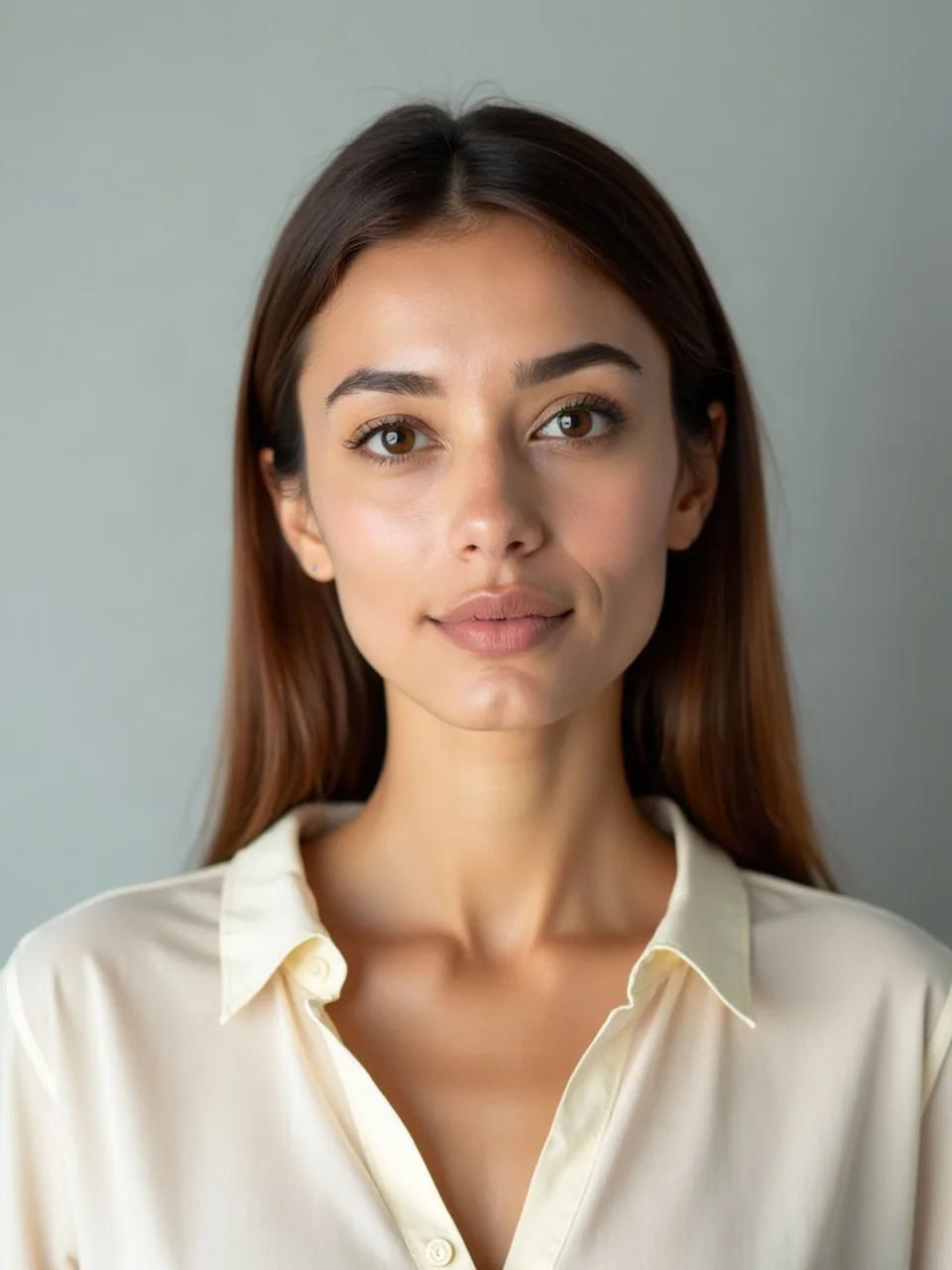
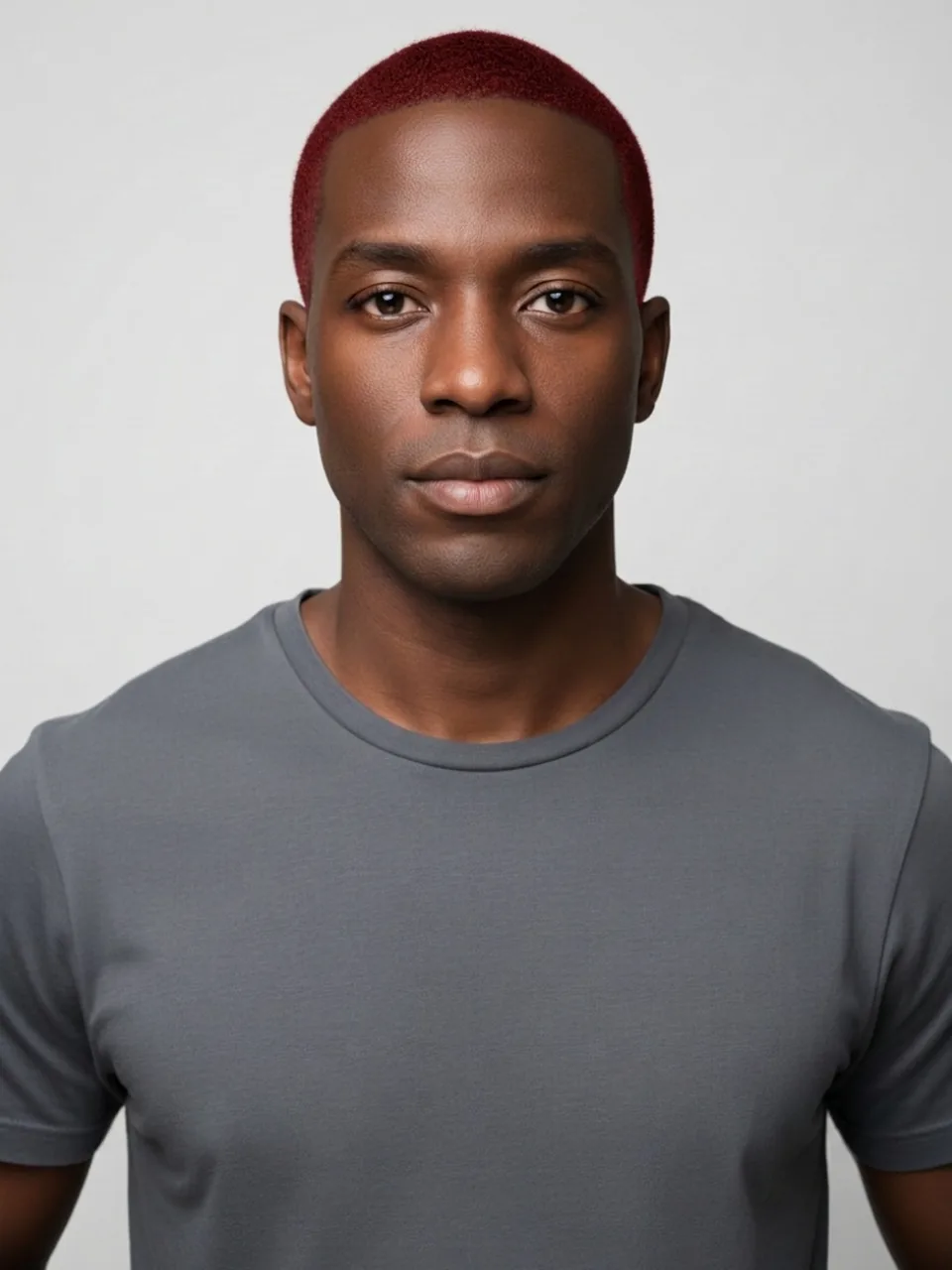
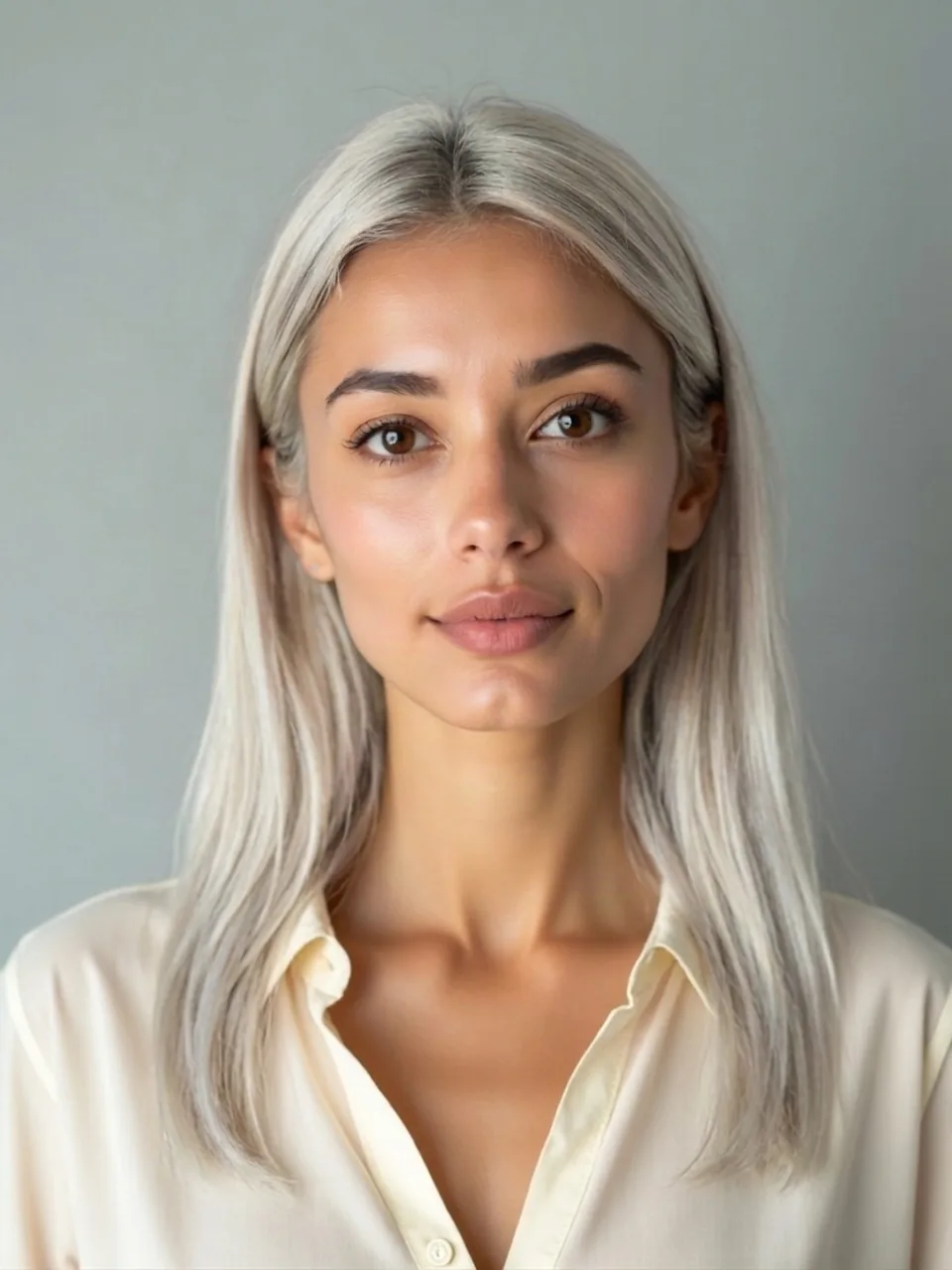
Hair color is the part of a look you can change without waiting on a grow-out, and it is also the part a photo lies about as soon as the room light changes. This page is the chooser. You try hair color on your face by picking one of five named colors. You do not get a salon menu, and you do not get dozens.
Five colors, on purpose
The five are blonde, black, brown, red, and platinum blonde. Each run uses google/nano-banana-2.1/edit on fal and a prompt that names the color you picked. We ask the model to leave length, hairline, face, clothes, and background where they are. The vendor rate on the edit is $0.0336 (Google's 1K list). That is not your price. A successful image spends one free proof or one credit.
We do not send these requests through fal-ai/image-apps-v2/hair-change. On that model an empty hairstyle falls through to long_hair. A color visit would quietly grow a new cut, and then you would be judging a dye job and a length change without knowing which one moved your face. Staying on the edit model is how "see myself with different hair color" stays a color question.
Brown and platinum live only here. There is no separate brown URL and no platinum URL. If you want either, you pick it on this page and you stay on this page. Blonde, black, and red also exist as locked pages, one color each, for people who already know the dye they mean. Those pages cannot switch color. Opening the Blonde hair filter will not offer black as a dropdown. The Black hair filter will not slide over to red. The Red hair filter stays red. Pink is not one of the five. It is a fashion color with its own problems, on the Pink hair filter, because painting pink is not the same request as choosing among the five.
What each of the five tends to do
Blonde on this chooser is one blonde the model picks, not ash versus golden versus a numbered level. Expect a lighter head of hair than you uploaded, and look for a brass band or a root shadow the prompt did not schedule. The locked blonde page is the long version of that warning.
Black is the smallest change if your hair is already dark, and a large one if it is not. The risk is a blue-black helmet with a wet shine. Soft black still shows a little brown in the sun. The model often skips the sun.
Brown covers gray in a photo without the severity of black, and it can calm brass. In warm indoor light it may look unchanged because it matches the lamp. Compare a strand at the part, not the mood.
Red is a red the model chooses, not a henna recipe. It usually leaves eyebrows alone. Brows that turned red mean the edit spilled.
Platinum is the easiest of the five to fake badly. Real platinum is pale and cool, usually with a darker root unless someone just left the chair. A white-gold sheet with no root is a costume. It can still show whether that light a frame suits your face. It cannot show whether your hair can lift that far.
Length and hairline are the control group
Hold the original next to the result and find the part, the ear tip, and the longest strand. Those should match. A ponytail that grew, a bob that appeared, or a hairline that drops has failed, even if the color is pretty. Eyes and nose should still be yours. A lighter frame can change how shadows look under the eyes. A different nose is not the color working.
A new sweater, or a kitchen that became a gray studio, means the edit wandered. Do not crop those tells out and keep only the hair.
If the color is right and you wish the fringe were different, that is a haircut, not a sixth color. The Bangs filter adds a fringe without this chooser. Do that on a separate pass so a bad fringe does not get blamed on the dye.
Files, adults, and the single proof
The face is yours and you are an adult. You tick "This is me and I am 18 or older." JPEG, PNG, or WebP, under 8 MB, short edge at least 256 pixels. Empty files, oversized files, tiny files, and a skipped checkbox never call the model and never charge. A missing model key fails clean, also without a charge.
Logged-out visitors get one watermarked preview for looks, long edge 800 pixels, EASYFACE on a diagonal, remembered by IP and cookie. It does not refresh daily, and an account adds no credits. HD without the watermark costs 1 credit. Failures refund the credit or spare the free preview. Pack prices are not repeated here. The clicks are in How to use the AI hair color changer.
A group photo is a bad place to judge a dye, because you cannot see the part, and a worse place to publish. Face blur runs locally and does not spend the color preview.
FAQ
Can I try hair color on my face in more than these five?
Not on this page. Blonde, black, brown, red, platinum blonde. Pink is a separate filter, not a sixth chip in the row. There is not a hidden tray of fashion colors behind the five.
Where do brown and platinum go after I pick them?
They stay here. Locked pages exist for blonde, black, and red because those are the colors people open directly. Brown and platinum have no child page to switch to.
Why can't a locked page change its mind?
The page is the color. If you want to see yourself with different hair color across the set, come back to this chooser. A blonde URL that also offered black would be two tools wearing one address.
Will my length change when the color does?
We ask it not to. Hair-change is the model that would risk a default long cut, and we do not call it for color. If length or hairline moves anyway, the edit missed. Run it again from the original, or stop.
Does each color cost its own free preview?
No. Logged-out visitors get one look proof in total, not one per color. A successful watermarked blonde spends it. Black will ask for a credit or an account that already has one. Last updated: 2026-10-08.
Last updated 2026-10-08.