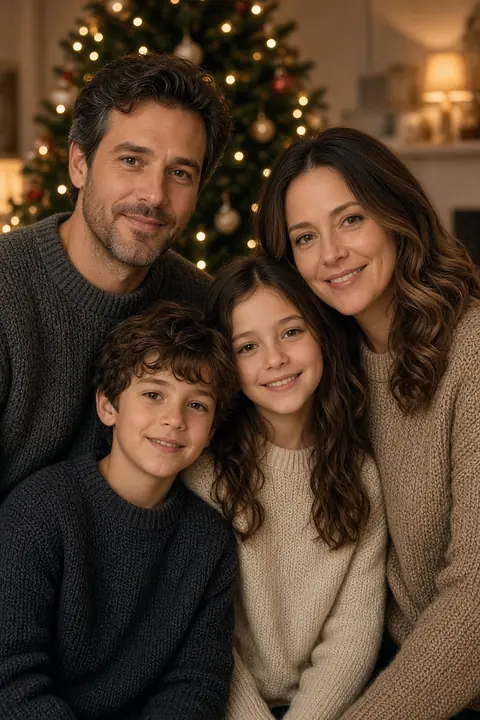
 Christmas card
Create a family photo in 3 steps
Why use this family photo generator
- Every uploaded face
The edit is asked to keep each face and use one light. An empty gray cell is not a person.
- The grid is only the input
The result is supposed to be one portrait. A visible grid is a miss.
- Someone who cannot attend
A clear photo can hold their place. The picture is generated. Say so if you share it.
- Same price as a headshot
6 credits, the same as a headshot. A failed run returns the credit.
- No editing skill
You do not cut a mask. Add the photos, pick the card, and press Generate.
Family photo FAQs
What the separate photos become, which misses to reject, and what the clean file costs.
What is the AI family photo generator?
It places two to six separate photos, or one family photo you already have, into one portrait. The edit is asked to keep each face and use one light. Separate photos are joined into a grid in this browser before upload.
How many photos can I upload?
Two to six, one person per photo, or a single group photo you already have. You do not have to fill all six slots. An empty slot becomes a gray cell. The prompt tells the edit not to invent a person for that cell.
Can I start from a photo we already took together?
Yes. Use the upload for a family photo you already have. Nothing is joined. Pick a scene to change the place and the light. While that file is selected, the separate slots are not the upload.
Is the result a collage?
No. The grid is the input so every face is visible to the edit. The result is supposed to be one portrait. A hard grid still visible in the result is a miss. Generate again.
What is free, and what costs 6 credits?
This edit is 6 credits, the same as a headshot. A failed generation returns the reserved credits and does not use the free preview.
Can I include someone who cannot be there?
Yes, if you have a clear photo of them. That includes someone who is away and someone who has died. The result is a generated portrait, not a photograph of a day you spent together. Say so if you share it. The studio scene is the quieter choice. Do not present the file as a camera photo.
Can several generations be in one portrait?
Yes. Upload one clear photo per person. The scene does not age anyone. A grandparent’s face should stay that face. If the result smooths an age away, generate again from a sharper photo.
Can I include a pet?
You can put a pet photo in a slot. This page does not promise the animal will stay recognizable. There is no pet-specific test of this edit in the product. Judge the free preview. If the pet matters, do not spend credits on a file that replaces it.
What if I only have an old print?
Scan or photograph it to JPEG, PNG, or WebP, under 20 MB, with a short edge of at least 256 pixels. A soft scan stays soft here. The photo enhancer can clear a soft photo in a separate run. It does not build the group portrait.
Can I print the file?
The download is the model output. This page does not assign a paper size or a DPI. The primary edit does not set an output pixel size. The backup request asks for 1K, and this page does not turn that label into a sheet of paper. Read the pixel width and height of the file you downloaded before you print.
What if a face or the hands look wrong?
A wrong face usually means that source was small, turned away, or badly lit. Replace it. Extra fingers are a generation miss. Generate again. Judge the free result before you spend the 6 credits. A failed run returns the credit. A finished picture that looks wrong does not automatically return one.
How long do you keep the photo?
An unpaid preview, and the clean file stored beside it, is deleted after 7 days. A paid result is deleted after 30 days. The uploaded photo is deleted when the run finishes. Email hello@easyfaceai.com to delete the account email and any stored photo sooner. Separate originals in a grid stay in the browser. Only the joined JPEG is uploaded.
Where do I make a picture of two people?
The AI couple photo maker is the two-person page. This page is for a family group of two to six photos, or one group photo you already have.
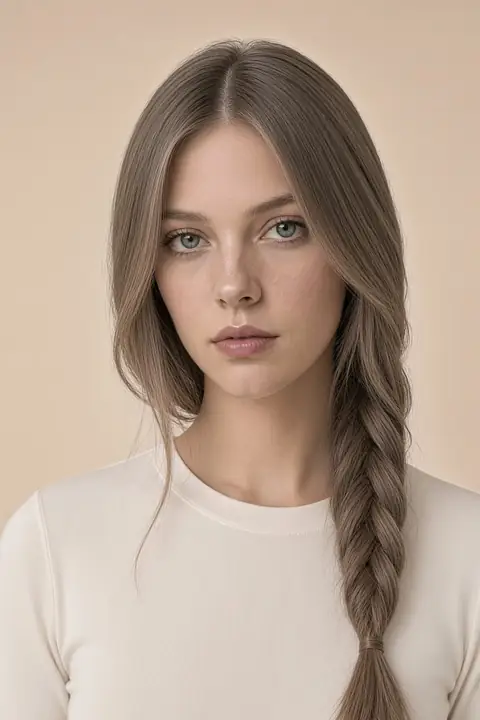 Hairstyles
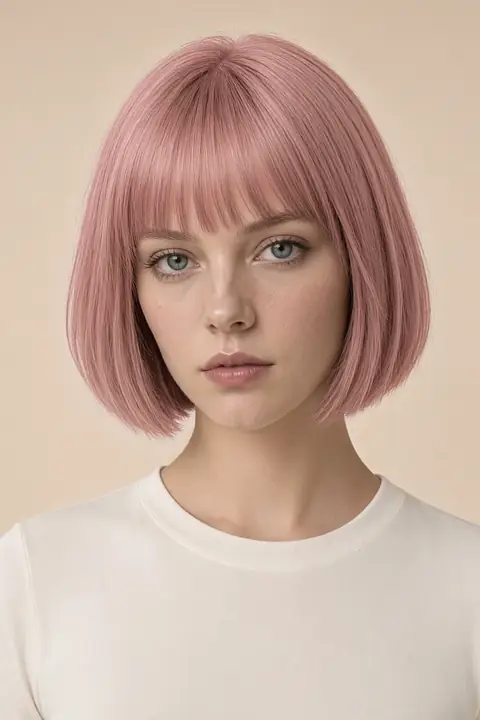 Hair color
 Facial hair
 Face
 Headshots
 Clothes
 Enhance
 Background
 Remove