Blur a face before you post
Use this when the frame is for someone else to see and the face should not be. The other looks on this site call a model. This one does not.
Photo privacy, here, is one tool, and it is not a look. Looks upload an adult face, call a model, and return a watermarked proof or a credit-backed HD file. Privacy stays on the machine. If you opened this category expecting a haircut, go back to the look you meant. If you opened it because a look is about to be posted with other people still in the frame, you are in the right place.
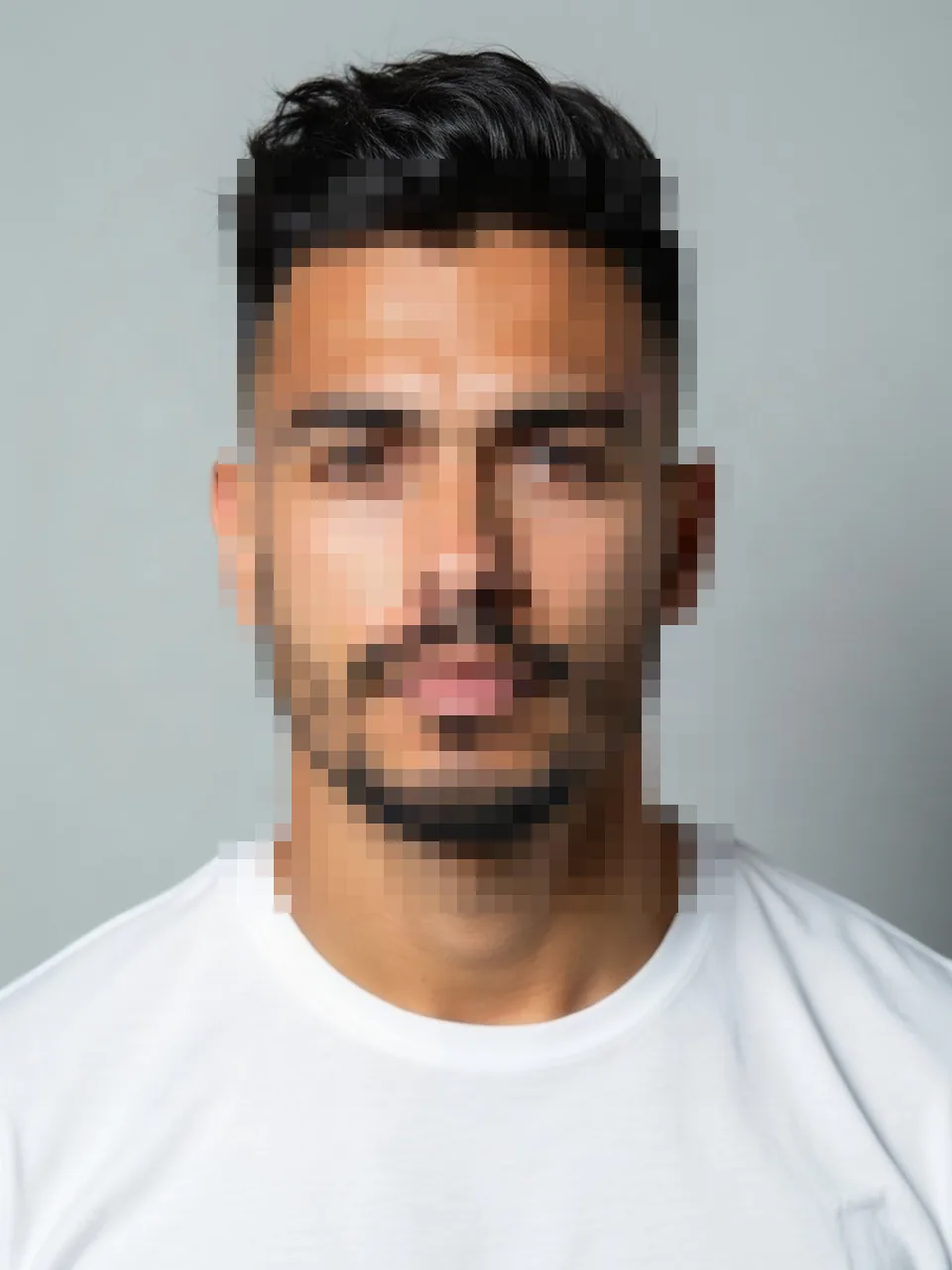 Face blur
The only child page
Face blur pixelates faces on a browser canvas. The photo is not uploaded. No image model runs. No credit is reserved, and the one free look preview, the 800-pixel file with the diagonal EASYFACE watermark, is not spent. Logged-out or signed in does not matter, because there is no account check standing between you and the download. IP and cookie tracking for the look preview does not apply to this blur.
The output is blocks, not a soft focus that leaves the eyes intact. When the browser offers a FaceDetector, the page can draft rectangles around faces it finds. That API is absent in some browsers, and even where it exists it misses profiles, small faces, and people looking down. You drag a rectangle when the draft is wrong or missing. Group shots need one box per face. A single box around the whole group leaves gaps at the edges, and the person at the margin is the one who gets recognized.
Cover hairline to chin, both ears, and glasses. Frames identify people after the eyes are gone. Hair can remain if the point is to show a haircut without naming the friends beside you. The blur does not restyle that hair. It also does not remove a person from the scene. Pixels stay. They become unreadable. Tattoos, distinctive hands, and name badges are not faces. The detector will not chase them. Drag a box if those are the identifiers you actually need to hide.
Separate from every look, on purpose
A hairstyle, a dye, a beard, or a smile requires the checkbox "This is me and I am 18 or older," a file that clears the size rules, and a model key that exists. Blur requires a browser that can decode the image. HEIC is converted locally to something the canvas can draw. The conversion is still not an upload. A huge file may fail to decode in the tab. That failure does not refund a credit, because none was taken, and it does not burn a preview.
Do the look first if you need a look. Download the HD or the watermarked proof. Then, if other faces remain, open this tool on that downloaded file and blur them before you post. Blurring inside the generator is not a mode we offer, because the generator's job is to see the face clearly. Mixing the two would mean uploading the group portrait to edit one person's hair, which is the opposite of leaving the extra faces on the device.
The download from blur is the file to attach. The common miss is to finish the boxes, save a copy, and then pick the original from the camera roll by habit. The original is still on the device. We never held it. You are the one who has to choose the blurred version at the moment you post.
This category does not review whether you are allowed to publish. It only makes faces hard to read. Laws, workplace rules, and other people's wishes sit outside a pixel grid.
FAQ
Is face blur free?
Yes. No credit, no pack, no subscription, and no consumption of the single logged-out look preview. The work does not leave the browser.
Why is there only one page in this category?
Because the job is one job: pixelate selected faces locally and download the result. Adding a second "privacy" effect that uploaded the photo would break the reason this category exists.
What if the automatic boxes miss someone?
Draw the missing rectangle. Count heads before you download, including the edge of the frame. The detector is a draft, not a census.
Can I blur and change a hairstyle in one step?
No. Looks upload and call a model. Blur refuses that path. Run the look, then blur the downloaded still if strangers or friends should not be identifiable.
Does the blurred download carry the EASYFACE watermark?
No. The watermark belongs to look previews. A local blur is not a look preview. You still have to post the blurred file rather than the original beside it. Last updated: 2026-10-08.