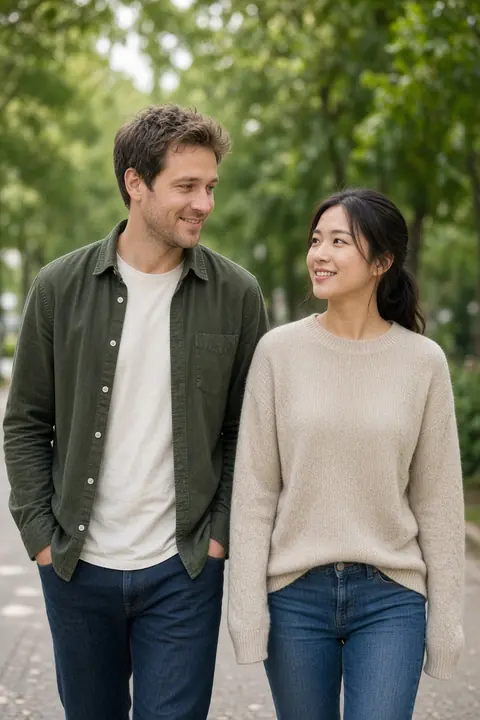
 Park walk
Create a couple photo in 3 steps
Why use this couple photo maker
- Both faces, one scene
The edit is asked to keep the person on the left and the person on the right, with one light.
- The join is only the input
The result is supposed to be one photograph. A seam down the middle is a miss.
- A photo you already share
That upload skips the join and changes the scene around both of you.
- Same price as a headshot
6 credits, the same as a headshot. A failed run returns the credit.
- No editing skill
You do not cut a mask. Add the photos, pick the card, and press Generate.
Couple photo FAQs
What the two photos become, which misses to reject, and what the clean file costs.
What is the AI couple photo maker?
It turns two separate photos, or one photo you already share, into one scene. The edit is asked to keep both faces and use one light. The browser joins two separate photos before anything is uploaded.
Do I upload one photo or two?
Upload one photo of you and one of your partner, or a single photo that already shows both of you. Two separate photos are placed side by side in this browser. A photo you already share is sent as itself.
Is the result a collage?
No. The side-by-side JPEG is only the input, so the edit can see both faces. The result is supposed to be one scene. If you can still see a seam down the middle, generate again.
What is free, and what costs 6 credits?
This edit is 6 credits, the same as a headshot. A failed generation returns the reserved credits and does not use the free preview.
Which photos look most like the two of you?
A clear front-facing face, in even light, as a JPEG, PNG, or WebP under 20 MB. The short edge must be at least 256 pixels. Skip sunglasses, and keep the light similar in both photos. Hair down is easier to judge than a hat.
Can I restyle a photo we already took together?
Yes. Use the single upload labeled for a photo you already share. Nothing is joined. Pick a scene to change the place and the light. The prompt still says to keep both faces.
Why does a face look unlike one of us?
The source was probably too small, turned away, in hard shadow, or hidden by sunglasses or a hat. Replace that photo with a larger, front-facing one and generate again. Do not pay for a file that replaces a face.
What if the hands look wrong?
Extra or fused fingers are a generation miss. The prompt says not to add them. Generate again. A failed run returns the credit. A finished image that still looks wrong is a finished image, so judge the free result before you spend credits.
What if one of us looks the wrong height?
The sources were probably framed at different distances. Use the same crop for both, head and shoulders or head to waist. Generate again. Do not pay for a file that changes someone’s height.
How long do you keep the photo?
An unpaid preview, and the clean file stored beside it, is deleted after 7 days. A paid result is deleted after 30 days. The uploaded photo is deleted when the run finishes. Email hello@easyfaceai.com to delete the account email and any stored photo sooner. The separate originals used for a join stay in the browser. Only the joined JPEG is uploaded.
Can we use it while we live in different places?
Yes. That is what the two upload boxes are for. Each of you adds a photo. The browser joins them, and the edit is asked to put both people in one scene. The result is generated. It is not a camera photo from a day you spent together.
Where do I make a family picture, a headshot, or try a haircut?
A family portrait is the AI family photo generator. A portrait of one person is the AI headshot generator. A new haircut is Hairstyles. Each of those is a separate page and a separate edit.
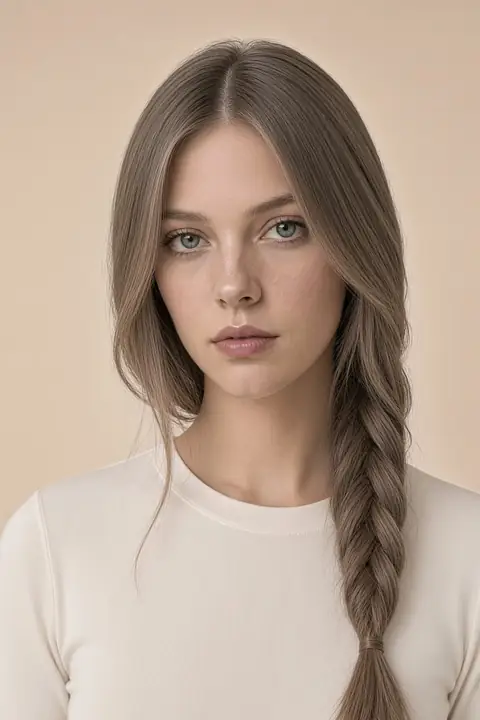 Hairstyles
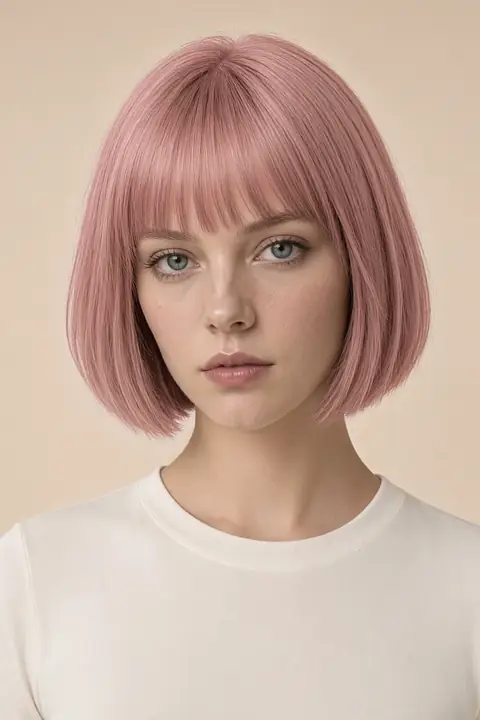 Hair color
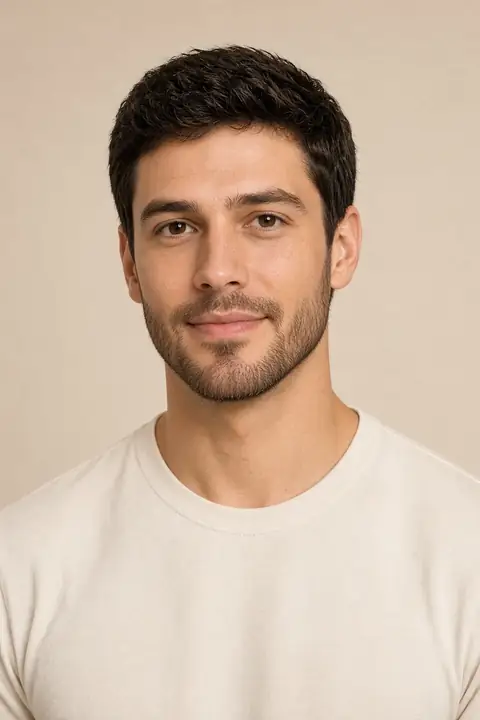 Facial hair
 Face
 Headshots
 Clothes
 Enhance
 Background
 Remove