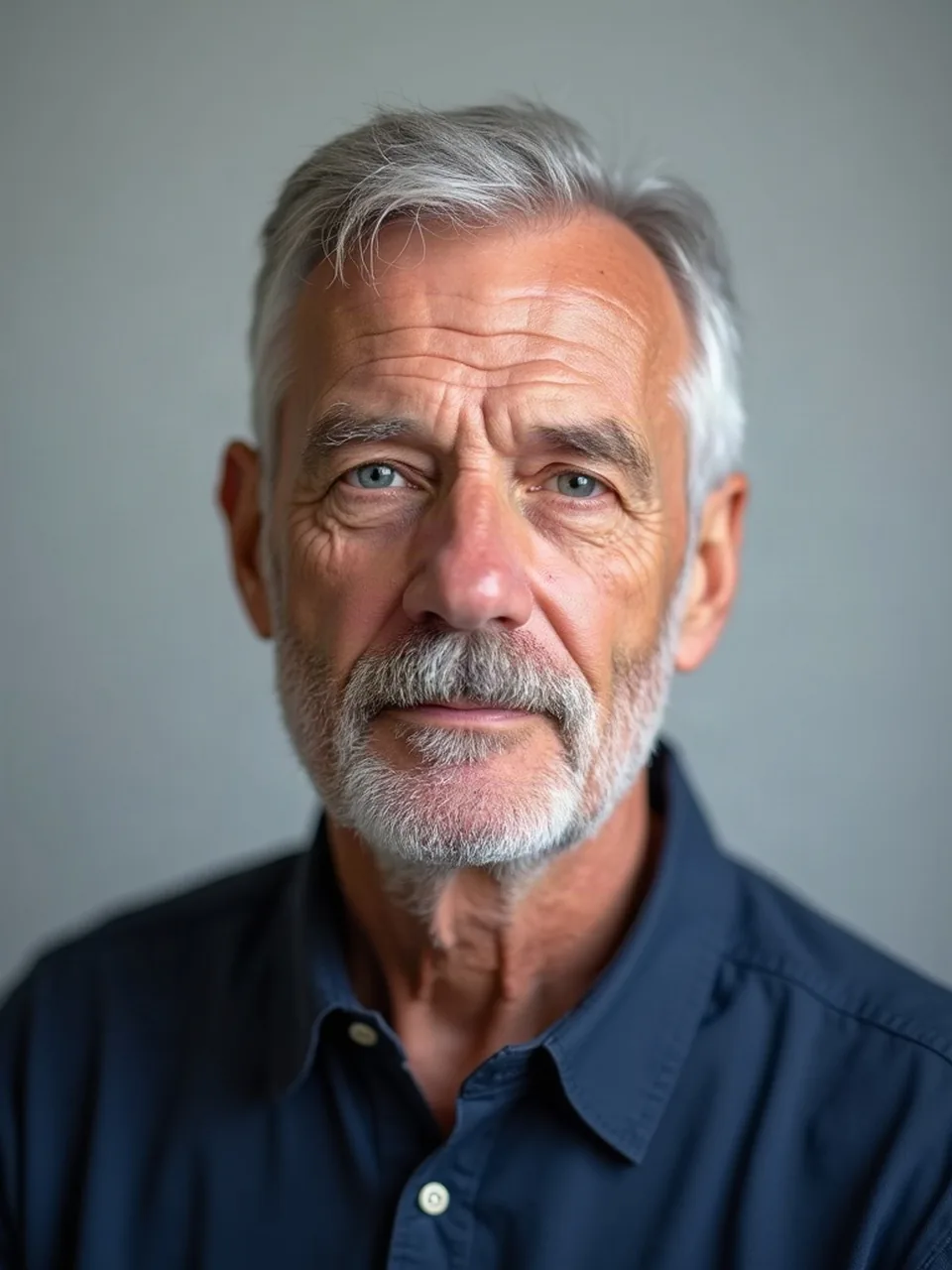
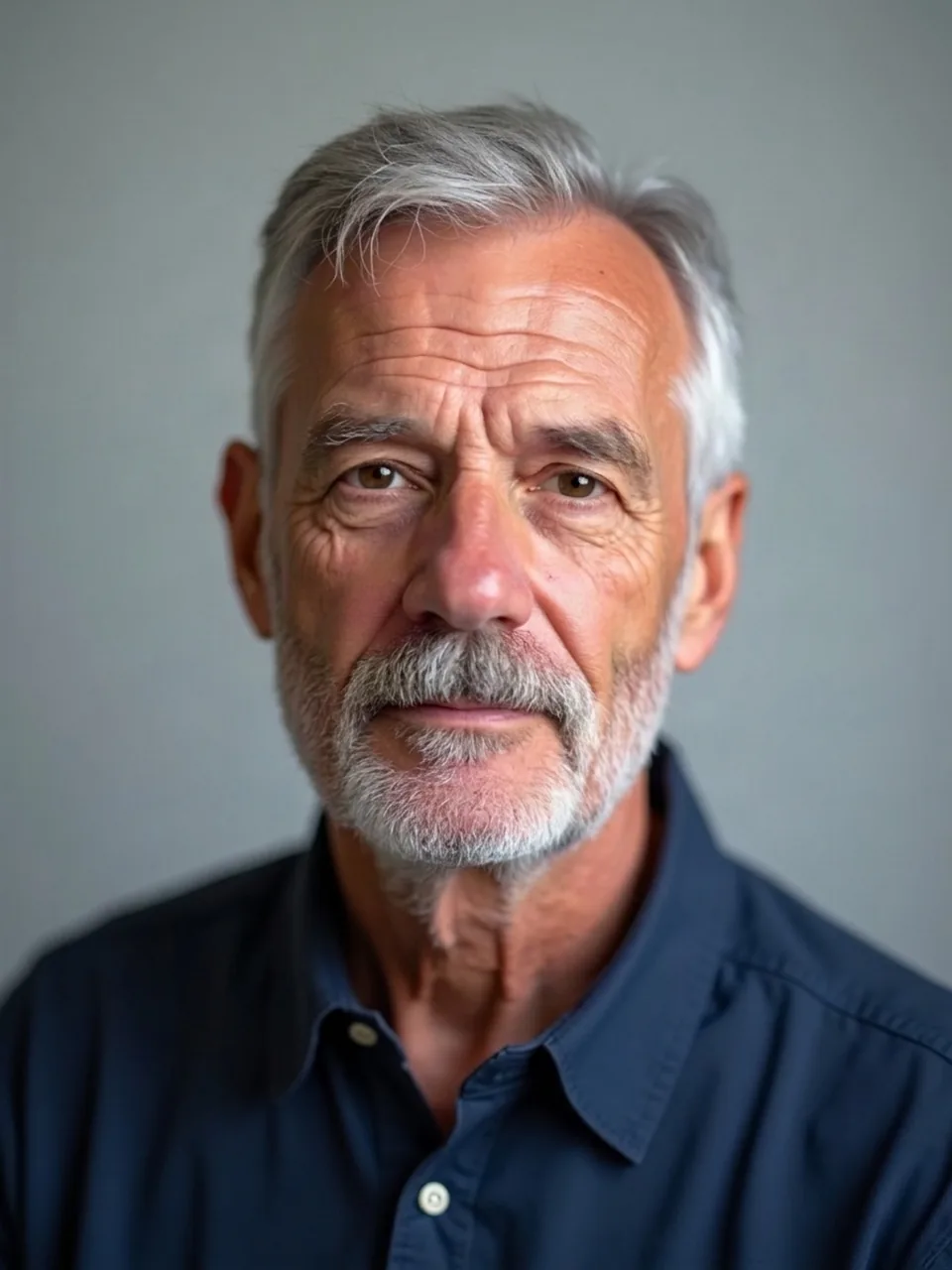
 BeforeAfter
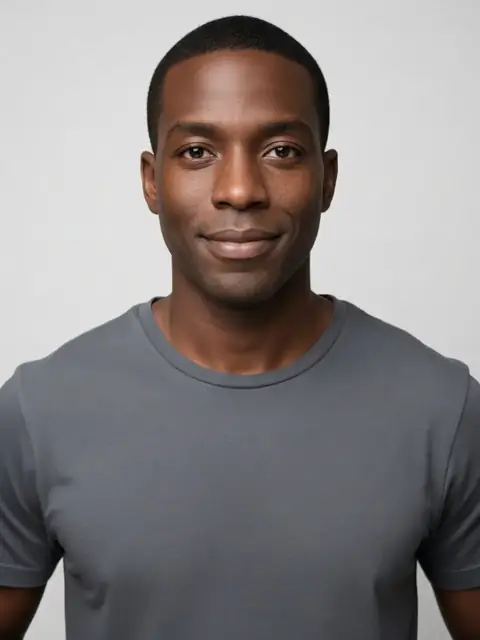
Use this page in 3 steps
Why use these face edits
- One change per page
Smile, age, eye color, skin tone, and a fuller build each have a page, so they do not run together.
- Age stays an adult
Older or younger, never a child.
- Skin tone is lighter or deeper
The control does not use race names.
- The haircut stays
Open a hairstyle page if the job is the cut, or a hair color page if the job is the dye.
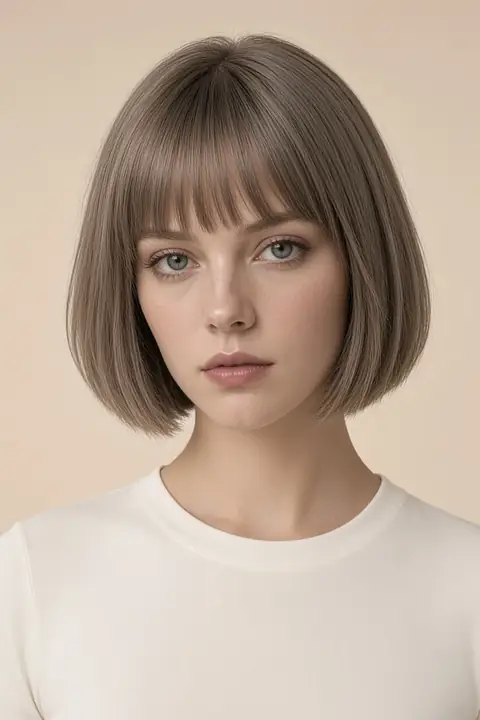
Full size, no watermark
Your first result is free and clean. After that, each image is 6 credits. A failed run gives the credits back.
See pricingOne change to the face
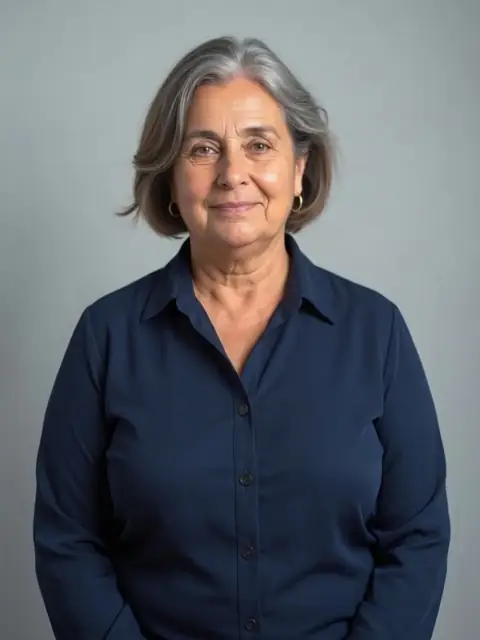 Fat filterA fuller adult body. Clothes and the pose stay.
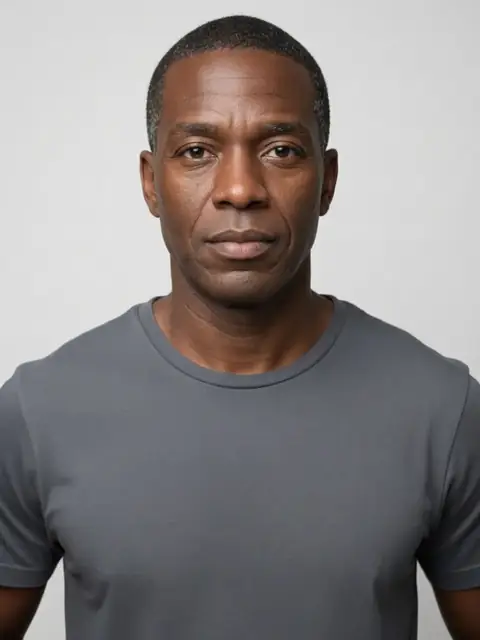 AI age filterOlder or younger, never a child.
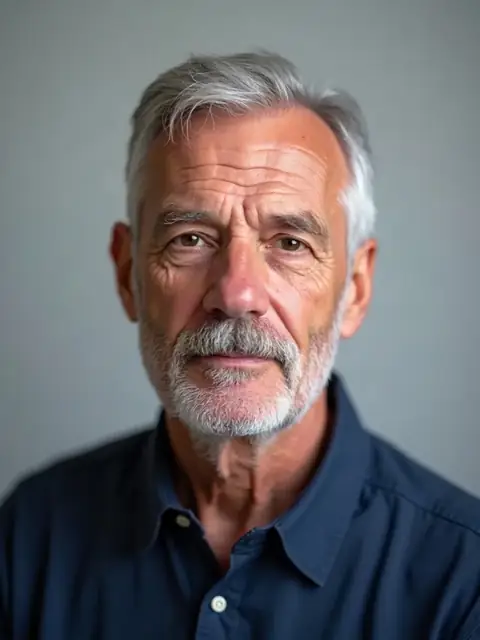 Eye color changerThe iris changes. The face around it does not.
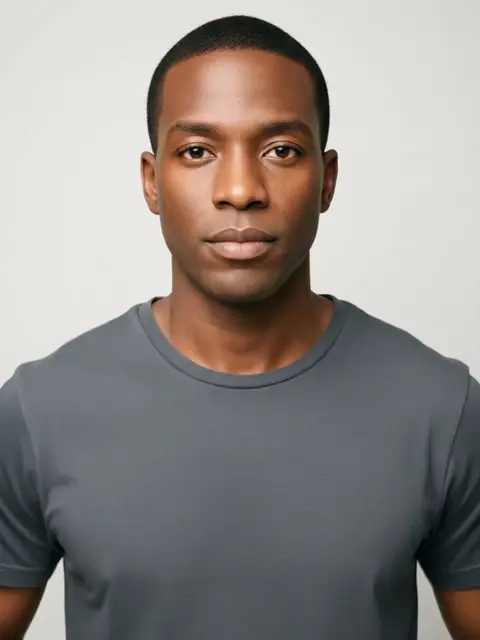 Skin color changerLighter or deeper only. No race names.
Face looks on your photo FAQs
Why is a body edit under Face?
Because the fuller-body question includes the face, and hiding it in another category made people think the cheeks would stay frozen. The fat filter says the clothes may look strained. That is the deal.
Can I combine a smile and an older face?
As two runs, if you want to know which change did the work. One prompt that does both will deepen lines and lift the mouth and you will not know which instruction won.
Does the skin tool list identities?
No. Two directions, one step, no ethnic labels, no new person. Bone structure and hair texture moving means the edit left the brief.
What should I check on an eye recolor?
The sclera, the pupil size, and the catchlight. Then the other eye. Then the skin, which should not have been recolored to make the iris louder.
What file can I upload?
JPEG, PNG, or WebP, up to 8 MB, short edge at least 256 pixels. An empty file or a file that misses those limits does not run.
Is age verification anywhere in this category?
No. The age filter outputs an edited adult face in one of two directions. It does not check a document, and it will not produce a child.
 Hairstyles
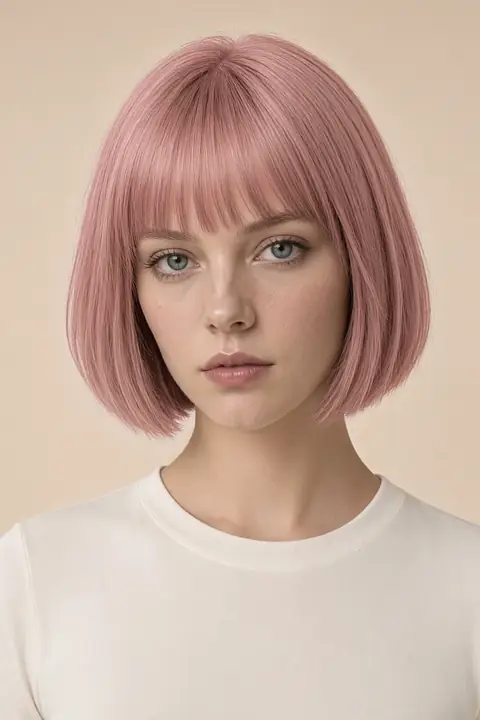 Hair color
 Facial hair
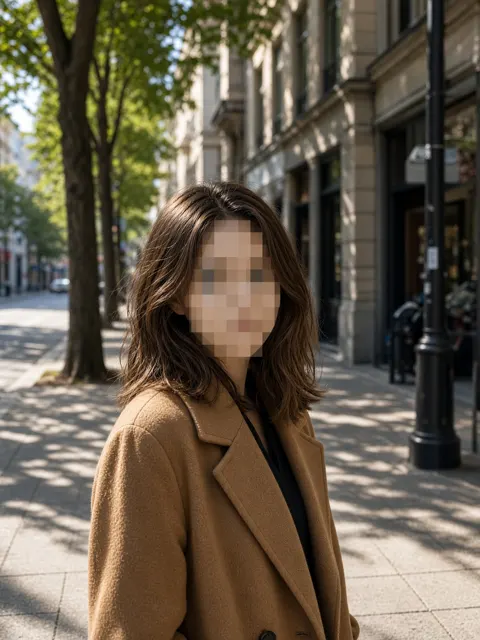 Photo privacy
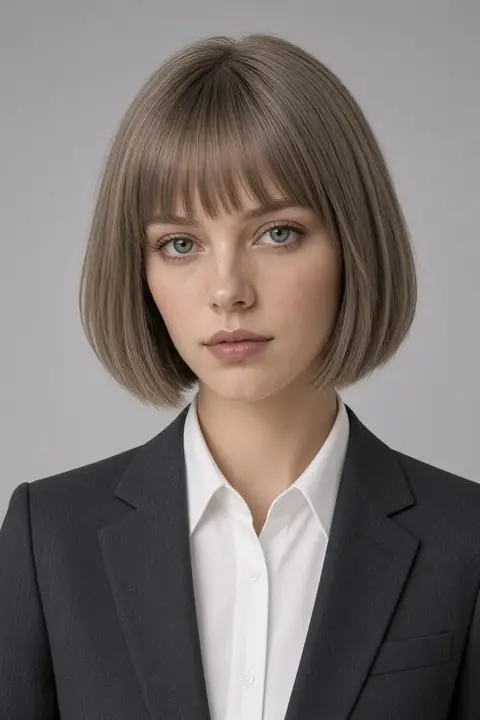 Headshots
 Clothes
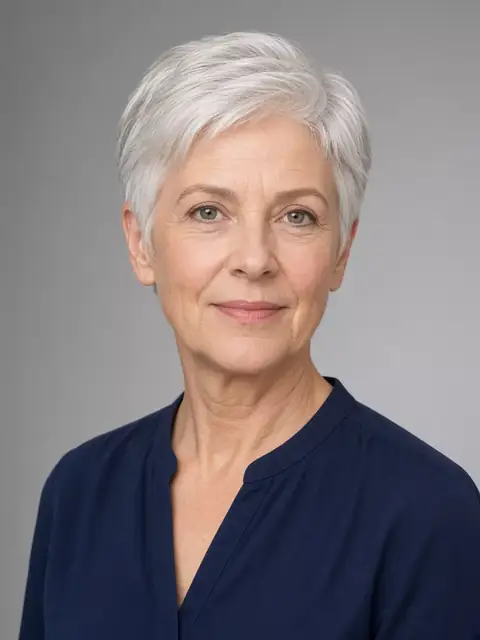 Enhance
 Background
 Remove