 Smile filter
 Fat filter
 Skin color changer
 Eye color changer
Aging in a photograph is a pile of small changes, and an image model will grab the obvious ones first: forehead lines, a softer jaw, hair that goes gray whether you asked or not. This page can push an adult older or an adult younger. It cannot make a baby, it cannot make a child, and it is not a clock a doctor would use. It is also not an age check. Nothing here verifies how old you are. People also call that preview an aging filter. This AI age filter is that preview, limited to an adult.
Older adult, younger adult
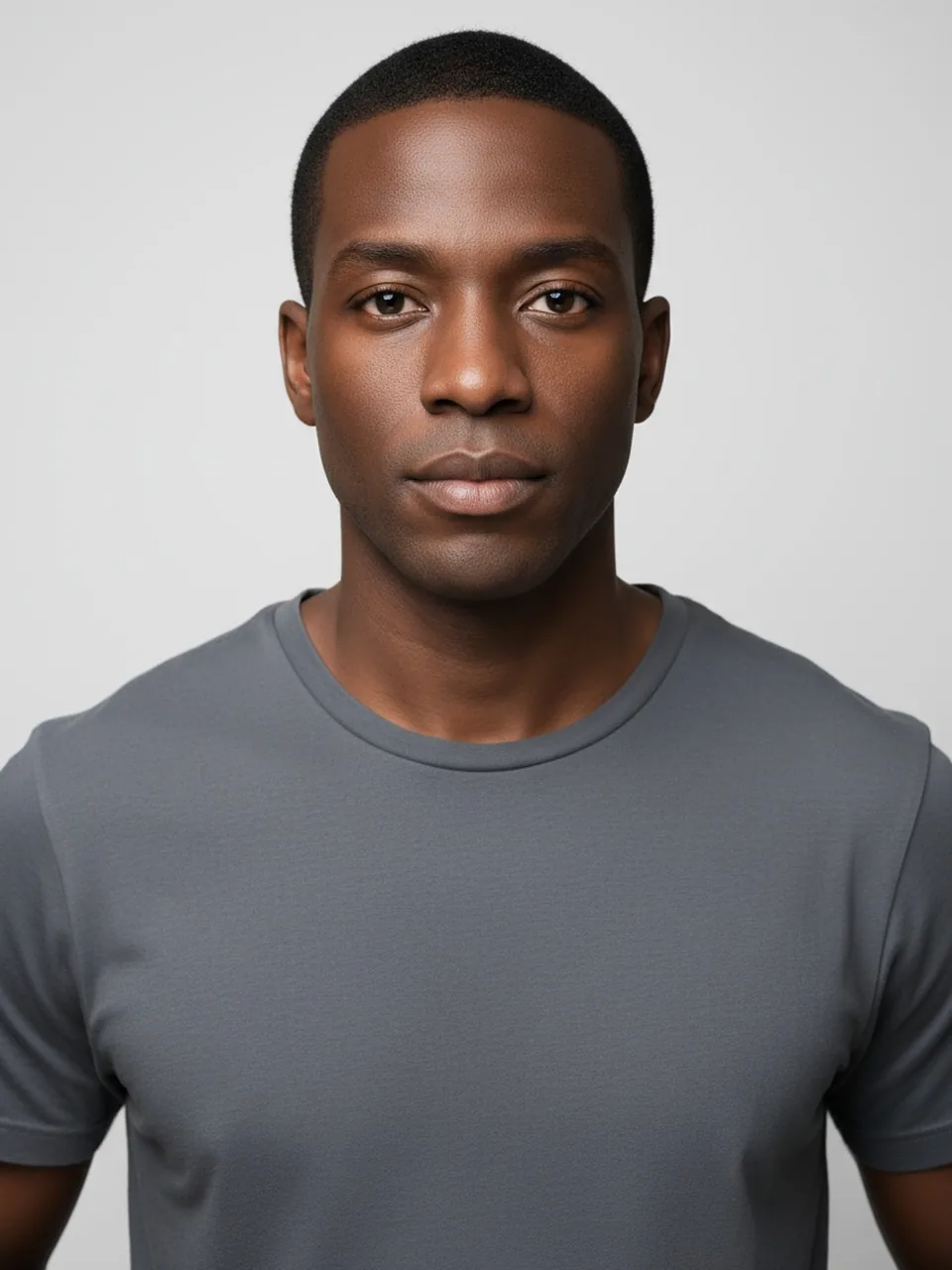
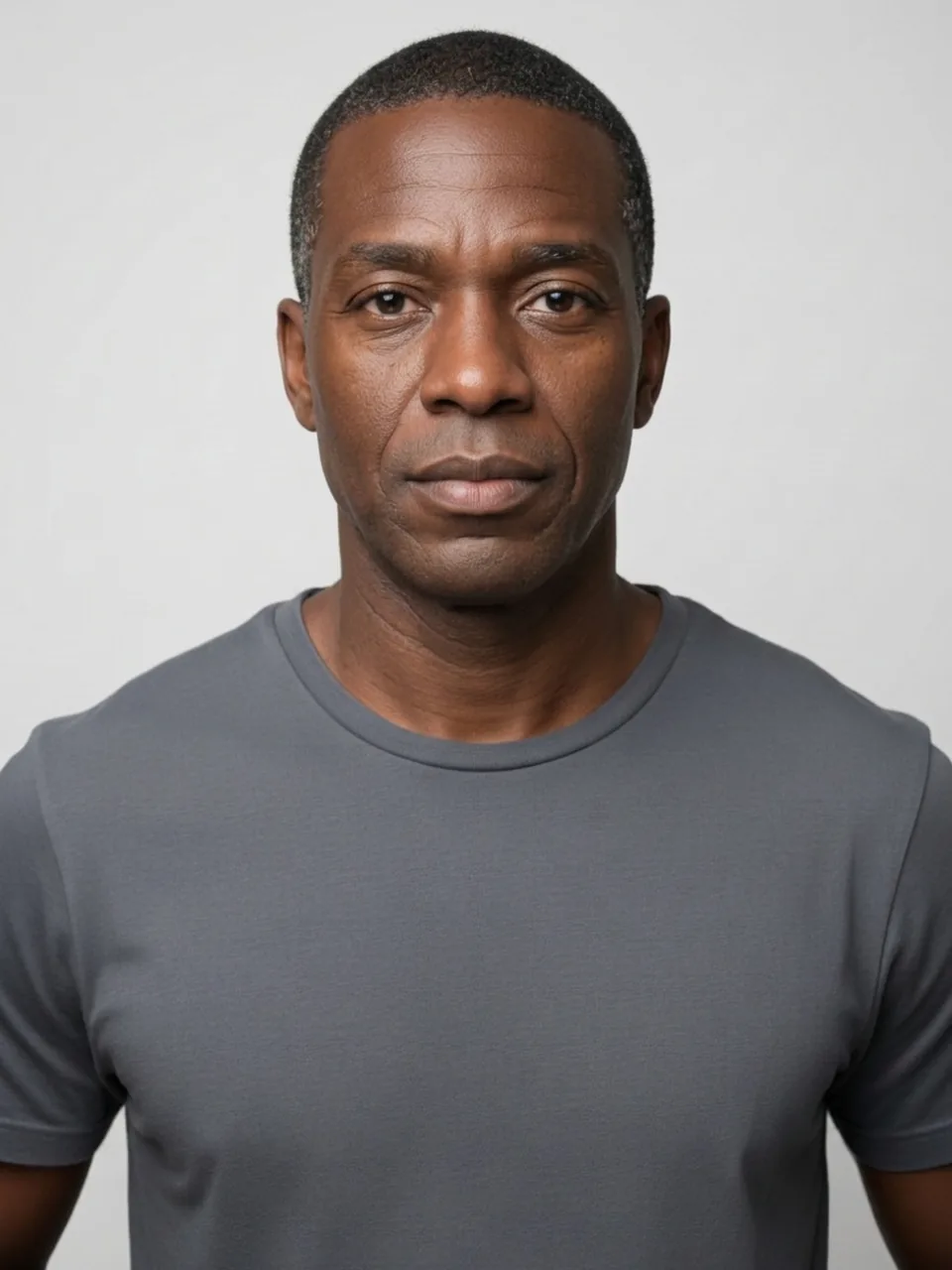
The edit is prompted toward an older adult or a younger adult. We ask the person to stay recognizable. Clothes, pose, and background should stay. Hair color is specifically something we ask the model not to treat as the aging method. Gray hair is the shortcut every generator knows, and it will reach for it anyway. When the only thing that changed is the dye, you did not see an older face. You saw a wig. When a younger pass dyes gray hair brown and also erases the nose you have, two edits happened and the second one was not requested.
Wrinkles are the relevant signal, and they are easy to overdraw. An older pass should add lines at the outer eyes, forehead, and mouth, plus a little slack at the jaw, not a stamped crackle. A younger pass should ease lines that exist, not swap in a poreless oval. Poreless means identity left. Ears, moles, and the nose are the anchors. If the nose shortens on a "younger" image, throw the file out.
There is no year input. You cannot request 20 years or 70. "Older" and "younger" are directions, and the size of the step is the model's. A step so large that you would not recognize yourself is a miss even if the direction is right. A step so small that the two files look identical is a dull success. Do not rerun until the face breaks in order to feel that something happened.
What this is not
It is not age verification. Uploading a passport photo and hoping the tool will confirm a birthday is a misuse, and the output is an edited picture, not a document. It is not a medical aging clock. We do not estimate disease, smoking, sun damage as a diagnosis, or how you will look after a procedure. We do not show infants or children, including a "you as a kid" request. The checkbox is "," and the result stays in adult territory. A file that comes back childlike is a failed safety boundary, not a cute extra. Discard it. Do not try to coax it further.
The Smile filter changes the mouth, which also moves lines around the eyes. Do not use an age result as a smile, or a smile result as aging. The Fat filter changes fullness. An older face can look softer without being a weight edit, and a younger face can look smoother without being a slim-down. If the body size changed inside the clothes, the age prompt picked up a job that belongs on the fat page, and the wrinkles in that file are mixed with a different change.
Hairline is the cousin of the hair-color problem. An older pass may recede the temples because that reads as age in pictures. We ask the face and the hairline to remain recognizable rather than to jump to a bald crown. Baldness has its own filter and its own meaning. If this page clears the scalp, it substituted a haircut for aging. A younger pass that restores a juvenile hairline you never had in adulthood is the same substitution in the other direction.
Photos that do not already contain a costume of age
Neutral expression, daylight, no heavy retouch in the camera app. A photo shot through a beauty mode has already deleted the lines an older pass would need as a starting point, and a younger pass will have nothing true to ease. Hats hide the hairline you are supposed to audit. Heavy makeup draws lines of its own. If you want to see expression lines, do not upload a shot where you are already laughing unless the question is specifically "older while smiling," and even then expect the smile and the age to tangle.
Include the neck if you can. Age shows there, and a crop at the chin lets the model age the face while leaving a young neck, which is the mask problem again. Hands, if they are in frame, should agree. A younger face on unchanged spotted hands, or the reverse, is a partial edit.
AI age filter vs aging filter
An AI age filter and an aging filter name the same job on this page: show the adult in the photo older, or show that adult younger. The words come from different apps. The control here is one of those two directions.
This page does not offer a year, a birthday, or a slider from childhood to old age. Older adult and younger adult are the only choices. An aging filter that asks for age 1 or age 100 is a different product. We do not run that, and calling this page by either name does not add the missing slider.
How this AI age filter works
Neutral light and a visible neck make the later comparison easier. A beauty mode that already erased the lines leaves the older pass with nothing true to build on.
Choose Older adult or Younger adult. There is no third age and no field for a number. Then generate and preview.
The photo is sent to the image model so the picture can be edited. That is different from the face shape detector, which stays in the browser and does not use a credit. How to use the age filter lists the buttons. Face blur is the local tool when other people are in the frame.
What an aging filter can and cannot predict
An aging filter here is a picture of an idea, not a forecast. It cannot tell you a disease, a sun-damage score, or how a face will look after surgery. It cannot pick 70, or 40, or any other year. It cannot make a child or a baby. A result that looks childlike is a failed boundary. Delete it. Do not try to coax it further.
Lines, a softer jaw, and a hairline that is still recognizable are the changes worth looking at. Gray hair alone is the shortcut the model knows. The Smile filter is the mouth. The Fat filter is fullness. If the body size changed inside the clothes, the aging filter picked up the wrong job, and the wrinkles in that file are mixed with a different edit.
The face shape detector does not age anyone. It names an outline on the device. Use it when the question is the shape, not the years. Calling this page an aging filter still does not add a year field.
 Hairstyles
 Hair color
 Facial hair
 Photo privacy
 Headshots
 Clothes
 Enhance
 Background
 Remove