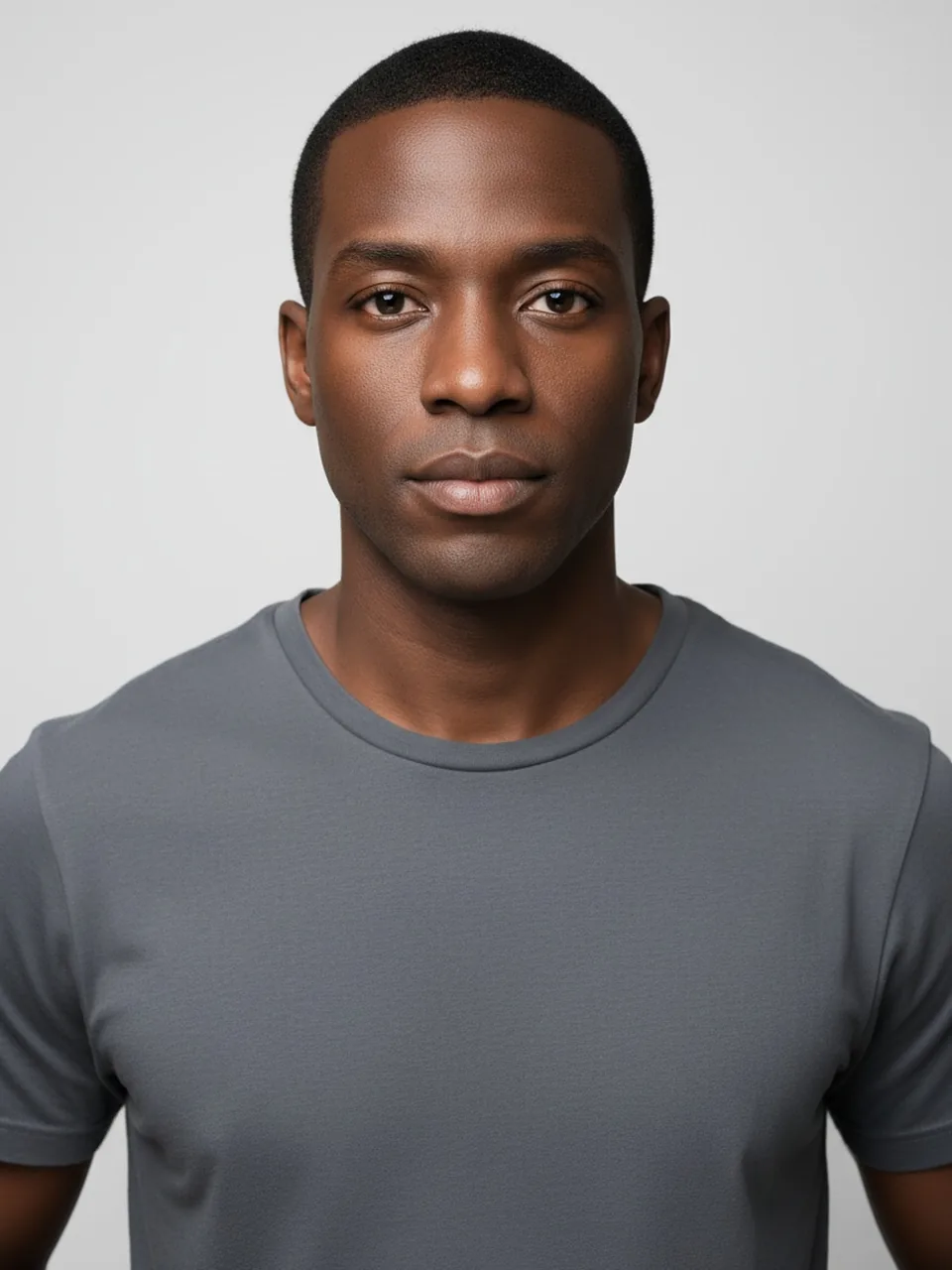
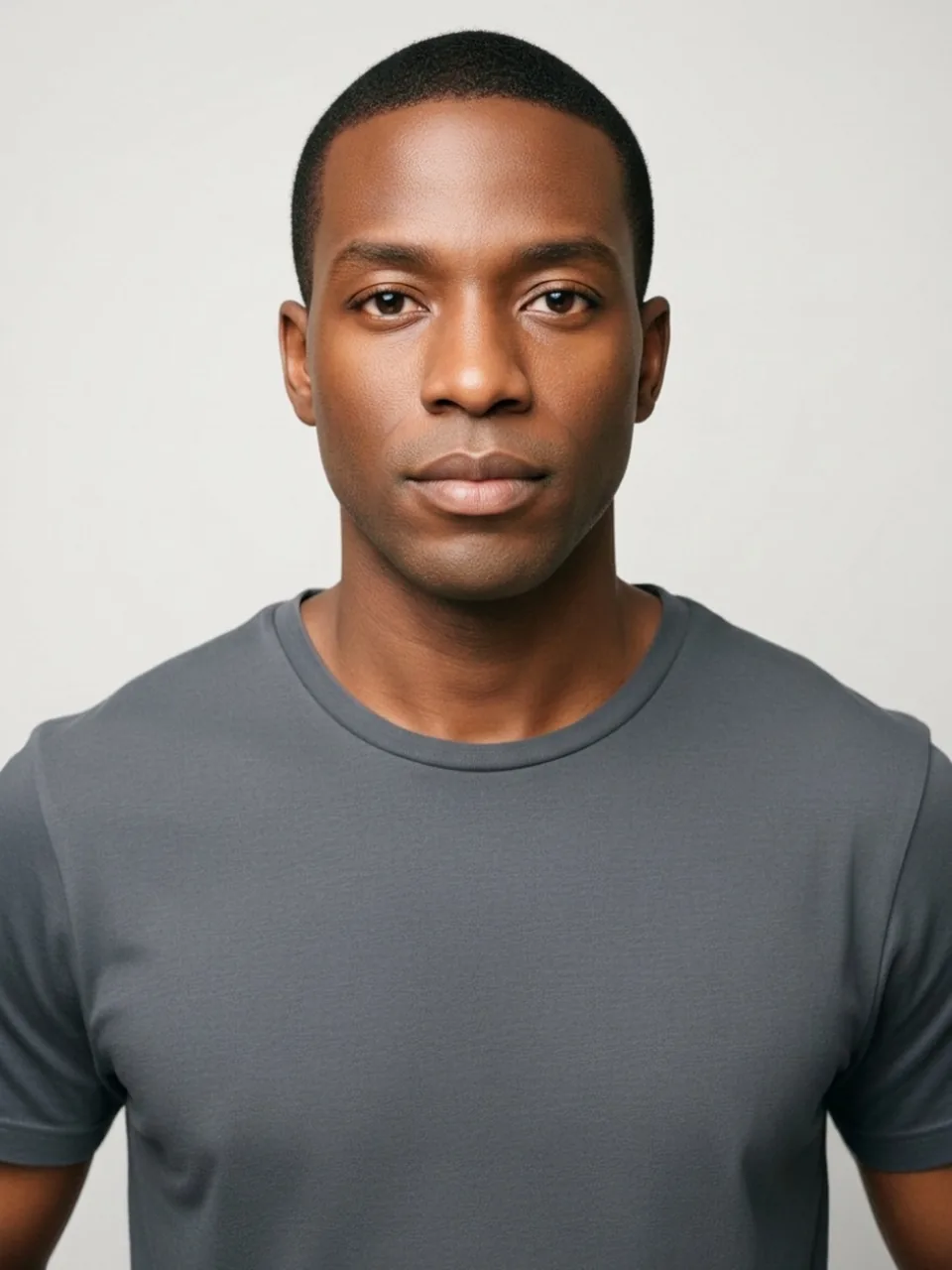
Skin in a photo is already a moving target. A lamp, a window, or a phone trying to "correct" the white balance can shift you a step lighter or deeper before any filter runs. This page takes one more step, and only one, in a direction you choose: slightly lighter or slightly deeper. It does not invent a new person, and it does not describe anyone by ancestry.
One step, two directions
The edit is google/nano-banana-2.1/edit on fal. The prompt is a small shift in tone, lighter or deeper, applied to the adult in the photo. The vendor rate is $0.0336 (Google's 1K list) and is not your price. We ask the face to remain the same face, the hair and the eyes to keep their color, the clothes and the background to stay. There is no third direction, no extreme, and no menu of shades with names. If the result could be a different individual, the step was too far and the edit missed, regardless of whether you find the picture interesting.
Room light is the confound. Tungsten can make a "deeper" result look like the lamp. A north-facing window cools the same skin and can make a "lighter" result look like overcast weather. Shoot the original in the light you are actually curious about, and do not stack a camera filter that has already pulled the tone. Otherwise you are grading a grade. The useful comparison is the original file next to the result, same screen, same brightness. Squinting at a single image on a phone in the sun will not tell you how large the step was.
Neck and hands have to move with the face. A shift that recolors the cheeks and stops at the jaw, leaving the neck behind, reads as a mask. So does a face that changed while the hands on the steering wheel or the crossed arms stayed at the old tone. Treat a face-only change as a miss. The prompt is about the skin you have, not a facial cosmetic pasted on. Ears are part of that test. They are easy for the model to forget, and an ear that stayed a different tone is the same failure as the neck.
What we refuse to name
We will not label this control with a race, an ethnicity, or a nationality. Those words are not inputs, and they are not results we will describe. A slight tone step is not a way to depict a different ancestry, and it is not an identity you can try on. If that is the picture you wanted, this tool will not make it on purpose, and a result that heads there is a miss you should discard rather than a success with extra range. Hair texture, eye shape, and bone structure are not the request. When those move, the model left the brief and started a different face. Stop.
The Eye color changer is the separate tool for irises. A skin step that also recolors the eyes mixed two edits. The Smile filter is unrelated. Neither belongs inside a tone change. If the mouth changed expression to "suit" a new tone, the edit wandered.
Freckles, vitiligo, scars, and birthmarks are part of the skin you uploaded. A slight overall shift can leave them in place and simply move the surrounding tone. The model sometimes erases them in the name of evenness. That erasure is not the feature. If a mark you use to recognize yourself disappears, the file failed the identity request even when the average tone looks plausible. We ask the face to stay recognizable. Evenness is not a higher priority.
Clothes, makeup, and files
Makeup already shifts tone. Foundation that does not match the neck will teach the model the wrong boundary, and it may extend the foundation rather than the skin. If you want the step on your skin, photograph the skin you mean, not a full face of color cosmetics you are about to judge as if it were bare. Clothes with a strong color cast, a bright green shirt in particular, bounce light onto the jaw. The model can bake that bounce into the "result." A neutral shirt helps the comparison. We still ask the shirt itself not to change color. A shirt that shifts with the skin means the edit regraded the whole frame. Regrades are hard to interpret, because the background moves too. If the wall changed, do not claim the skin step was isolated.
Adults only. The checkbox is "This is me and I am 18 or older." You are not shifting someone else's portrait, and not a child's. JPEG, PNG, or WebP, under 8 MB, short edge at least 256 pixels. Empty, oversized, or too-small files never call the model. A missing checkbox never does either. Nothing is charged. A missing model key fails clean and unpaid.
One watermarked preview if you are logged out, long edge 800 pixels, EASYFACE on the diagonal, recorded by IP and cookie. It does not refresh the next day, and signup does not add credits. HD without the watermark is 1 credit for a successful image. Failures refund the credit or do not consume the free preview. How to use the skin color changer lists the buttons. The category page is Face. For a photo you need to publish with other people unrecognizable, Face blur stays on the device and does not spend the preview.
FAQ
How large is the step?
Small. Slightly lighter or slightly deeper, one direction per run. If you would describe the person as someone else, it went too far. Discard it. There is no stronger setting behind the control.
What if only the face changes?
Call it a miss. Neck, ears, and any visible hands should move together. A sharp line at the jaw is a mask, not a tone shift.
Does the light in the room already count?
Yes. The original photo carries the lamp and the white balance. Add this step on top of a clean shot, or you will not know which change you are seeing.
Will marks on my skin be removed?
They should remain. Freckles, scars, and patches are part of the face we ask to keep. Smoothing them away is the model chasing evenness. That is not the request.
Can this recolor my eyes or my hair?
No. Those stay. Eye color has its own tool. A skin run that dyes the irises or the hair mixed jobs, and the tone in that file is not isolated enough to trust. Last updated: 2026-10-08.
Last updated 2026-10-08.