AI Photo Editor
Hot Features
AI Models

Photo Effects
View more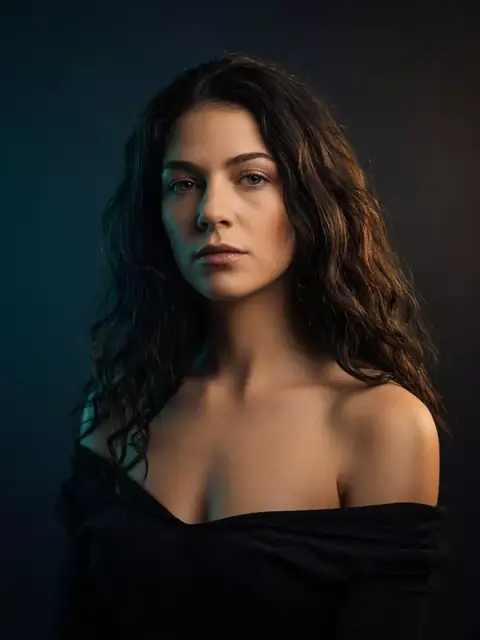 Create Similar Cinematic studio
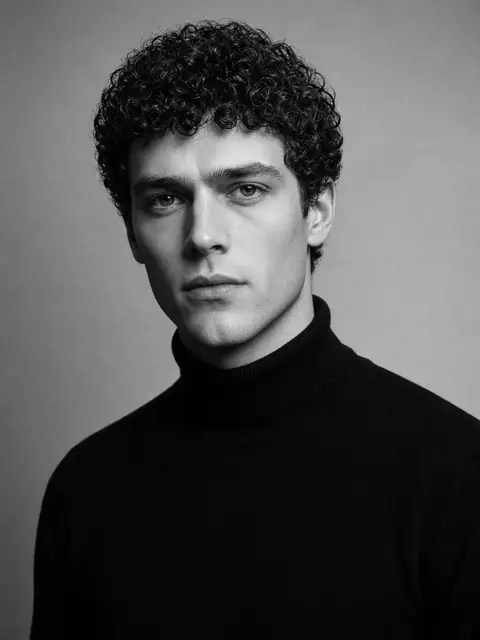 Create Similar Black and white
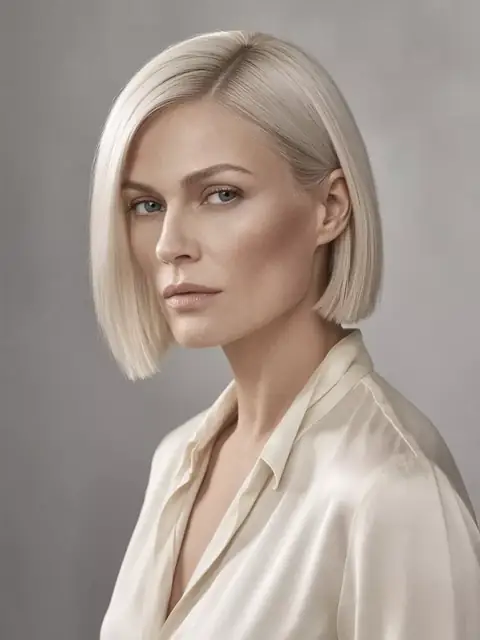 Create Similar Cover portrait
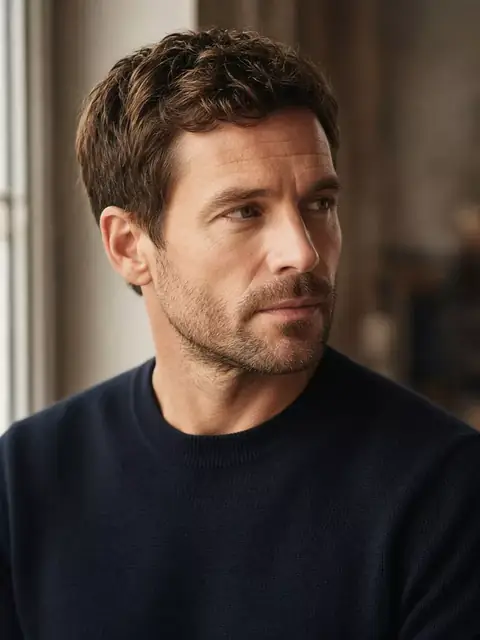 Create Similar Thoughtful gaze
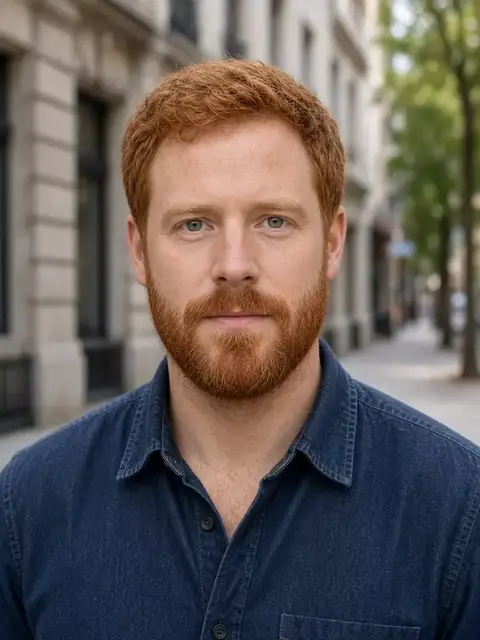
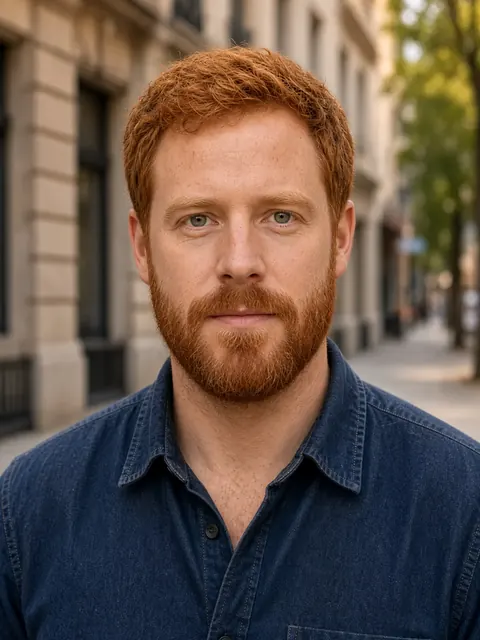
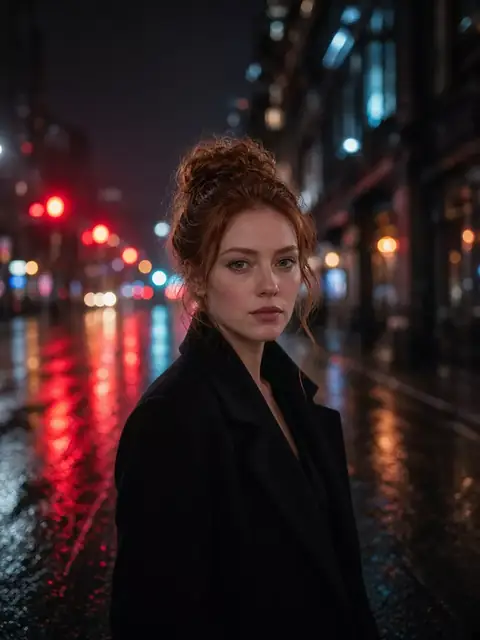 Create Similar Street portrait
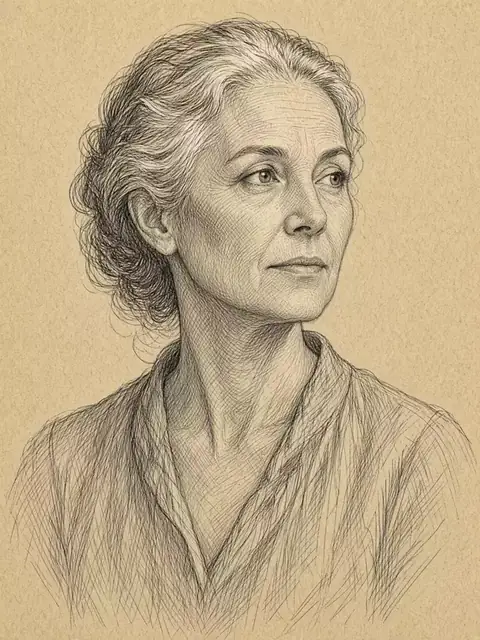 Create Similar Ink sketch
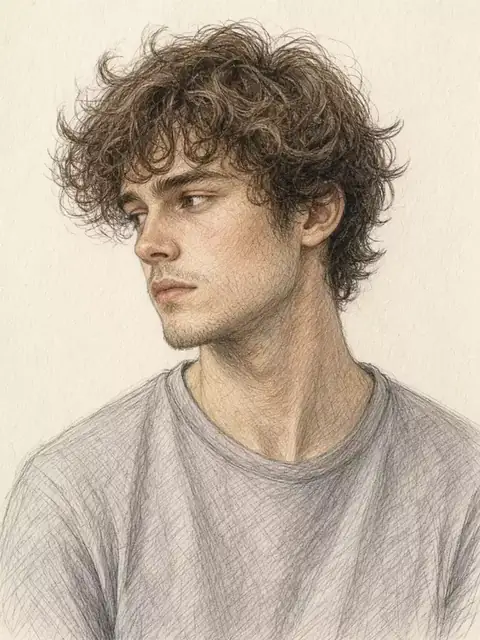 Create Similar Colored pencil
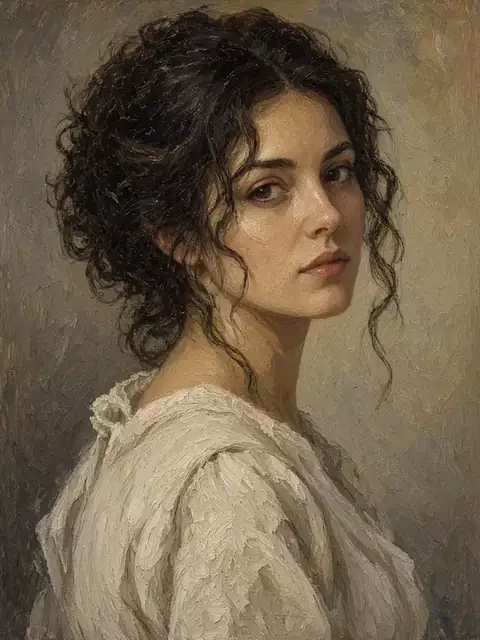 Create Similar Oil painting
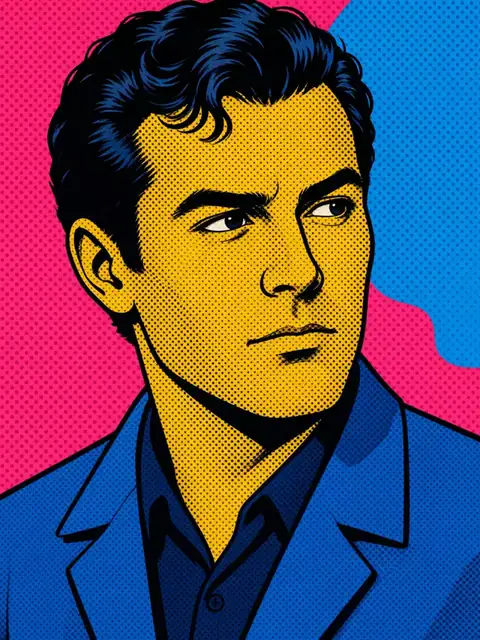 Create Similar Pop art
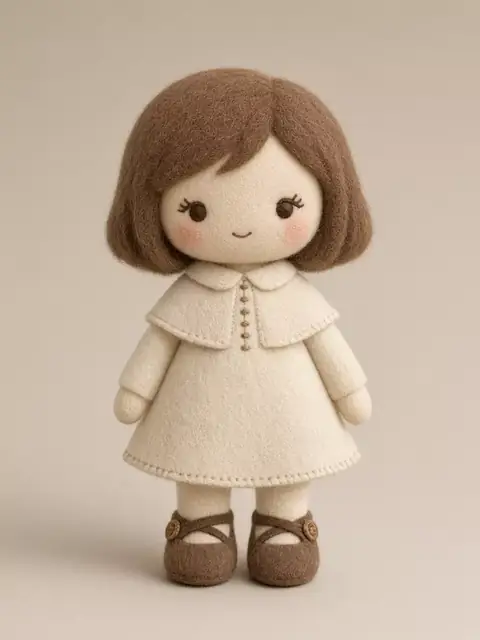 Create Similar Plushie
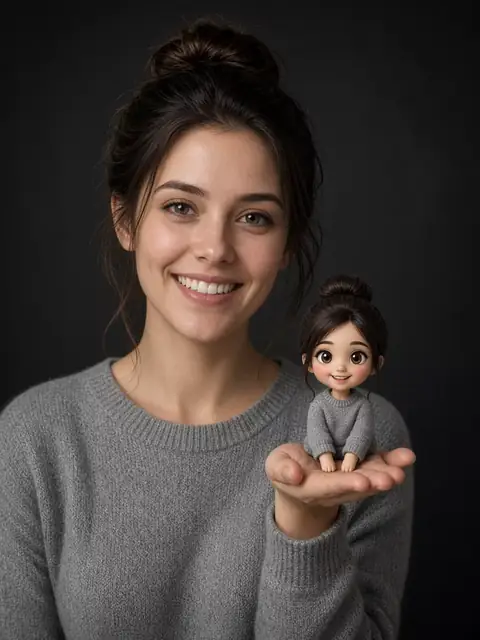 Create Similar Cartoon twin
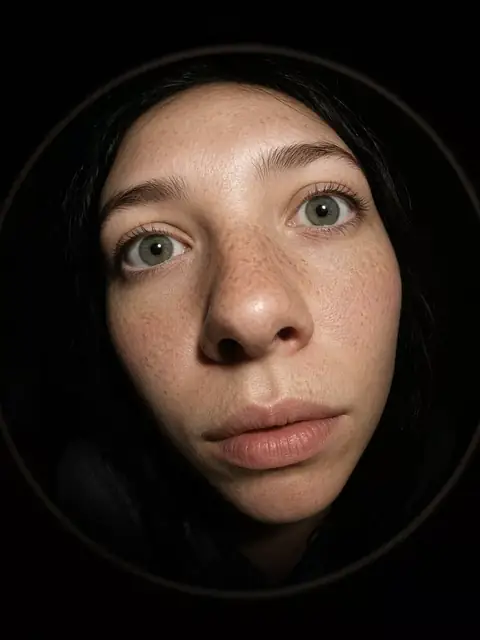 Create Similar Fisheye
Edit a photo in 4 steps
What you can change
- Make it clearer
The enhancer recovers detail in a blurry selfie or a scan. It does not restyle the photo.
- Change the background
The person, clothes, and pose stay. You name the new place in the sentence.
- Remove someone or something
Passersby and clutter leave. The main person stays in the same scene.
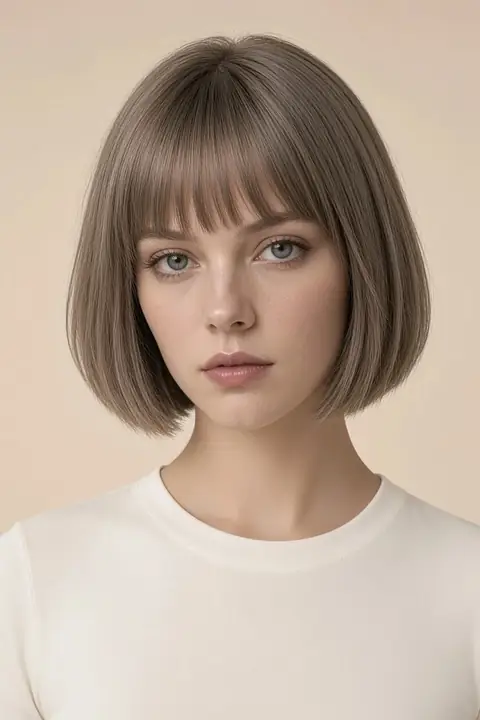
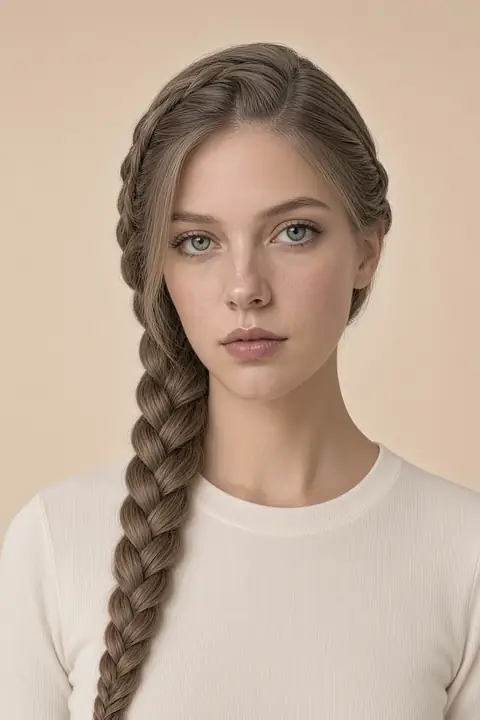
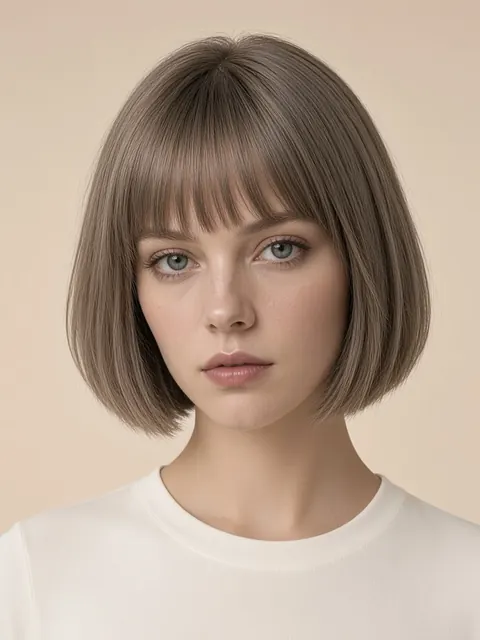
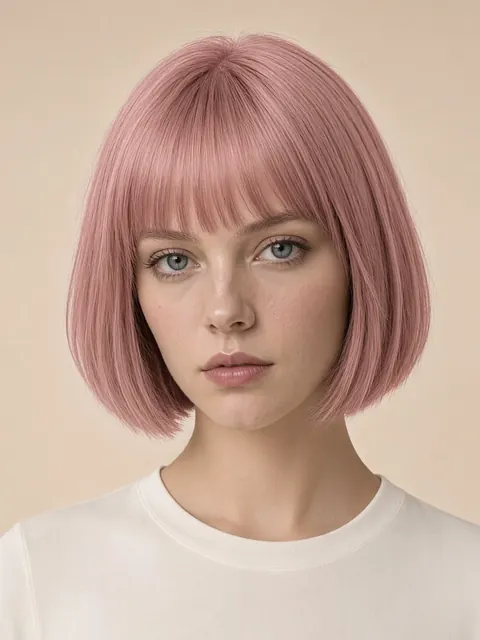
- Try a haircut or a color
Hairstyles are a library of cuts. Hair color dyes the length you already have.
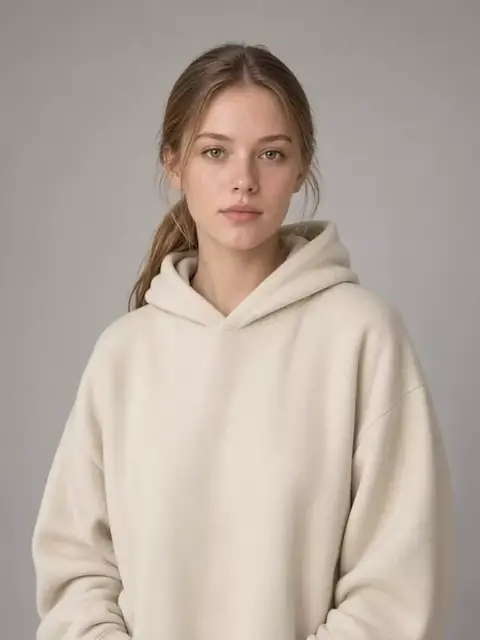
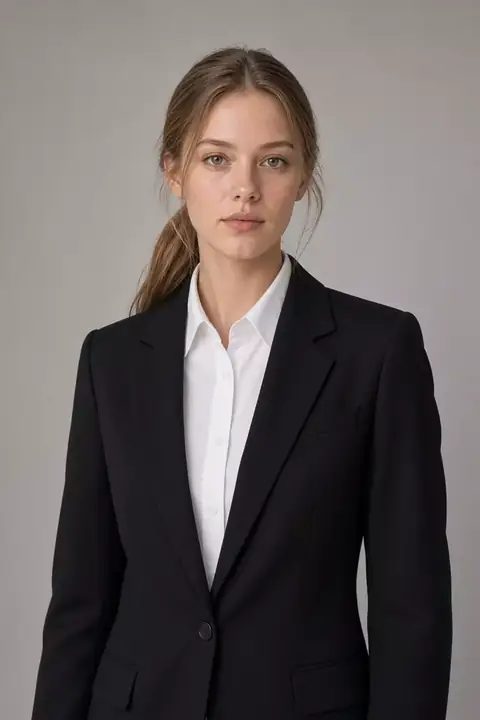
- Try an outfit for an occasion
Date night, office, wedding guest, travel, streetwear, formal, or gym. The person stays.
- Use a finished effect
Cinematic, ink, pop art, and restore open with the prompt already written.
- Pick the model
Ideogram, GPT Image, Nano Banana, Seedream, Flux, and Qwen are listed under AI Models. Auto is the default.
AI image editor FAQs
How do I edit a photo here?
Upload a photo or skip it, type the change, and press Generate.
Which page should I open?
Will it keep the same person?
It should, if the sentence says what to change. A new face means the run missed. Do not pay for that file.
What files can I upload?
JPEG, PNG, or WebP, up to four images, 20 MB each. Auto and a few models can also run from the sentence alone.
What does a result cost?
The first result is free. After that, Generate shows the credit cost. A failed run returns the credits.
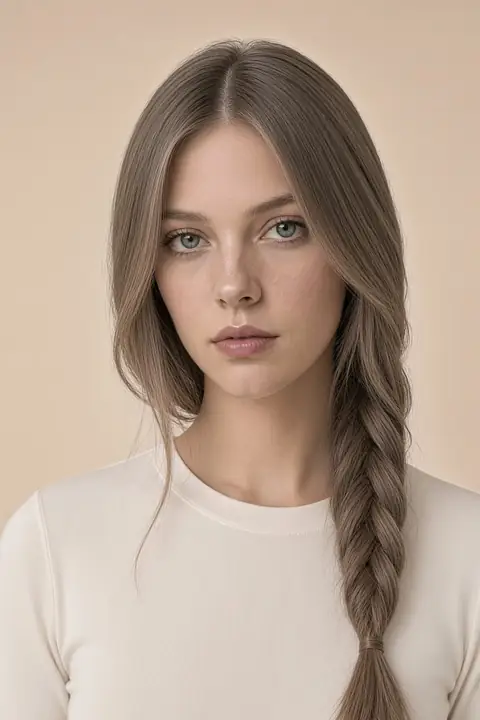 Hairstyles
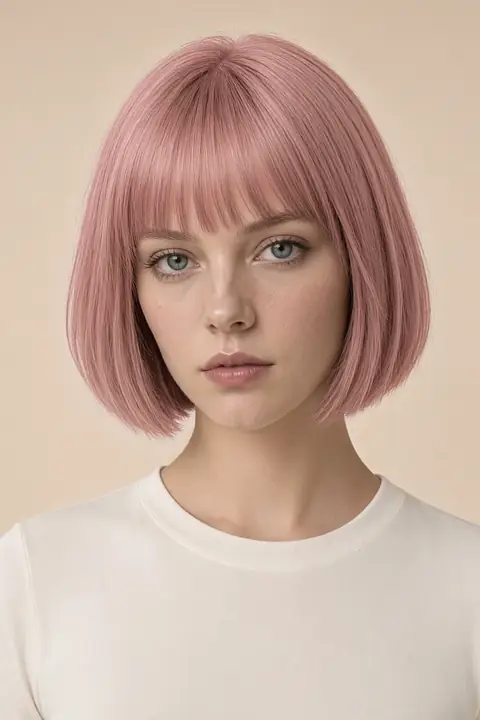 Hair color
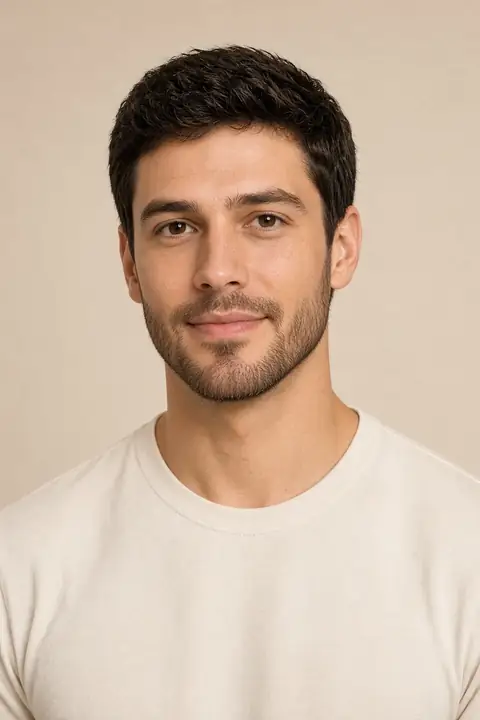 Facial hair
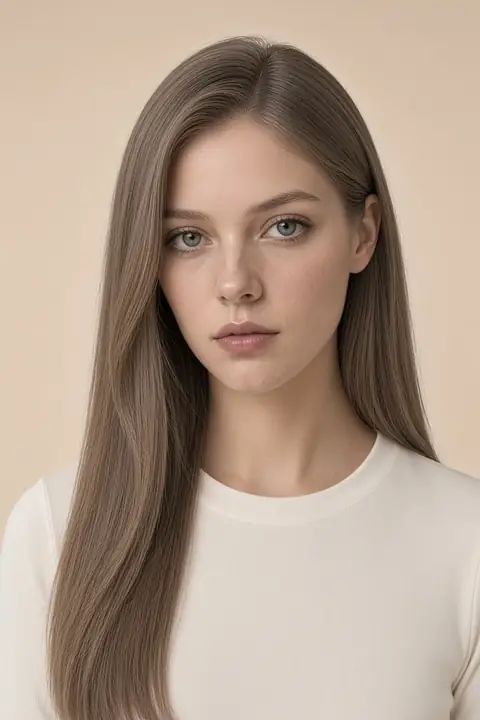 Face
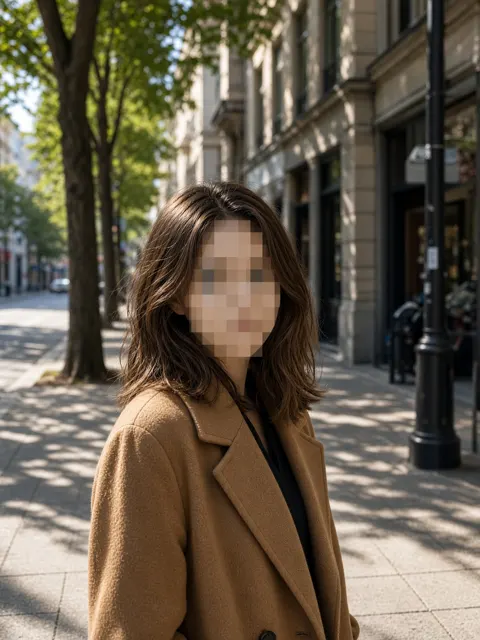 Photo privacy
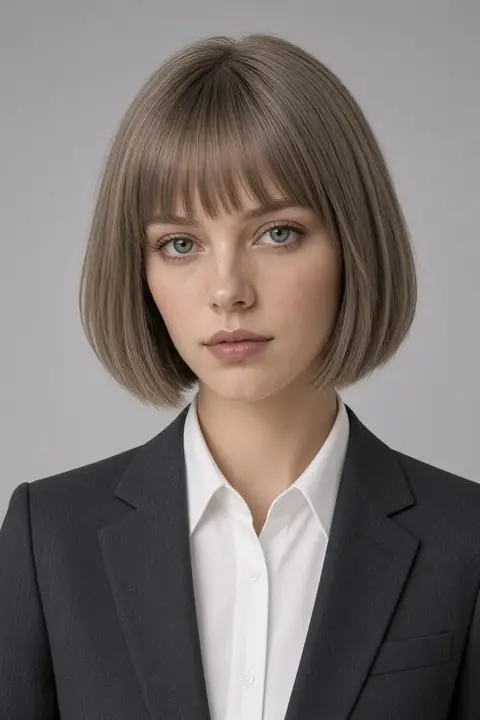 Headshots
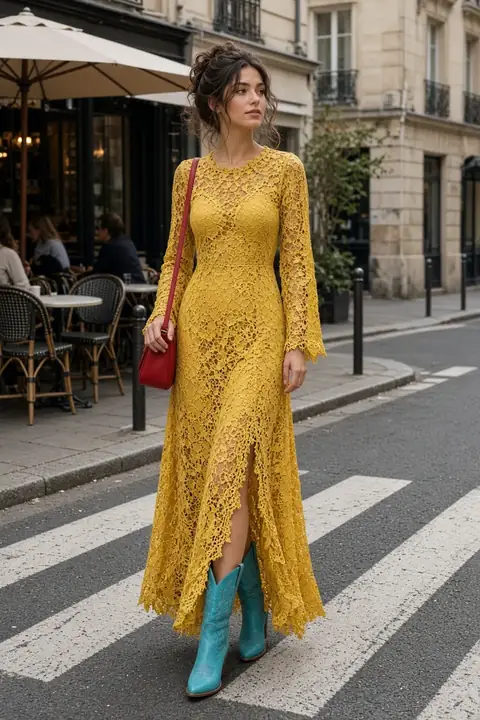 Clothes
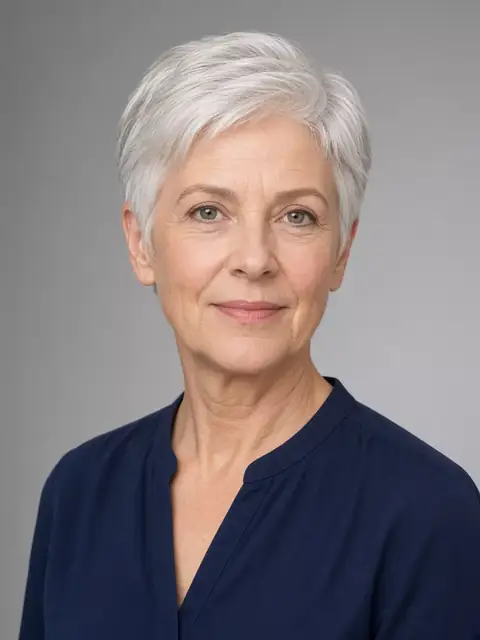 Enhance
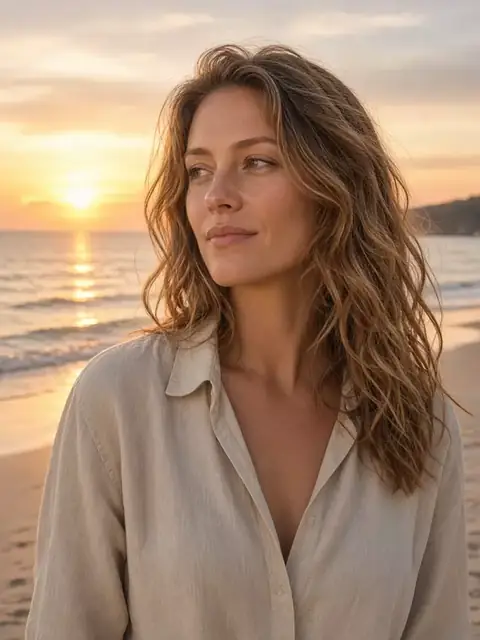 Background
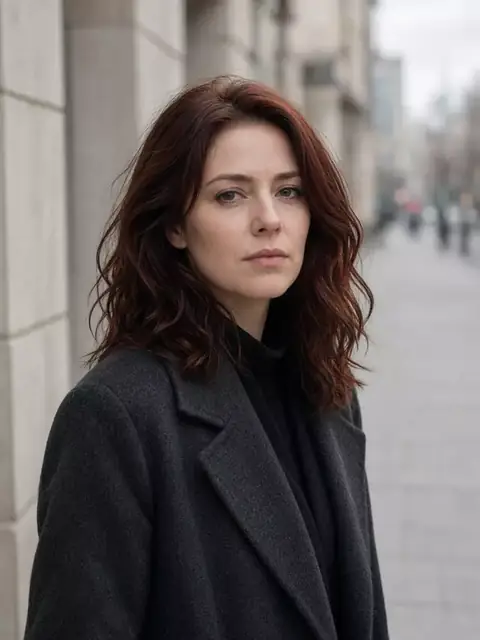 Remove