AI Photo Enhancer
AI Photo Enhancer
Make a blurry selfie or an old photo clearer. The person stays. This is not a style effect.
Enhance a photo in 3 steps
- 1
Upload the soft photo
A blurry selfie, a low-light shot, or a scan of an old print. JPEG, PNG, or WebP.
- 2
Read the line in the box
It asks for sharper detail and a natural color. Shorten it if you want less smoothing.
- 3
Generate
The first watermarked preview is free. The button shows what the clean file costs.
Why use this AI photo enhancer
- Blurry selfies
Faces, hair, and clothes pick up detail the phone missed.
- Old prints
A scan can look closer to a photo taken today, without becoming a painting.
- The person stays
Identity, pose, clothes, and the room stay. This does not invent a new portrait.
- Not a photo effect
Cinematic, ink, and pop art restyle the picture. Enhance only makes it clearer.
- You can edit the sentence
The prompt is a start. Change a word before you generate.
AI photo enhancer FAQs
What gets sharper, what stays, and what the clean file costs.
What does the AI photo enhancer change?
Detail in the face, hair, and clothes, plus noise and a dull color cast. The person and the scene stay.
Will it replace the person?
No. A new face means the run missed. Do not pay for that file.
Is this a photo effect?
No. Effects restyle the picture. Enhance only makes a soft photo clearer.
Can I use it on an old photo?
Yes. A scan of a print is a normal upload. A very small file has less detail to recover.
Can I change the prompt?
Yes. The line is already written. Edit it before you generate.
What does the clean file cost?
The first watermarked preview is free. The button shows the credit cost of the clean download. A failed run does not keep the credit.
 Hairstyles
 Hair color
 Facial hair
 Face
Face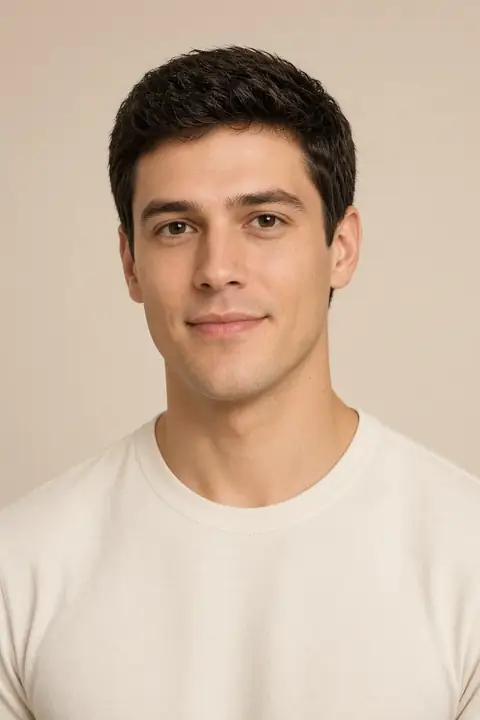 Photo privacy
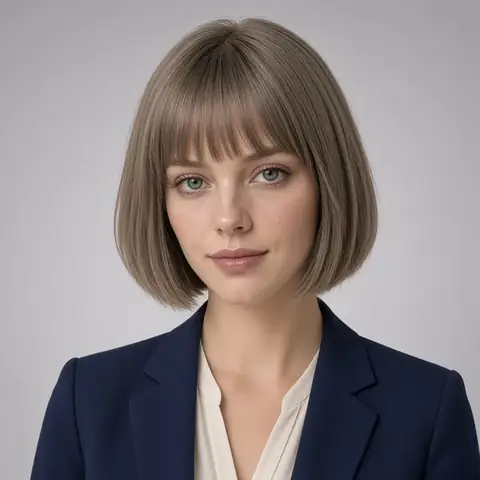 Headshots
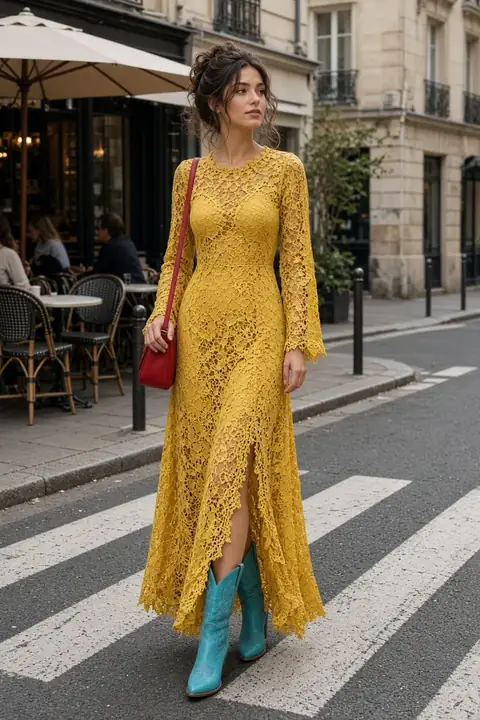 Clothes
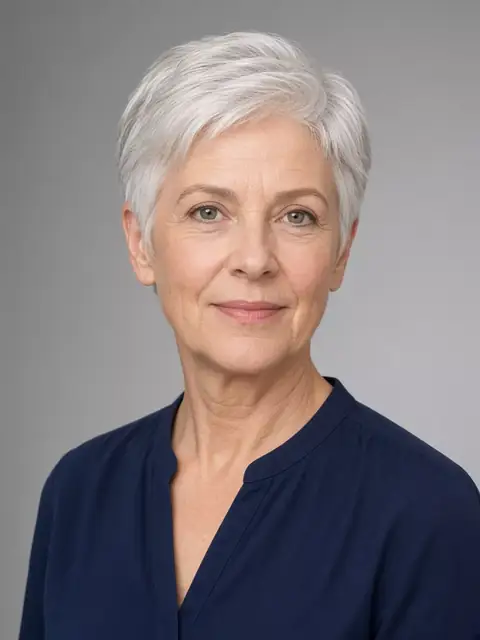 Enhance
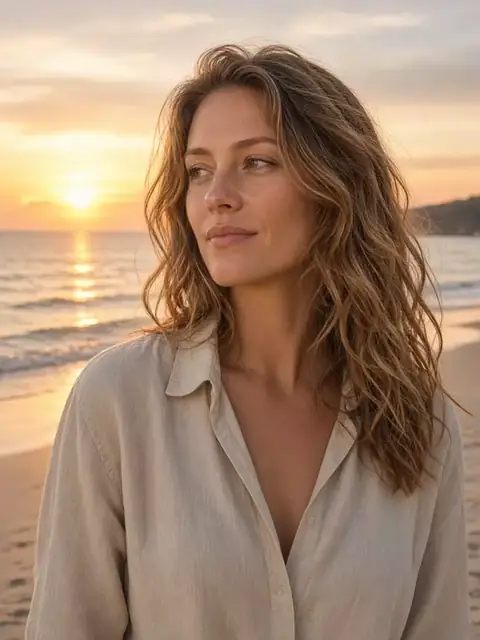 Background
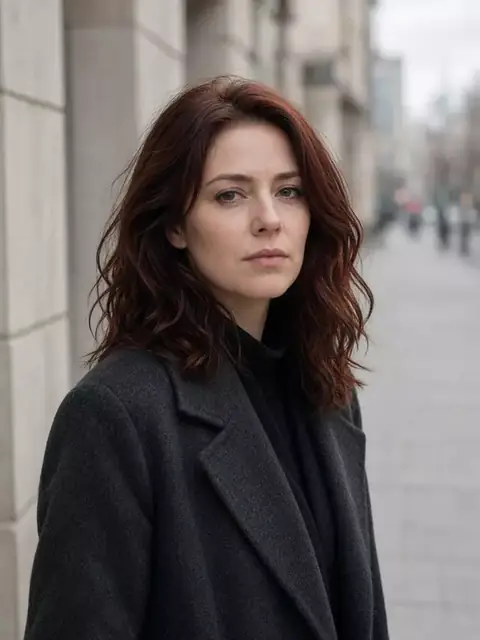 Remove
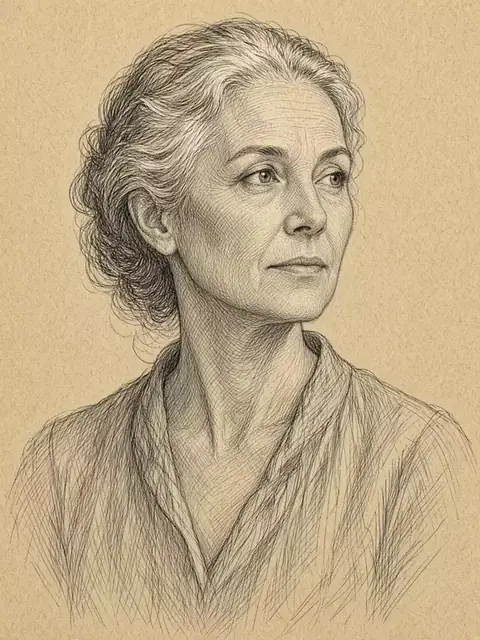 Effects