 AI hair color changer
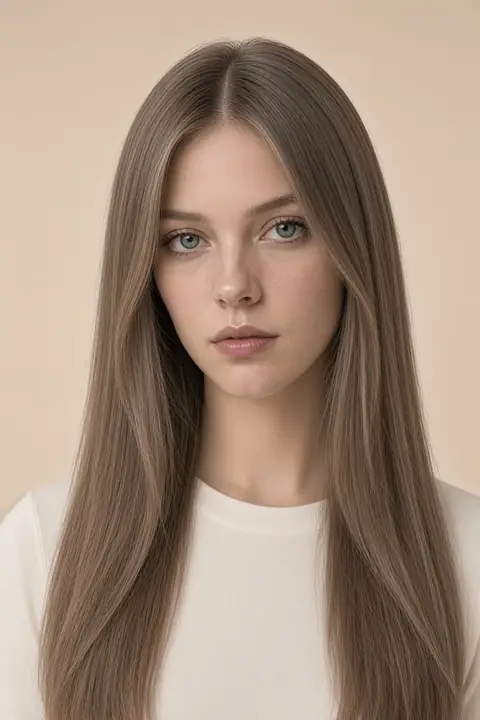 How would I look with long hair
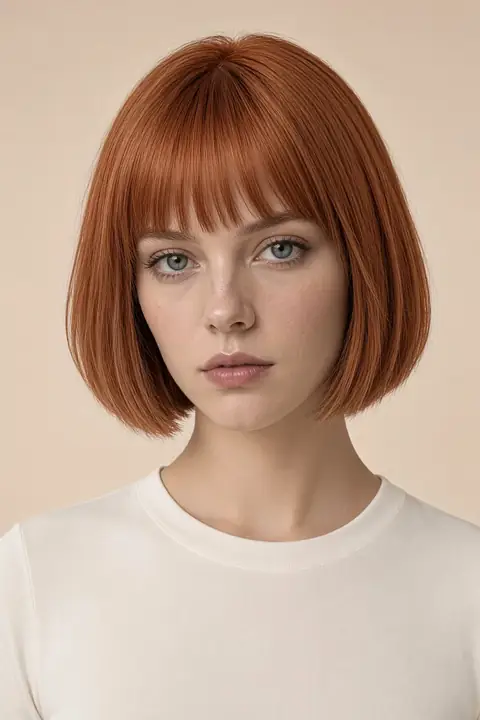 Red hair filter
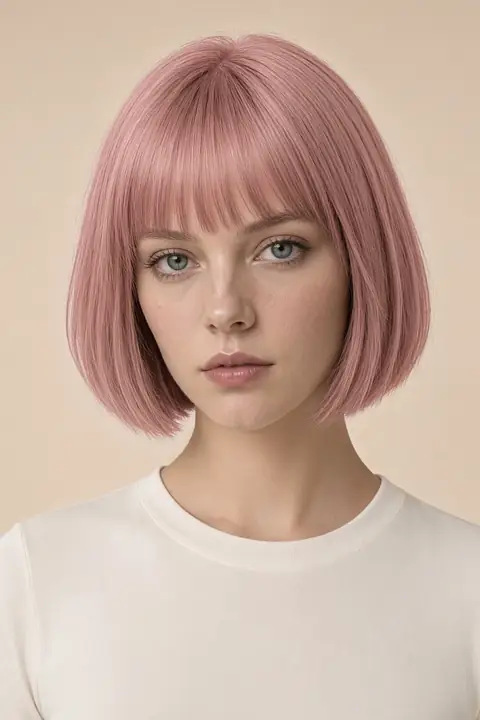 Pink hair filter
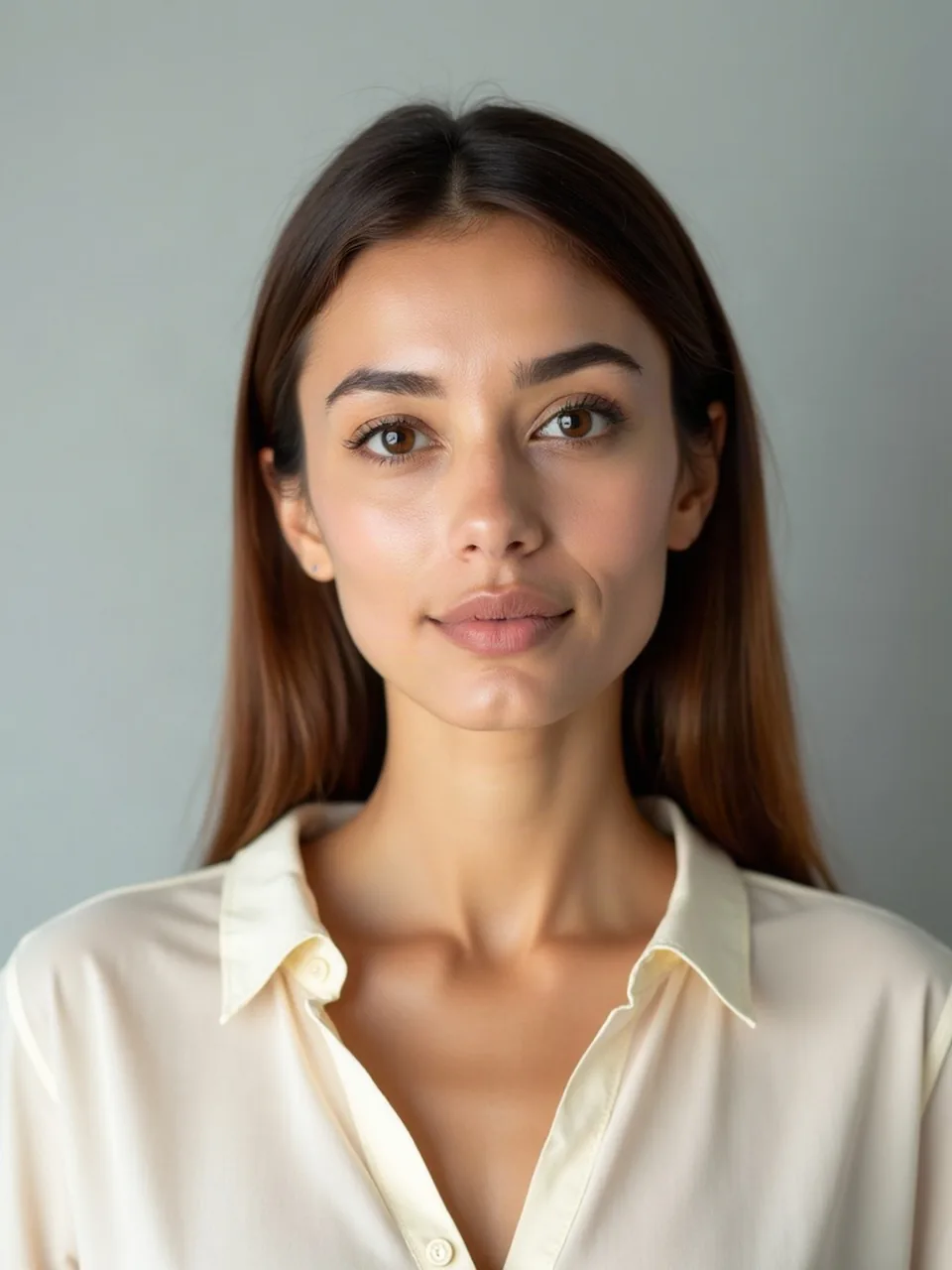
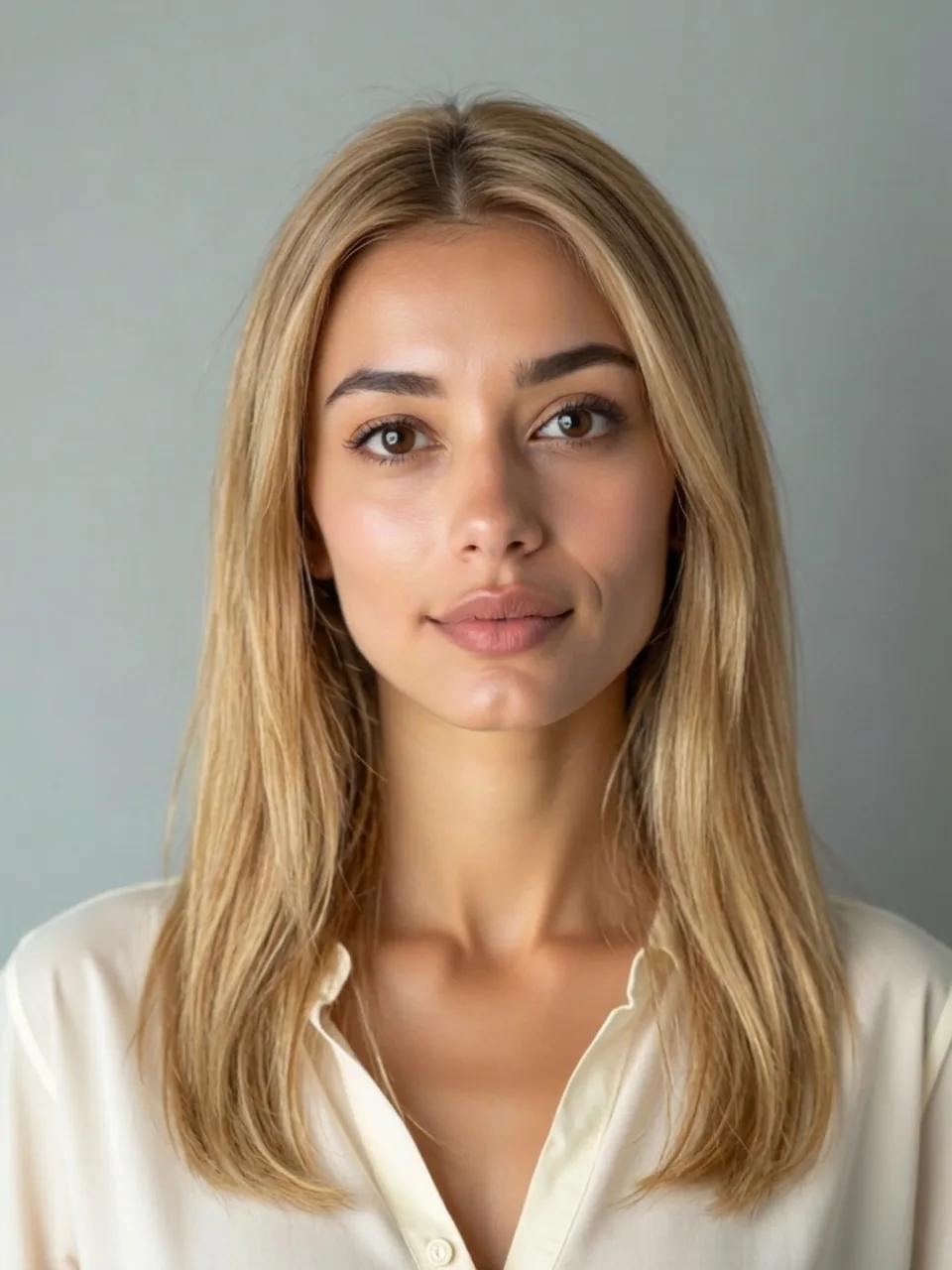
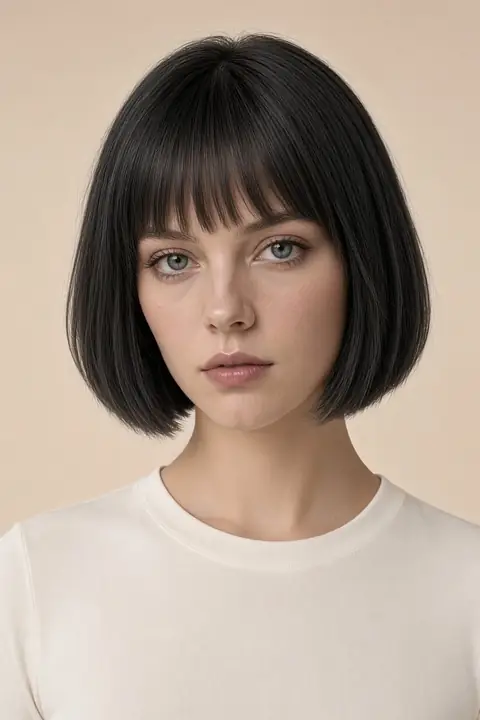
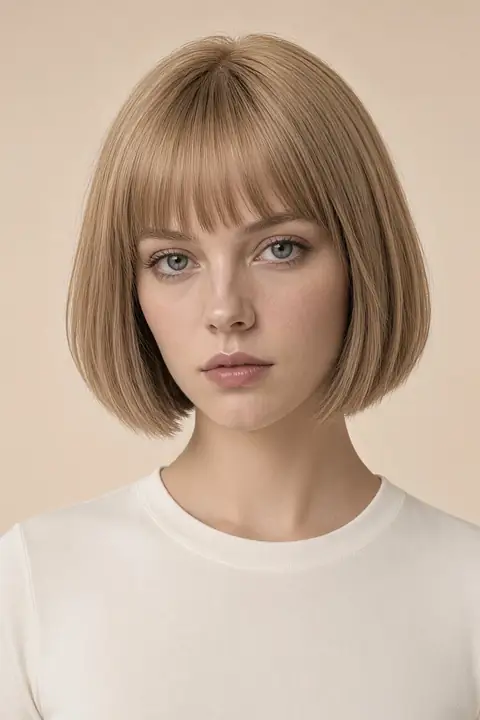
EasyFace’s black hair filter dyes the hair in your photo black and leaves the cut alone. What would I look like with black hair is about shine and contrast, not a new length. The strand can be a soft black that still reads brown in the sun, or a blue-black that looks wet in the shade. This page asks for black only. It will not hand you a slider between those two, and it will not walk you over to red.
What a black hair filter changes (and what it leaves alone)
The edit asks the hair to read as black, and it asks length, hairline, face, clothes, and background to remain. There is no second color hiding in the controls. The AI hair color changer is where you choose among colors, including brown and platinum, which have no pages of their own. This address stays black.
Soft black keeps a little warmth. In daylight you can still tell it was brown once, or that it is black the way many people's natural hair is black, without a dye's flatness. Blue-black drops that warmth and reflects a cool line along the crown, the way some dyes do under phone flash. The model likes the cool line because it reads instantly as "this hair is black" even at thumbnail size. If your result looks wet, check whether every strand carries the same blue highlight. Real shine moves. It sits on the curve that faces the lamp and disappears on the underside. A highlight that traces the hair like a racing stripe is the edit insisting.
People whose hair is already dark will see a smaller change, and that smaller change is easy to call a broken filter. Look at the part and at the ends, not at the silhouette. A dark brown that goes truly black loses the reddish edge in the sun and can make the skin next to it look lighter by contrast, without the skin itself changing. If you wanted a dramatic before-and-after, this page may disappoint you, and the disappointment is accurate. What would I look like with black hair, asked by someone who is already near black, is often "a little flatter, a little cooler." Keep that file. It is a better answer than a blue helmet invented to prove the button worked.
From blonde or gray, the same prompt is a large change. Gray at the temples should be covered if the prompt is doing its job, but the model sometimes leaves a silver wing because it treats gray as a facial feature. Inspect the temples separately from the crown. A single silver streak you did not ask for is residue, not a highlight service.
Black hair filter vs the AI hair color changer
This page will not switch you to brown, blonde, or red. Those choices live on the AI hair color changer, or on their own locked pages. What stays here is black.
Eyebrows are not required to go black with the hair. Many people dye one and not the other. We ask the face to stay, which includes the brows you uploaded. Brows that suddenly match a new blue-black, drawn sharper than yours, mean the edit redesigned the face to agree with the hair. Skin tone should stay put as well. Black hair increases contrast. It does not entitle the model to regrade your face darker or smoother so the portrait "balances."
Length is the audit. This page does not also change the cut. You should not receive a longer cut as a side effect of going darker. Nor should a bob appear on hair that was past the shoulders. The Long hair filter is the place to test length on purpose. Run it separately so a good black is not trapped inside a bad grow-out.
Clothes and background are the other audit. A black shirt appearing because the hair is black is the model rhyming. We asked it not to rhyme. If the collar changed, do not trust the hair edges in that image either. The hairline should be yours. A filled-in temple on a receding hairline is a redraw, not a property of dark dye.
Photos that show the dye
Photograph in daylight or near a window. Overhead kitchen light already puts a white streak on dark hair, and the model may preserve that streak as if it were a dye defect. Flash from the phone is worse: it blows a circle on the forehead and a matching circle on the crown, and black becomes a hole with two lamps in it. Hair down, part visible, no hat. If you wear glasses, leave them on. Dark frames plus black hair merge into one shape, and that merge is a real thing you would live with. A render that carefully outlines every frame in a lighter halo is avoiding the merge.
How to use the black hair filter names each control. Faces you do not want to publish can be blocked locally with Face blur.
 Hairstyles
 Facial hair
 Face
 Photo privacy
 Headshots
 Clothes
 Enhance
 Background
 Remove