How to use the black hair filter
Black hair filter is the tool these steps use.
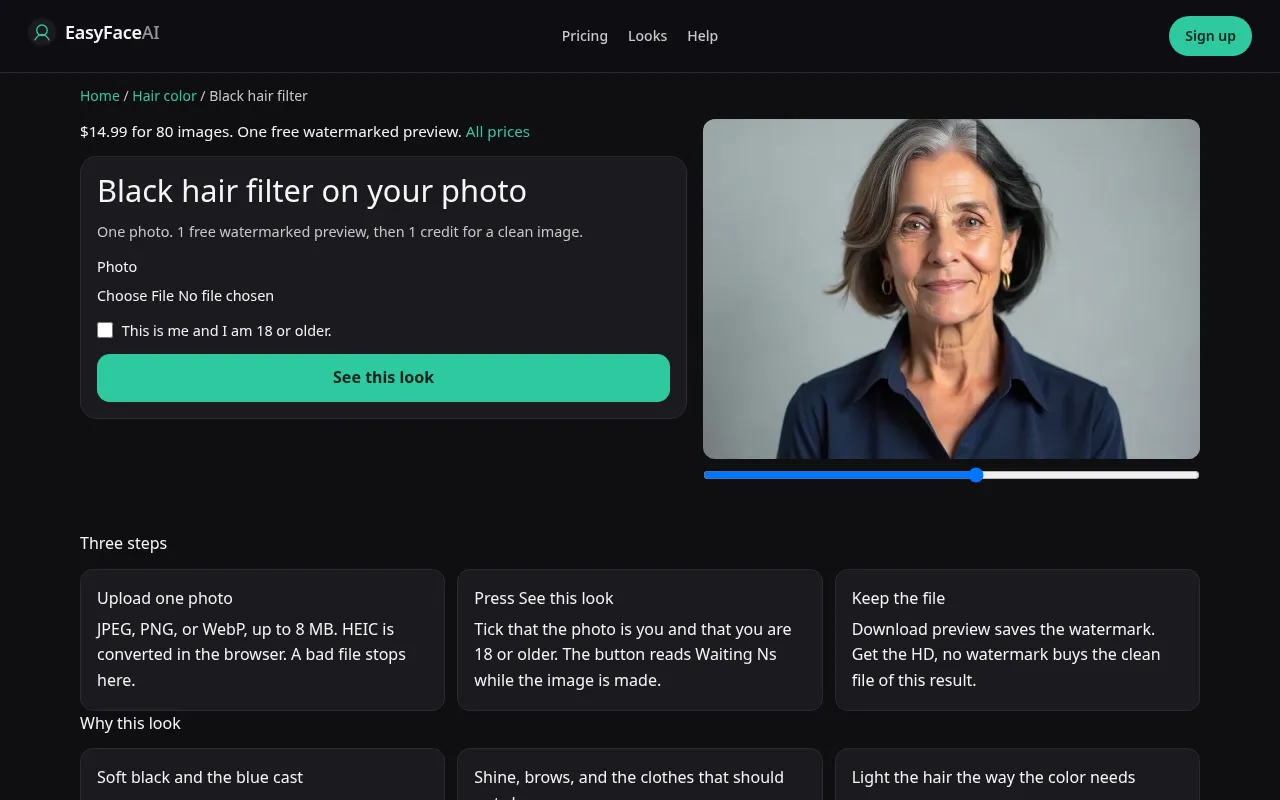
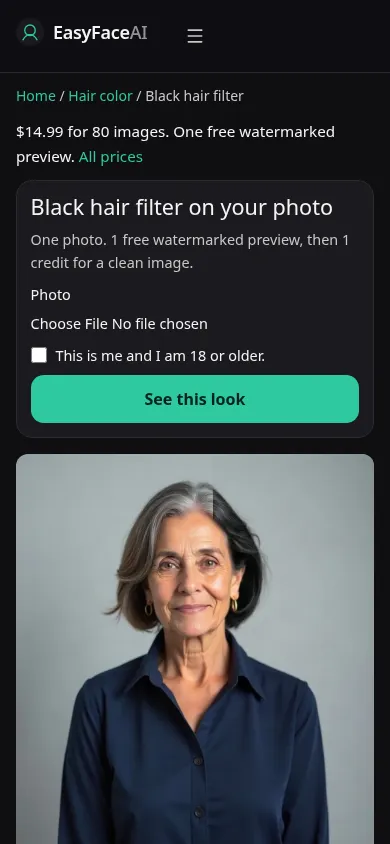
You get black hair on the length you uploaded, with whatever shine the model attaches. If your hair is already dark, expect a small move and do not rerun until a blue helmet appears just to prove the button works. This is the operating sequence for that locked color.
Open the look
Open Black hair filter. The outcome is already selected.
Add your photo
Choose a JPEG, PNG, or WebP. Tick “This is me and I am 18 or older.”
Press See this look
The button reads Waiting Ns while the image is made. A bad file stops before any charge.
Download
Download preview saves the watermark. Get the HD, no watermark buys the clean file of this result.
Open the tool
Open the Black hair filter. The page is black only. Brown is not a nearby toggle. If you wanted the five-color list, leave and use the chooser. This help file will not switch the pigment for you.
Check the sample
/looks/hair-color/black/black-help-desktop.webp shows the working black-hair tool at desktop width: sample adult with dark hair, a visible part, upload, checkbox, See this look. /looks/hair-color/black/black-help-mobile.webp is 390 pixels wide, sample stacked above the controls so the shine on the crown is something you can see before uploading. These product screenshots were captured from the working page, not a soft-black versus blue-black selector.
Upload
JPEG, PNG, or WebP. HEIC is converted in the browser to JPEG before upload. Keep it under 8 MB, short edge at least 256 pixels. Skip on-camera flash. Flash blows a hole in the crown of dark hair and the model may keep that hole as if it were the dye. Window light, hair down, temples visible if gray lives there. Glasses on, if you wear dark frames, because the frames and the hair merge in real life.
Confirm and run
Mark "This is me and I am 18 or older." See this look starts the black prompt. Waiting Ns is a second counter. A long count is not a deeper black being mixed. Do not submit a second time from another device hoping one of them will stay soft black. Two successes are two images, and the free proof can only cover one.
Read the preview
Logged-out visitors have a single watermarked look preview, 800 pixels on the long edge, EASYFACE diagonal, tracked with IP and cookie. It does not reset overnight. Download preview stores the marked file. Judge the part and the ends, not the silhouette. A racing-stripe highlight on every strand leans blue-black. Try another photo if flash ruined the source. It will not refund a preview that already came back successfully, even if the black was smaller than you hoped.
Save the HD
The unmarked HD costs 1 credit. Get the HD, no watermark is the $14.99 pack button, 80 credits. Other prices are on Pricing. If generation fails, there is no charge: credits are refunded, and photos are deleted from private storage on the schedule in How photos are handled. Download saves the HD after the credit is used on a success.
When it fails
The usual rejects, empty or huge or tiny or unchecked, never reach the model and do not charge. A missing key fails clean. If the image succeeds and the shirt turned black to match, or the brows were redrawn, the hold failed. A silver wing left on an otherwise black head is residue, not a highlight you ordered. Retry with daylight and the temples in frame.
Last updated: 2026-10-08.