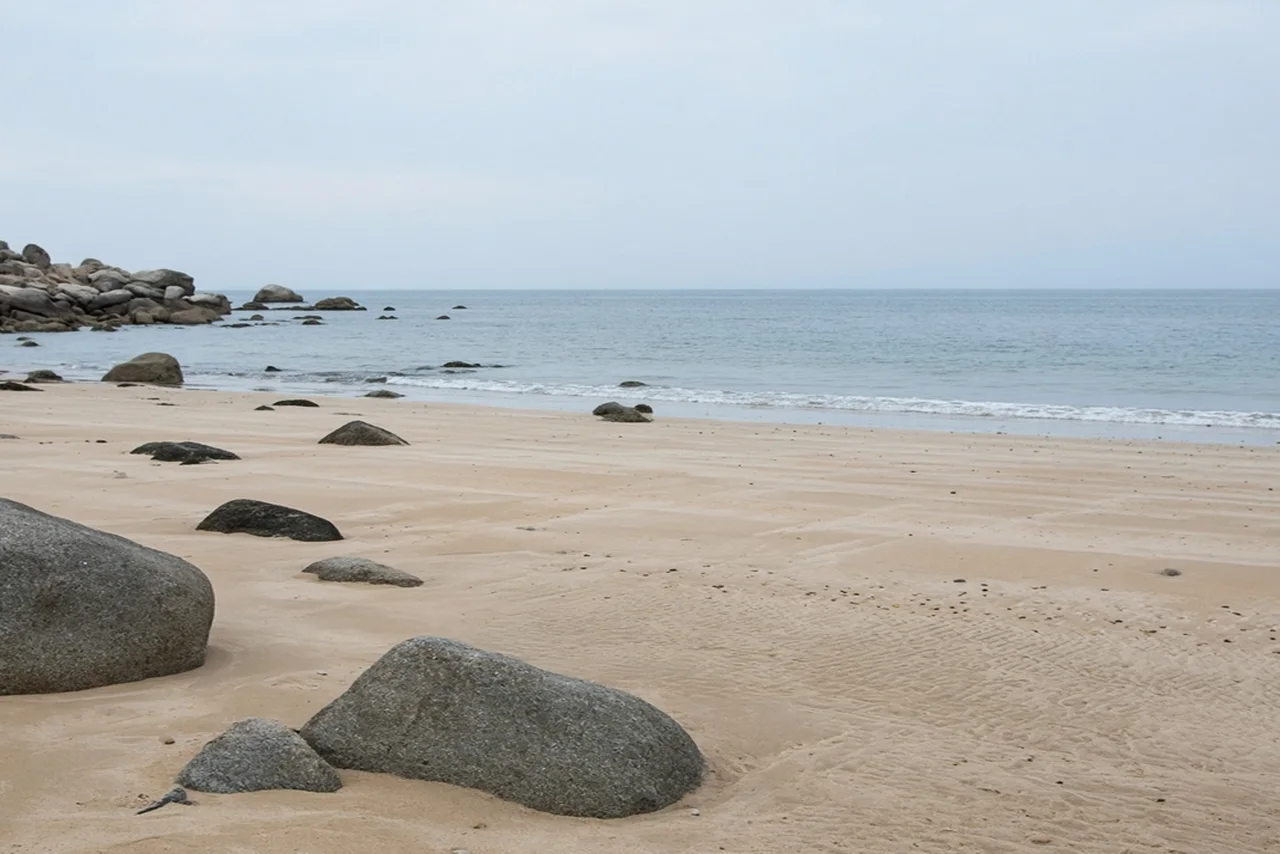
 BeforeAfter
Use this when the crop is tight. The person should not slide to a new place.
How to use image extender
Upload a photo
JPEG, PNG, or WebP. Tick that the photo is yours and that you are 18 or older.
Generate
This page does one job. It does not also change the haircut unless that is the page you opened.
Preview, then download
The first watermarked preview is free. The clean file is one credit. A failed run does not keep it.
Why this page
- The subject stays put
A moved face means the edit failed.
- Same scene
The new edge should continue the room or backdrop you uploaded.
FAQ
Can I pick a new aspect ratio?
No. The page extends the frame. It does not offer a ratio menu.