How to use the bob haircut filter
Bob haircut filter is the tool these steps use.
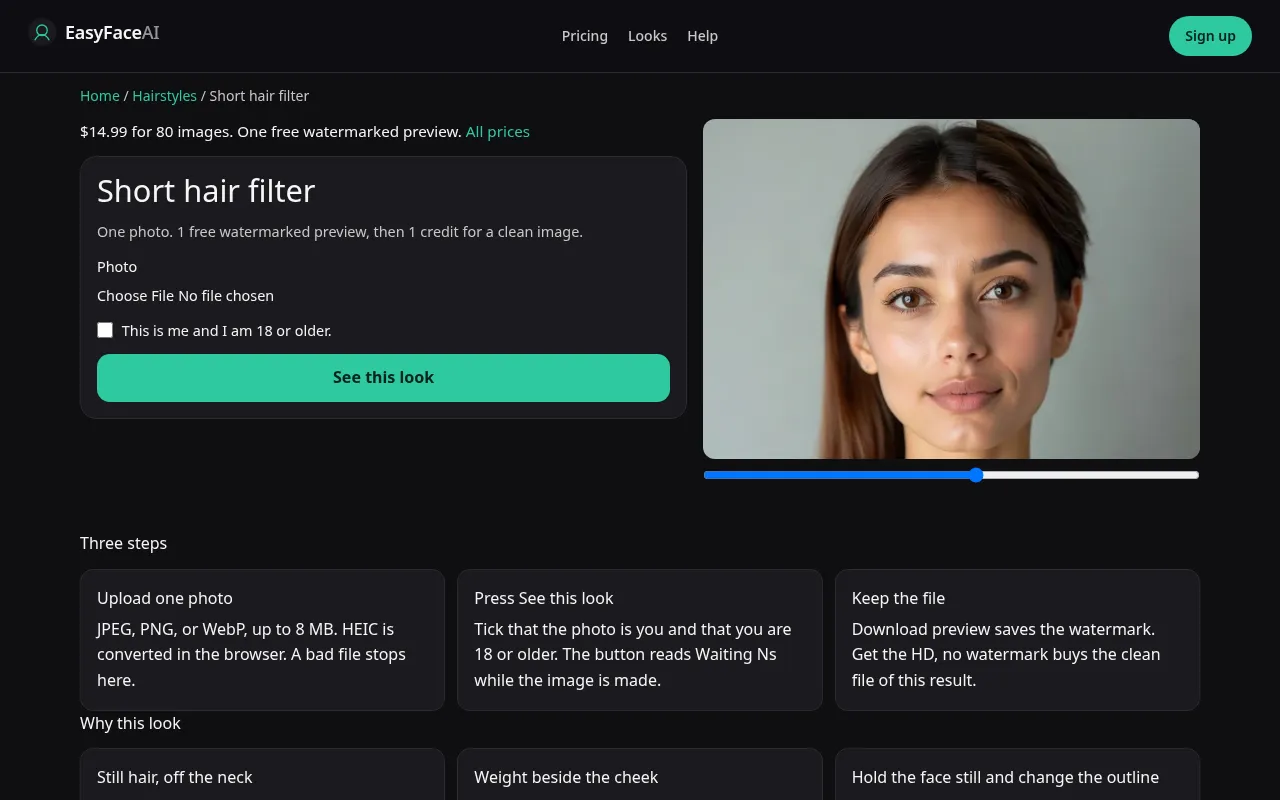
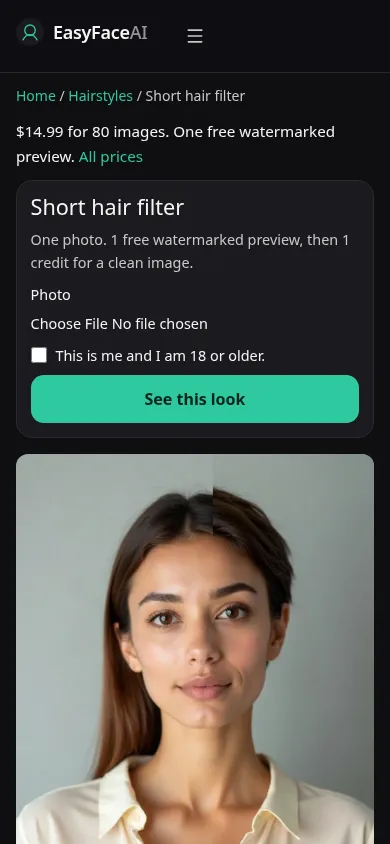
This page runs a chin-length bob with straight bangs. It does not run a clipper crop.
Open the look
Open Bob haircut filter. The outcome is already selected.
Add your photo
Choose a JPEG, PNG, or WebP, then press Generate.
Press Generate
The button counts the seconds while the image is made. A bad file stops before any charge. Press it again if the run fails. Nothing was charged.
Download
Download saves the full-size image. There is no watermark.
Open the tool
Open the Bob haircut. The address still says short-hair. The title on the page says Bob haircut. If the sample is a buzz, you are on the wrong page.
Upload
JPEG, PNG, or WebP, up to 8 MB. Wear the hair down so the jaw is visible.
Read the result
The ends should sit near the jaw, with a fringe. Stubble means this run missed. Your first result is free, with no watermark.
If other people are in the frame, blur their faces before you post. The blur runs in the browser and does not spend this look.
Packs and plans are on credit pricing.