How to use the curly hair filter
Curly hair filter is the tool these steps use.
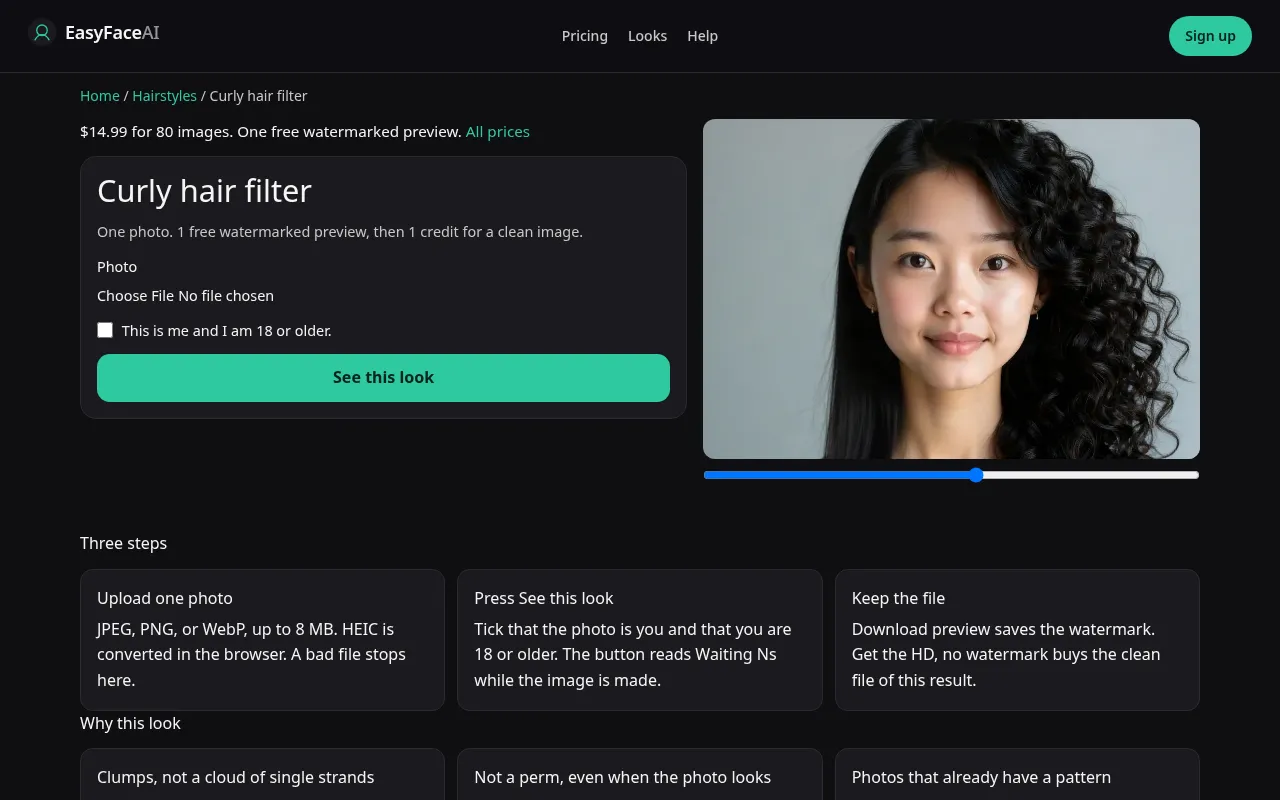
You get a curly reading of your hair: clumps or a halo, usually with shrinkage, on your adult face. It is not the perm prompt. If the waves come back as loose S shapes with no spiral, this run undershot, and the buttons below are how you got there.
Open the look
Open Curly hair filter. The outcome is already selected.
Add your photo
Choose a JPEG, PNG, or WebP. Tick “This is me and I am 18 or older.”
Press See this look
The button reads Waiting Ns while the image is made. A bad file stops before any charge.
Download
Download preview saves the watermark. Get the HD, no watermark buys the clean file of this result.
Open the tool
Open the Curly hair filter. Check the URL before you upload. The perm page uses a different model and will not honor this enum, and this page will not honor a roller size.
Check the sample
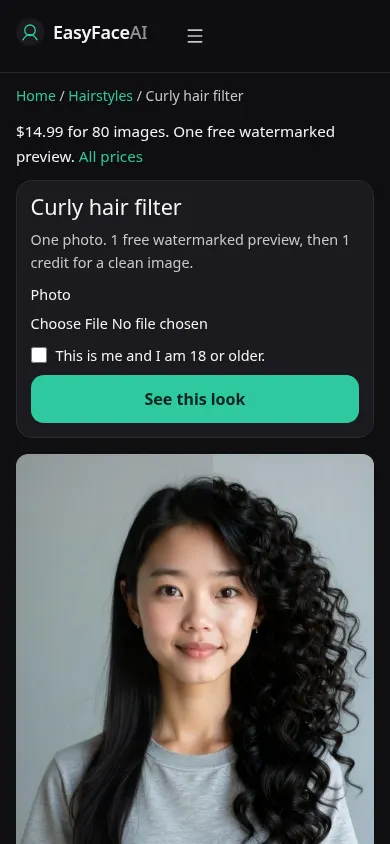
The desktop file /looks/hairstyles/curly-hair/curly-hair-help-desktop.webp shows the working curly tool: sample adult with visible curl clumps rather than a flat wave, upload, checkbox, See this look. The phone file /looks/hairstyles/curly-hair/curly-hair-help-mobile.webp is 390 pixels wide, sample stacked first so the outline of the curls is on screen with the controls. Both screenshots of the UI were taken from the working page. The sample's shine is not a frizz forecast for your city.
Upload
JPEG, PNG, or WebP. HEIC converts in the browser to JPEG before upload. Maximum 8 MB. Short edge at least 256 pixels. If you already have curls, photograph them air-dried. Wet hair shows a length you do not wear. Freshly brushed hair shows a halo you manufactured, and the model will treat that halo as the style. If your hair is straight, a plain daylight portrait is enough. Do not hold up someone else's curl photo beside your head.
Confirm and run
Tick "This is me and I am 18 or older." See this look sends curly_hair with natural color. Waiting Ns is the elapsed-second label. It is not a shrinkage calculator. Waiting 11s does not mean the model is measuring your wet length. Stay on the page until it resolves.
Read the preview
One watermarked preview per logged-out visitor, for all looks: long edge 800 pixels, EASYFACE diagonally, tracked by IP and cookie, not refilled daily. Download preview writes it to your device. Inspect the crown for a wig-smooth root, and the outline for identical glossy flyaways. Try another photo if you sent a soaking-wet source. The button does not create a second free proof after a success.
Save the HD
HD without the watermark costs 1 credit. The paywall control is Get the HD, no watermark, aimed at the $14.99 pack of 80 credits. Other prices are listed on Pricing. If generation fails, there is no charge: credits are refunded, and photos are deleted from private storage on the schedule in How photos are handled. Download is the HD action, separate from Download preview.
When it fails
A bad file or a missing checkbox never starts the job and never charges. Same for a missing model key. If the job finishes and the hair is a cloud of single strands with chrome highlights, the model invented frizz. If the length category jumps to the waist, it ignored the photo's mass. Retry from a dry, shoulder-visible frame. Comparing with the perm page is a second tool, not a mode inside this wait state.
Last updated: 2026-10-08.