How to use the long hair filter
Long hair filter is the tool these steps use.
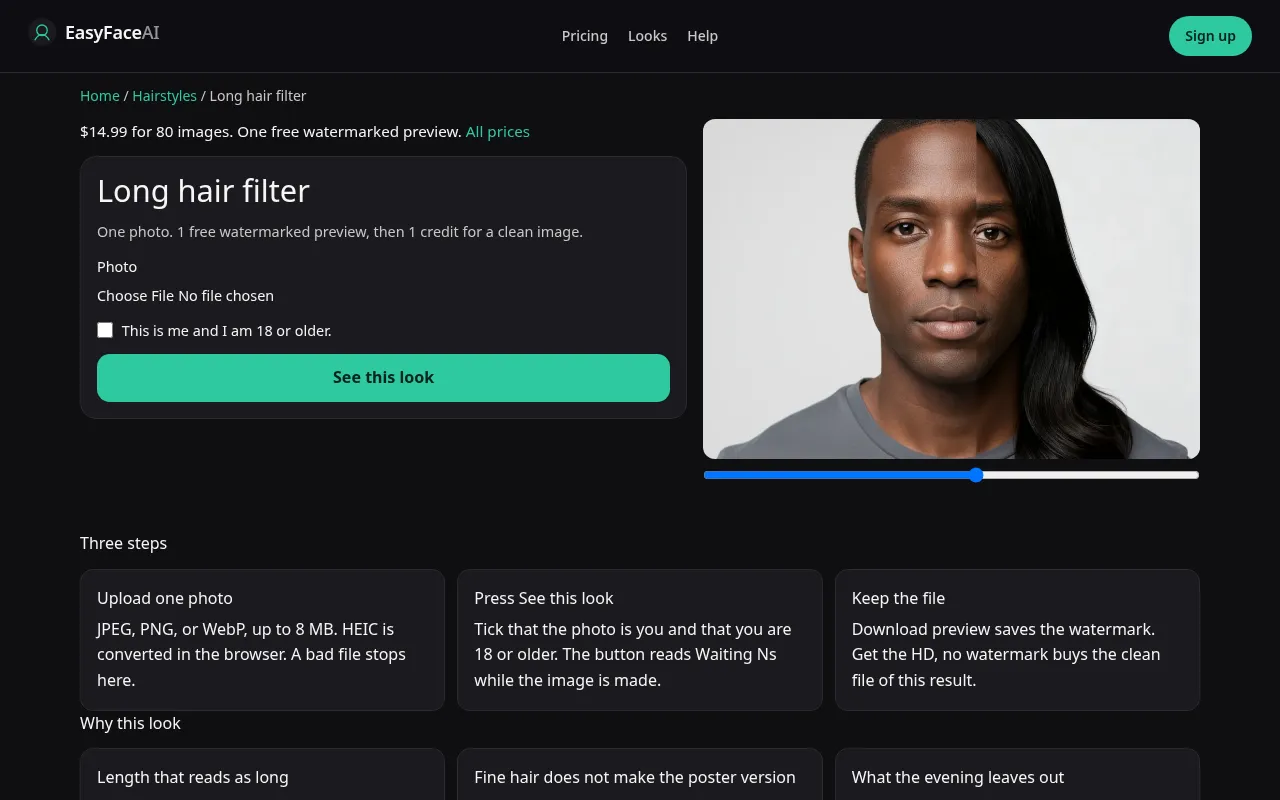
You get one evening of long hair on your adult photo. The years of grow-out, the collar stage, and the drying time are not in the file. This article is how to run that single picture without mistaking a bun for a source.
Open the look
Open Long hair filter. The outcome is already selected.
Add your photo
Choose a JPEG, PNG, or WebP. Tick “This is me and I am 18 or older.”
Press See this look
The button reads Waiting Ns while the image is made. A bad file stops before any charge.
Download
Download preview saves the watermark. Get the HD, no watermark buys the clean file of this result.
Open the tool
Open the Long hair filter. You want the long-hair control, natural color, not the curly enum and not a dye page. The sample should show length that passes the jaw and has somewhere to land.
Check the sample
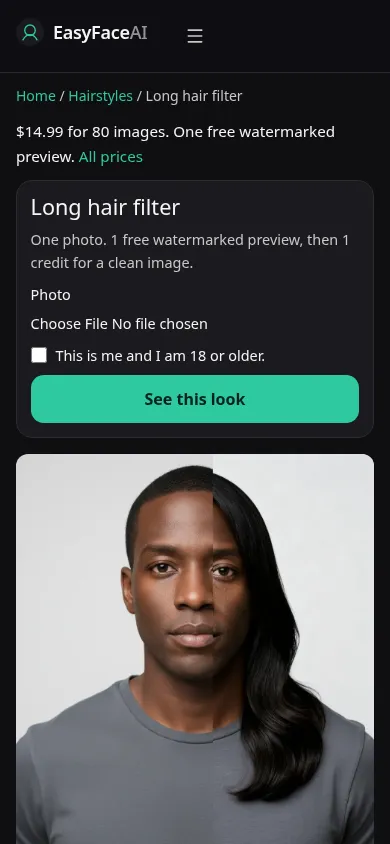
/looks/hairstyles/long-hair/long-hair-help-desktop.webp is a desktop screenshot of the working tool: sample adult with hair toward the shoulders, part visible, shoulders in frame, plus the picker, the checkbox, and See this look. /looks/hairstyles/long-hair/long-hair-help-mobile.webp is the 390-pixel-wide crop of that same tool, sample on top so the ends are not cut off by the fold. These interface photos were captured from the working page. The sample's part is not a control you can copy.
Upload
JPEG, PNG, or WebP. HEIC is converted in the browser to JPEG before the upload. Under 8 MB. Short edge at least 256 pixels. Hair down, shoulders included. A bun forces the model to invent both length and thickness. Fine hair should be photographed where the scalp along the part is visible, or the heavy sheet you get back will have nothing true to contradict it.
Confirm and run
Confirm "This is me and I am 18 or older." Press See this look. Waiting Ns ticks in seconds. The wait is not rendering the awkward middle months. Those months are absent on purpose. Do not cancel and resubmit because the status feels slow. A slow Waiting 25s that succeeds is one image. Two overlapping submits can be two credits if you are already paying.
Read the preview
Logged-out success uses the one free proof: 800-pixel long edge, diagonal EASYFACE watermark, IP plus cookie, no next-day refill, no signup credits. Download preview keeps it. Put it beside the original and find the ends. Density that exploded, or a shirt that turned into a drape, means the edit wandered. Try another photo if the source was tied up. A second free success will not appear just because the first length looked like a wig.
Save the HD
1 credit removes the watermark. Get the HD, no watermark is how the $14.99 pack of 80 credits is offered from this page. The other figures are on Pricing. If generation fails, there is no charge: credits are refunded, and photos are deleted from private storage on the schedule in How photos are handled. Download saves HD only after that success.
When it fails
Empty, too big, too small, or unchecked: the model is never called, and nothing is charged. A missing key fails clean. A returned image can still be useless: poreless scalp along a painted part, a single sausage curl on straight ends, hair floating because the crop had no shoulders. Retry with a shoulder-inclusive frame. Do not read a thick result as proof fine hair will gain mass while it grows.
Last updated: 2026-10-08.