How to use the mustache filter
Mustache filter is the tool these steps use.
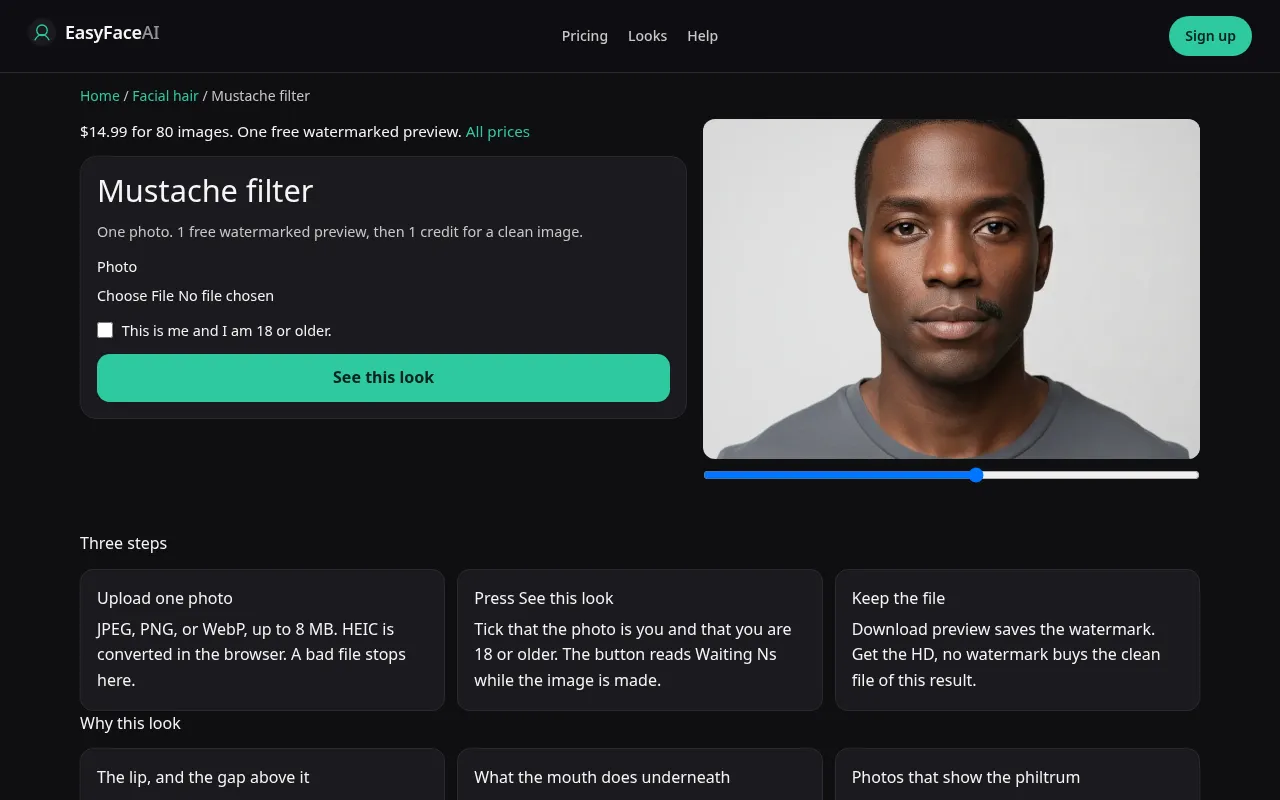
You get hair on the upper lip only. Chin and cheeks stay bare. The useful measurements are lip width and the gap under the nose. This article is how to run that narrow edit without using the beard tool by accident.
Open the look
Open Mustache filter. The outcome is already selected.
Add your photo
Choose a JPEG, PNG, or WebP. Tick “This is me and I am 18 or older.”
Press See this look
The button reads Waiting Ns while the image is made. A bad file stops before any charge.
Download
Download preview saves the watermark. Get the HD, no watermark buys the clean file of this result.
Open the tool
Open the Mustache filter. If the sample covers the cheeks, you are on the beard page. Leave. A beard result cannot be cropped into a mustache after the fact without you still remembering the cheeks.
Check the sample
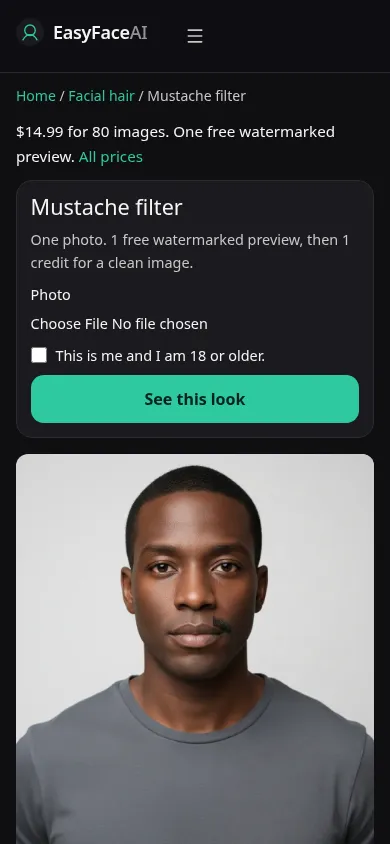
/looks/facial-hair/mustache/mustache-help-desktop.webp is the desktop screenshot of the working mustache tool: sample adult, hair confined to the upper lip, a little skin still in the philtrum, picker, checkbox, See this look. /looks/facial-hair/mustache/mustache-help-mobile.webp is the 390-pixel-wide version, sample close enough that the gap under the nose is visible on a phone. Both UI screenshots were captured from the working page, not a thickness menu.
Upload
JPEG, PNG, or WebP. HEIC converts in the browser to JPEG before upload. File under 8 MB. Short edge at least 256 pixels. Face the camera, upper lip in focus, glasses on if you wear them. Do not start from a full beard. Deleting cheeks and drawing a lip in one pass leaves stubble. A three-quarter view with the mouth in shadow lets the model guess the width.
Confirm and run
Tick "This is me and I am 18 or older." See this look sends the lip-only prompt. Waiting Ns counts seconds. It will not let you set a pencil line versus a full strip while the clock moves. One request, one growth. Stay until Waiting Ns clears. A double submit is how you pay twice for two guesses.
Read the preview
Logged out, the first success spends the only free look preview: 800 pixels long edge, EASYFACE diagonal, IP and cookie, no next-day refresh. Download preview saves the marked image. If hair crossed the corners of the mouth onto the cheeks, or landed on the chin, the address was wrong. Cover the mustache with your thumb and see whether the lip itself was redrawn. Try another photo with a clearer philtrum. It will not grant a second free success.
Save the HD
1 credit removes the watermark. Get the HD, no watermark is the $14.99 pack of 80 credits. Other prices live on Pricing. If generation fails, there is no charge: credits are refunded, and photos are deleted from private storage on the schedule in How photos are handled. Download is the HD save.
When it fails
Empty, too large, too small, or unchecked: no model call and no charge. Missing key: clean unpaid failure. A finished image with cheek hair is a completed miss. So is a mustache grown up into the nostrils when you have a long philtrum. Retry from a front photo without an existing beard. Do not switch to the beard page mid-wait and expect this result to trim itself.
Upper lip only
Hair stays on the upper lip. The chin, the jaw, and the cheeks are not part of the request. A handlebar, a pencil, and a chevron are not separate buttons. The model picks one mustache shape. If you already have a full beard, this is the wrong page: it is not a trim that keeps the chin. Use the no-beard page when the lip should be clear too. The goatee filter keeps both chin and lip. A cheek that grows hair has left the brief.
Last updated: 2026-10-08.