How to use the goatee filter
Goatee filter is the tool these steps use.
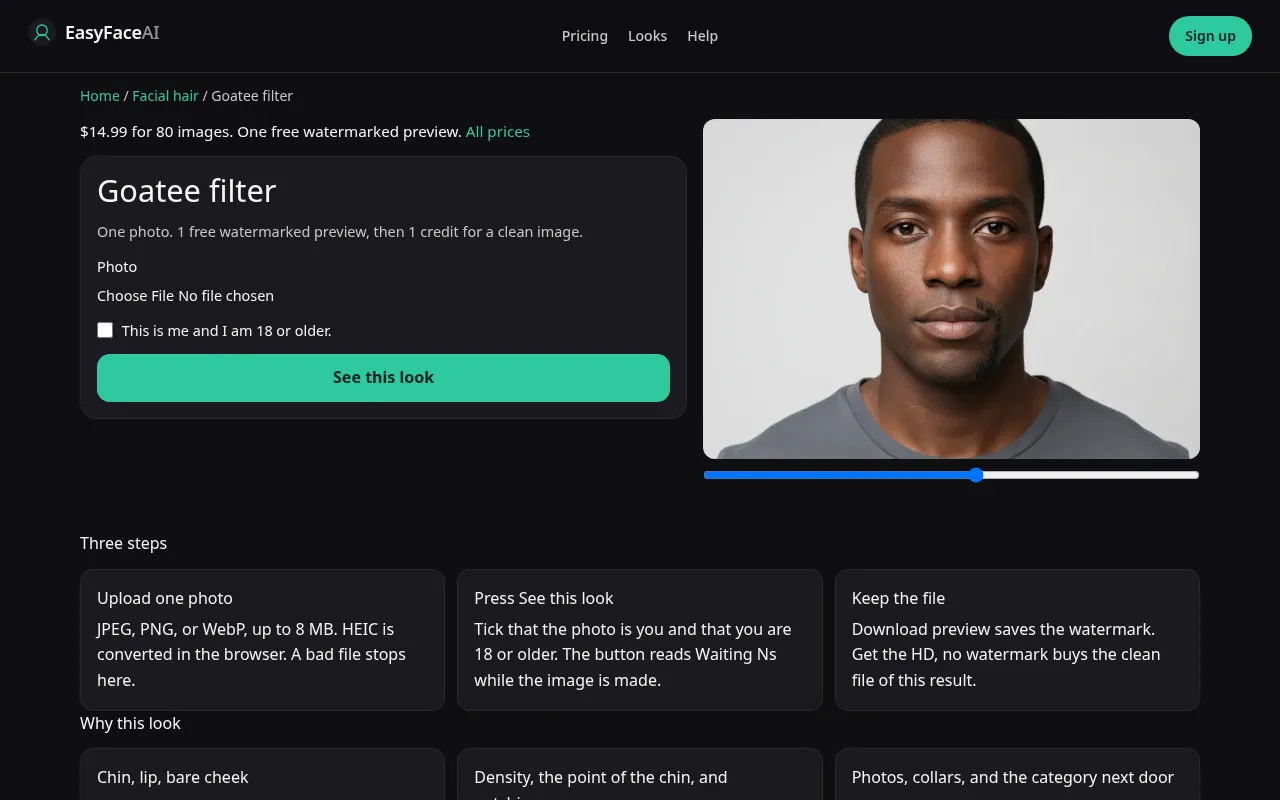
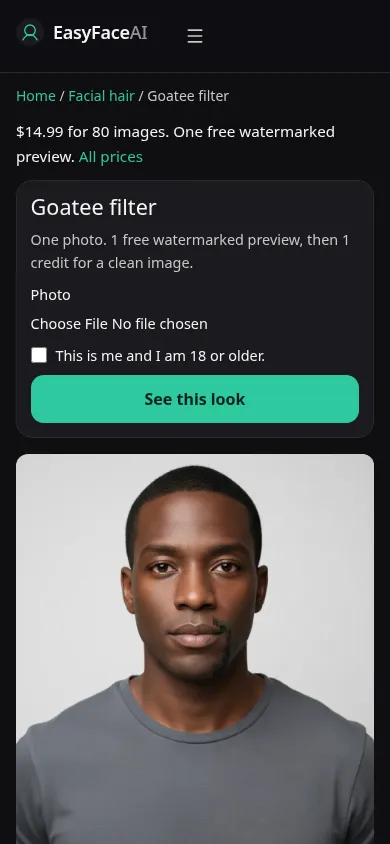
You get hair on the chin and the upper lip, and bare cheeks. If the model draws toward the sideburn, that file is a miss, not a stronger goatee. The clicks below are how you produce the image you then have to reject or keep.
Open the look
Open Goatee filter. The outcome is already selected.
Add your photo
Choose a JPEG, PNG, or WebP. Tick “This is me and I am 18 or older.”
Press See this look
The button reads Waiting Ns while the image is made. A bad file stops before any charge.
Download
Download preview saves the watermark. Get the HD, no watermark buys the clean file of this result.
Open the tool
Open the Goatee filter. The mustache tool omits the chin. The beard tool covers the cheeks. Neither mistake can be fixed by renaming the result.
Check the sample
/looks/facial-hair/goatee/goatee-help-desktop.webp shows the working goatee tool on desktop: sample adult, chin and lip haired, cheeks visibly bare, upload, checkbox, See this look. /looks/facial-hair/goatee/goatee-help-mobile.webp is 390 pixels wide, sample stacked so the bare cheek is on screen and not cropped into a beard by the phone width. These screenshots of the product were captured from the working page. The sample point under the chin is not a length slider.
Upload
JPEG, PNG, or WebP. The browser converts HEIC to JPEG before upload. Under 8 MB. Short edge at least 256 pixels. Front-facing, chin fully in frame, collar down. A high collar hides the exact edge where the hair should stop. A full beard as the source asks for deletion and addition together, and cheek shadow survives. Light stubble or a bare lower face is the clearer input.
Confirm and run
Mark "This is me and I am 18 or older." See this look runs the chin-and-lip prompt. Waiting Ns is elapsed seconds. It is not a trimmer you can steer off the cheek during the count. Wait for the image, then look at the cheek. Canceling and redrawing the box in your head does nothing. There is no box.
Read the preview
One watermarked preview for logged-out visitors, all looks included: long edge 800 pixels, diagonal EASYFACE watermark, IP and cookie, no daily refill. Download preview stores it. Audit in order: chin pad, upper lip, then cheek skin. Hair on the cheek fails the audit. A paintbrush point far below the jaw overshot "on the chin." Try another photo if a collar ate the jaw. Success does not leave a spare free proof behind.
Save the HD
HD, no watermark, costs 1 credit. Get the HD, no watermark is the button for the $14.99 pack of 80 credits. Remaining prices are on Pricing. If generation fails, there is no charge: credits are refunded, and photos are deleted from private storage on the schedule in How photos are handled. Download applies to the HD after it exists.
When it fails
The file rejects and a missing checkbox never call the model. No charge. A missing key fails clean. A returned chin strap, mouth to ear, is a finished failure. So is a lonely chin patch with no lip. Retry from a photo where both cheeks are visible and unobstructed. Do not pay for the HD of a cheek that did not stay bare.
Chin and lip only
The goatee is the chin plus the upper lip, with the cheeks left bare. It is not a full beard that happens to be shorter, and it is not a mustache with a soul patch added afterward. If the source beard covers the cheeks, this page is asking the model to clear those cheeks. A shave of everything, including the chin, is the no beard filter. Sideburns are not their own control. Hair that remains on the cheek is a failed goatee even if the chin looks right.
Last updated: 2026-10-08.