How to use the beard filter
Beard filter is the tool these steps use.
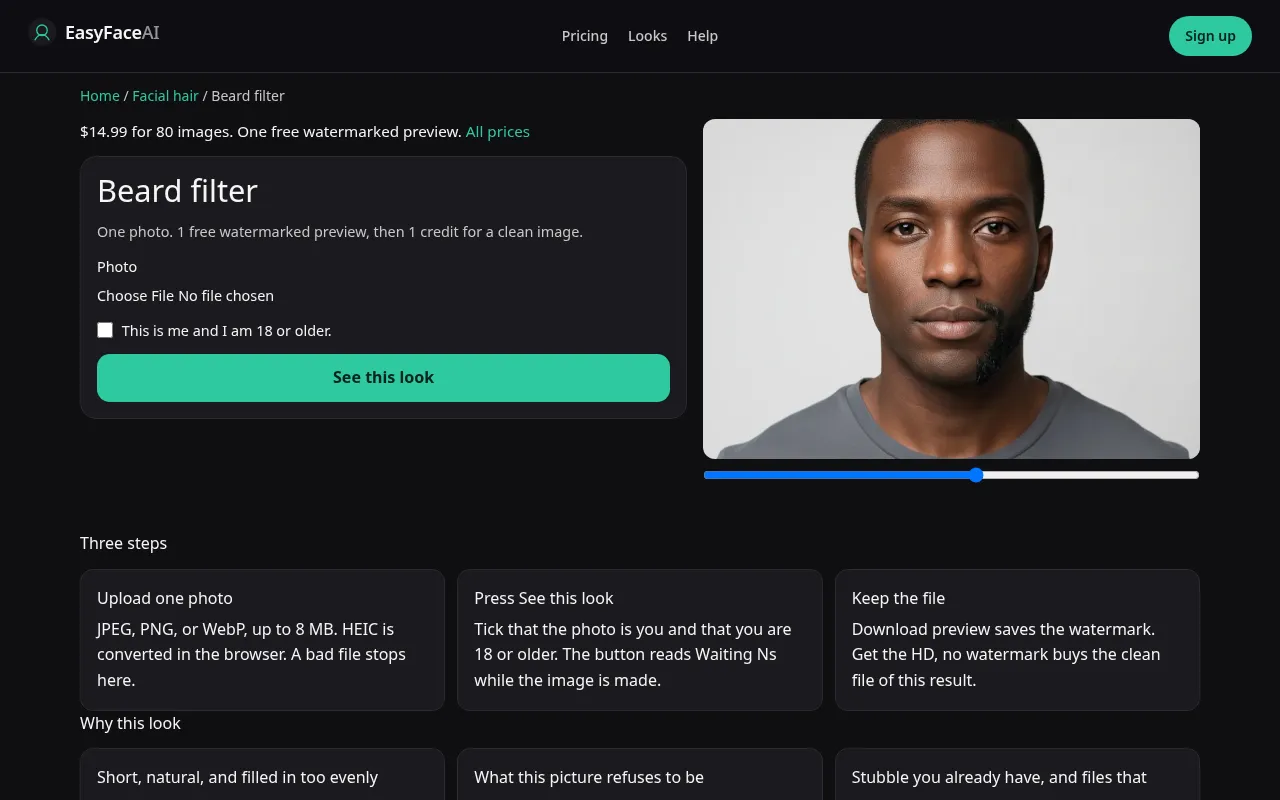
You get a short natural beard on your adult face: cheeks covered, jaw still readable, neck line wherever the model stops it. This is not a clean-shaven portrait and not a dedicated beard model. The beard-change endpoint 404s. The steps below run the edit prompt instead.
Open the look
Open Beard filter. The outcome is already selected.
Add your photo
Choose a JPEG, PNG, or WebP. Tick “This is me and I am 18 or older.”
Press See this look
The button reads Waiting Ns while the image is made. A bad file stops before any charge.
Download
Download preview saves the watermark. Get the HD, no watermark buys the clean file of this result.
Open the tool
Open the Beard filter. Mustache and goatee are other pages because those keep the cheeks bare. If the sample on screen is hairless, you are in the wrong help file.
Check the sample
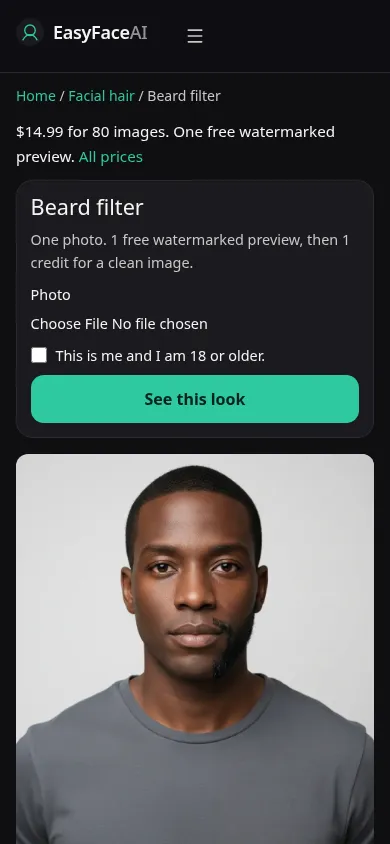
/looks/facial-hair/beard/beard-help-desktop.webp is the desktop screenshot of the working beard tool: sample adult with a short beard, cheek line below the eye, collar open, upload, checkbox, See this look. /looks/facial-hair/beard/beard-help-mobile.webp is the 390-pixel-wide stack, beard sample first so the neck is not cropped out of the example. Both UI shots were captured from the working page. The sample's density is not a promise about patchy cheeks.
Upload
JPEG, PNG, or WebP. HEIC converts in the browser to JPEG before upload. Under 8 MB. Short edge at least 256 pixels. Cheek skin visible, collar down, no hand on the chin. If you already have patchy stubble, leave it visible. That stubble is the correction for a render that fills every gap. A hat shadow across the jaw makes the cheek line a guess.
Confirm and run
Tick "This is me and I am 18 or older." See this look adds the beard. Waiting Ns counts seconds. It is not growing follicles in stages. You cannot pause at day ten. A short beard is the whole request, and the wait ends with one image, even or patchy as the model decides.
Read the preview
One logged-out preview for all looks: long edge 800 pixels, EASYFACE on a diagonal, IP and cookie, no daily reset, no signup credits. Download preview saves the watermark. Look at where the cheek hair stops and where the neck hair stops. Even coverage on skin that was bare in the source is the flattering fill, not a growth calendar. Try another photo if the collar hid the throat. It does not unlock a second free proof.
Save the HD
1 credit for HD without the watermark. Get the HD, no watermark is the $14.99 pack of 80 credits. Other prices are on Pricing. If generation fails, there is no charge: credits are refunded, and photos are deleted from private storage on the schedule in How photos are handled. Download is the HD control after success.
When it fails
Empty, oversized, tiny, or unchecked files never call the model and never charge. A missing key fails clean. A finished beard that hangs to the chest ignored "short." A new nose or a receded hairline means the edit left the jaw. Do not keep those. Retry with the neck in frame. Removal of a beard is the other tool, not a second reading of this preview.
How short this beard is
The beard here is a short jaw line. It is not a long beard and it is not a stubble slider. Cheeks fill in only as far as that short shape needs. A clean-shaven source is getting hair added. A source that already has a beard is being restyled to this shorter line, not trimmed by a length you pick. A mustache with a bare chin is the mustache filter. Chin plus lip, cheeks bare, is the goatee page. This button will not do either of those on request.
Last updated: 2026-10-08.