How to use the bald filter
Bald filter is the tool these steps use.
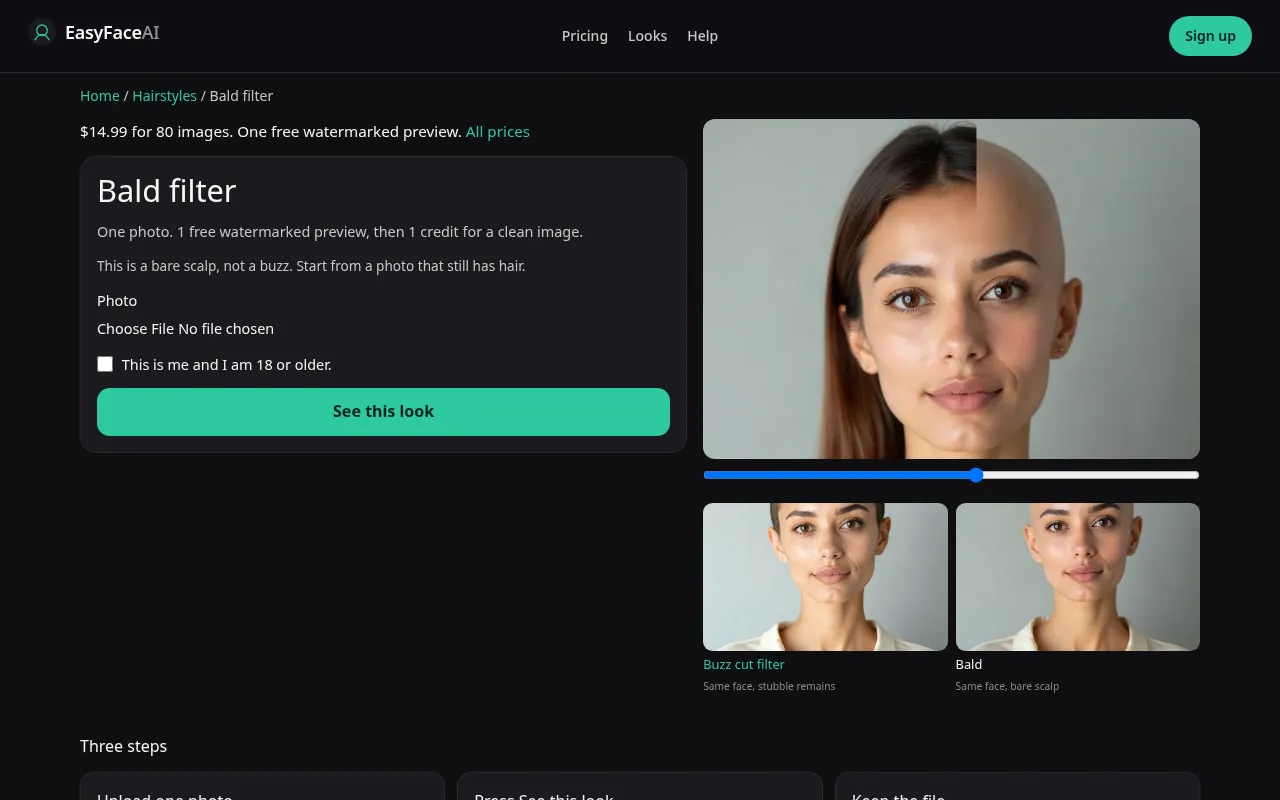
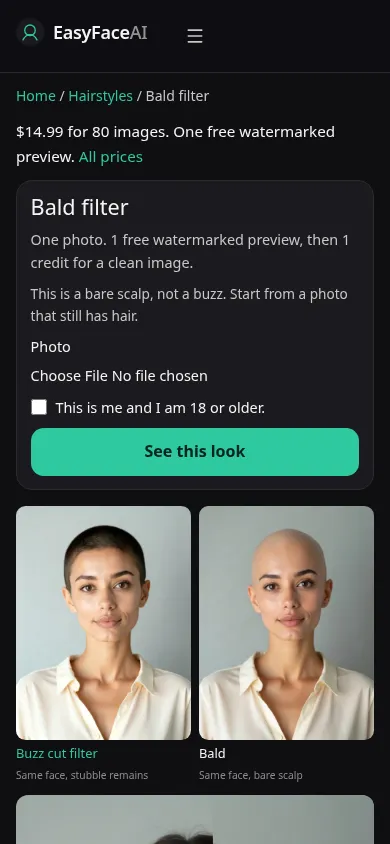
You get a bald scalp on an adult photo of yourself: skin, not a 1-guard shadow. Shine and head shape are the point. This article is how the screen behaves when you ask for that, including the case where a buzz photo makes the change impossible to see.
Open the look
Open Bald filter. The outcome is already selected.
Add your photo
Choose a JPEG, PNG, or WebP. Tick “This is me and I am 18 or older.”
Press See this look
The button reads Waiting Ns while the image is made. A bad file stops before any charge.
Download
Download preview saves the watermark. Get the HD, no watermark buys the clean file of this result.
Open the tool
Go to the Bald filter. Do not start on the buzz page and squint. The two prompts are different models. Bald is an edit that removes hair. The sample on this URL should already look like skin.
Check the sample
The wide shot /looks/hairstyles/bald/bald-help-desktop.webp shows the working bald tool with a sample adult scalp, ears still in frame, the upload field, the 18+ checkbox, and See this look. The narrow shot /looks/hairstyles/bald/bald-help-mobile.webp is that layout at 390 pixels wide: scalp sample first, controls stacked, so you can tell you are not looking at clipper stubble before you add a file. These UI screenshots were captured from the working page, not before-and-after portraits of a customer.
Upload
Bring JPEG, PNG, or WebP. HEIC is converted in the browser to JPEG before it uploads. Stay under 8 MB, and keep the short edge at 256 pixels or more. The useful file still has hair. A buzz photo is the wrong input: almost nothing is left to remove, and the edit either keeps the pepper or replaces it with a plastic cap. Include the neck. A crop at the chin lets the model guess the nape, which is most of what other people see.
Confirm and run
Check "This is me and I am 18 or older." Then See this look. Waiting Ns is the clock while the edit runs. The N is seconds. Waiting 9s does not mean a queue position you can pay to skip. Leave the tab open. This request is not a medical timeline, and the wait is not computing a date when hair loss finishes.
Read the preview
Success while logged out spends the single site-wide free proof: 800 pixels on the long edge, EASYFACE on a diagonal, tied to IP and cookie. It will not be waiting for you tomorrow, and signup adds no credits. Download preview writes the watermarked image. Look for skin texture and a hotspot that matches the lamp, not a matte helmet. Try another photo if you uploaded stubble by mistake. That button does not refund a preview you already succeeded with.
Save the HD
HD without the mark costs 1 credit. The button Get the HD, no watermark sells the $14.99 pack, 80 credits. Other amounts live on Pricing. If generation fails, there is no charge: credits are refunded, and photos are deleted from private storage on the schedule in How photos are handled. Use Download only after that HD exists.
When it fails
Oversized files, tiny files, empty files, and a missing checkbox stop before the model. You are not charged, and the free proof stays. A missing key fails the same way. If the model returns eyebrows erased, a new shirt, or a shine disc with no pores, the call returned and the brief did not. Do not download that as the answer. A window-lit photo with hair still on the head is the retry.
Last updated: 2026-10-08.