How to use the fat filter
Fat filter is the tool these steps use.
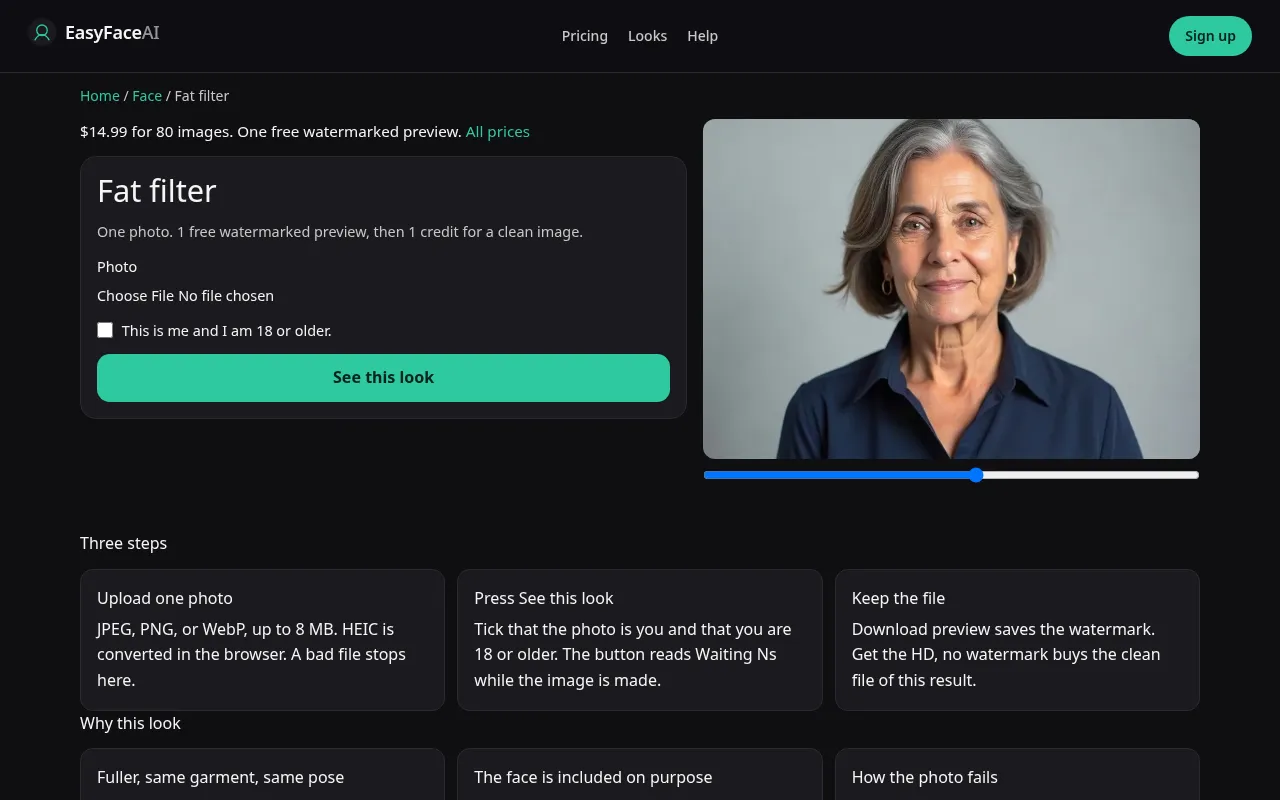
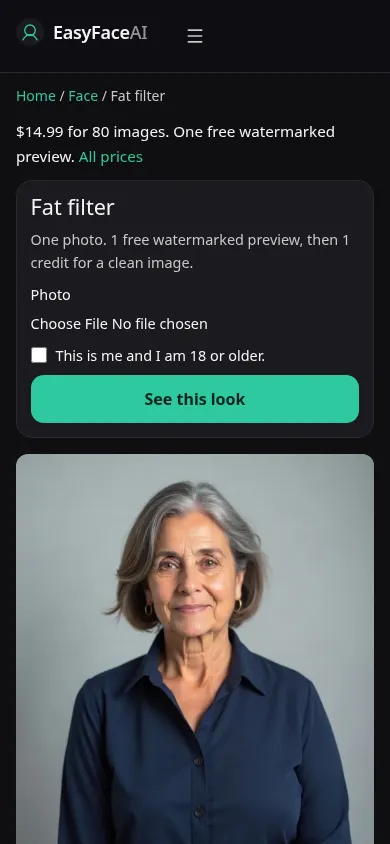
You get a fuller adult body in the same pose and the same clothes, face still meant to be you. The clothes often look strained because the garment is not resized. This is not a medical estimate and not a weight-loss preview. The steps are how that limited picture is made.
Open the look
Open Fat filter. The outcome is already selected.
Add your photo
Choose a JPEG, PNG, or WebP. Tick “This is me and I am 18 or older.”
Press See this look
The button reads Waiting Ns while the image is made. A bad file stops before any charge.
Download
Download preview saves the watermark. Get the HD, no watermark buys the clean file of this result.
Open the tool
Open the Fat filter. It lives in the face category on purpose, body included. The age tool and the smile tool will not substitute. If the sample is only a headshot with no torso, look again. The working sample should show clothing.
Check the sample
/looks/face/fat/fat-help-desktop.webp is the desktop screenshot of the working tool: sample adult, same outfit under more volume, pose unchanged, upload, checkbox, See this look. /looks/face/fat/fat-help-mobile.webp is 390 pixels wide, sample stacked so the strained seam is visible before the buttons. These UI captures were taken from the working page. They are not a clinic pair and not a number on a scale.
Upload
JPEG, PNG, or WebP. HEIC is converted in the browser to JPEG before upload. Under 8 MB. Short edge at least 256 pixels. Include the torso and the collar if the neck is part of the question. A chin-only crop inflates the cheeks and invents shoulders. Fitted clothes you own show the seam problem honestly. A baggy sweatshirt hides the change, and the model may invent a shape the fabric never had.
Confirm and run
Tick "This is me and I am 18 or older." See this look asks for fuller, not smaller. Waiting Ns counts seconds. It is not computing a healthy range. If the status takes a while, that delay is not a more careful medical opinion. There is no opinion. Do not submit a second pose hoping one of them slims you. Slim is not the prompt.
Read the preview
Logged out, one watermarked look preview total: 800-pixel long edge, EASYFACE on a diagonal, IP and cookie, no daily reset, no signup credits. Download preview saves it. Expect tighter cloth. A melted zipper can be the limit showing itself. A brand-new looser outfit is the other failure. Eyes should still be yours. Try another photo if the crop was only a face. It will not refund a successful free proof.
Save the HD
1 credit for HD without the watermark. Get the HD, no watermark is the $14.99 pack of 80 credits. Other prices are on Pricing. If generation fails, there is no charge: credits are refunded, and photos are deleted from private storage on the schedule in How photos are handled. Download saves the HD.
When it fails
Empty files, files over 8 MB, short edges under 256 pixels, and a blank checkbox never call the model and never charge. A missing key fails clean. A finished image that comes back slimmer ignored the request. Do not keep it as a bonus. A changed background or a dropped arm means the pose hold failed. Retry with the torso in frame and the lamp in front, and judge the face before you judge the waist.
Last updated: 2026-10-08.