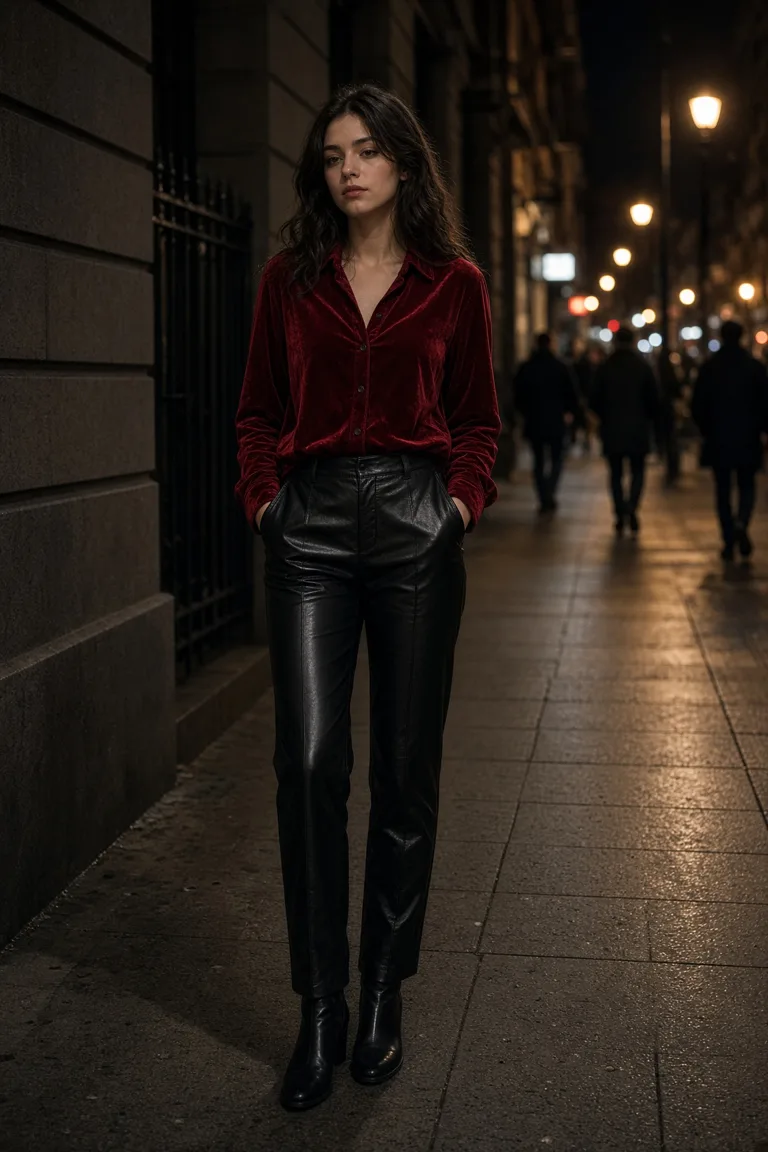
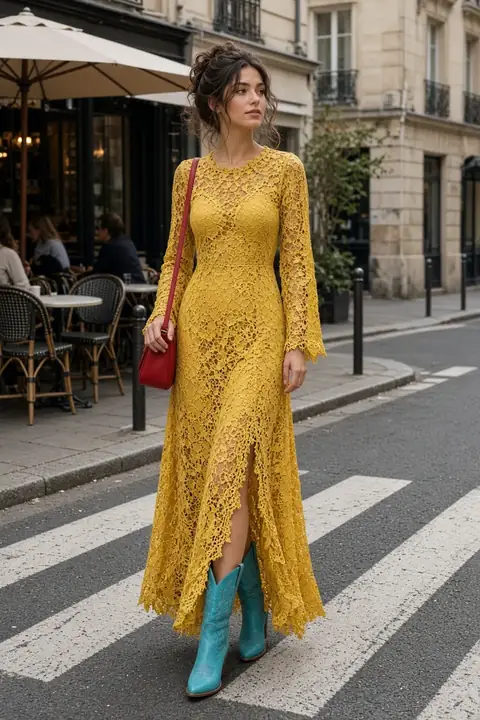
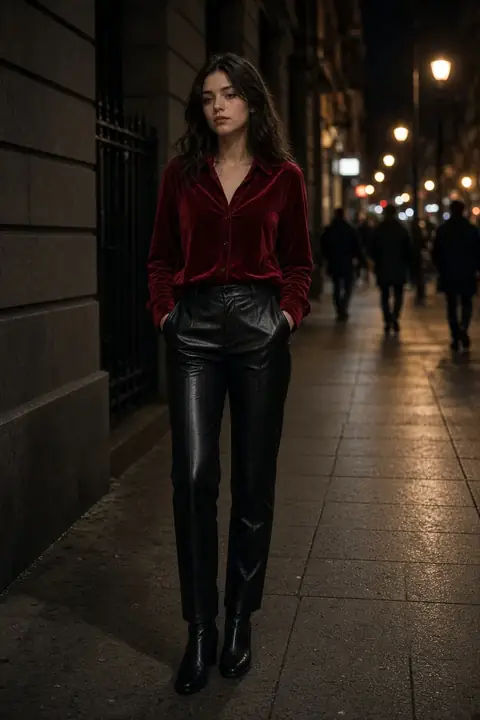
 Street
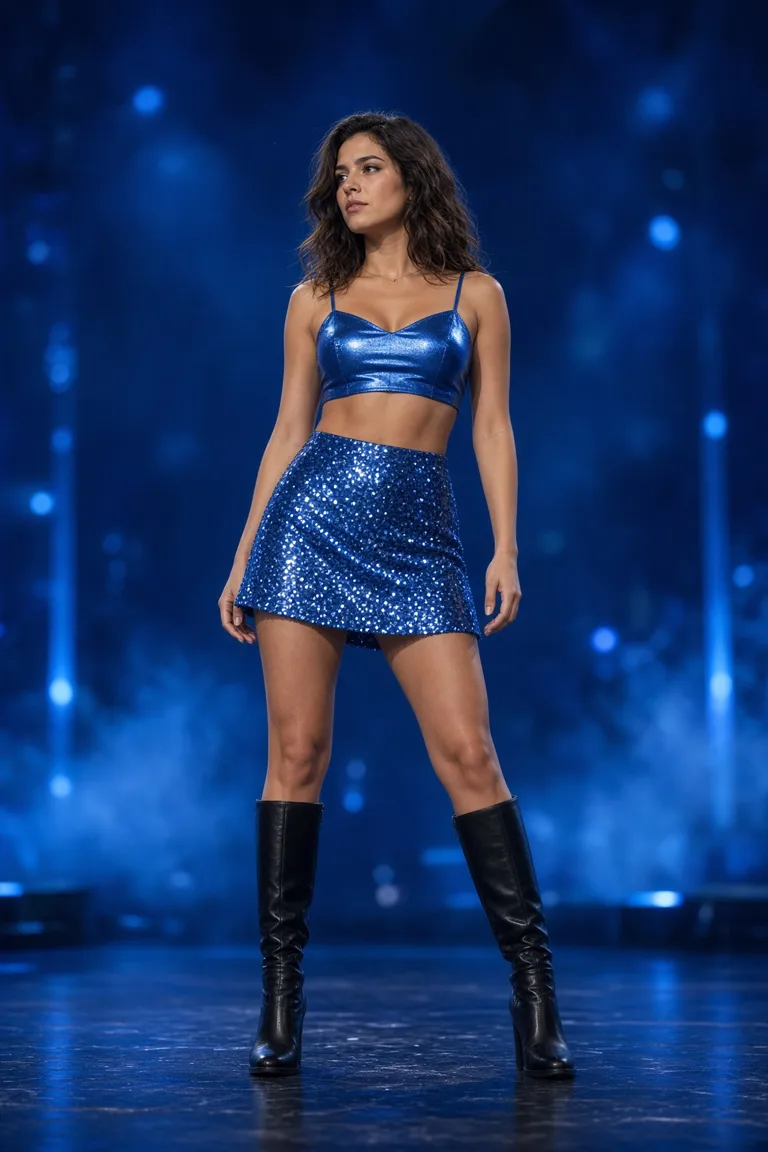
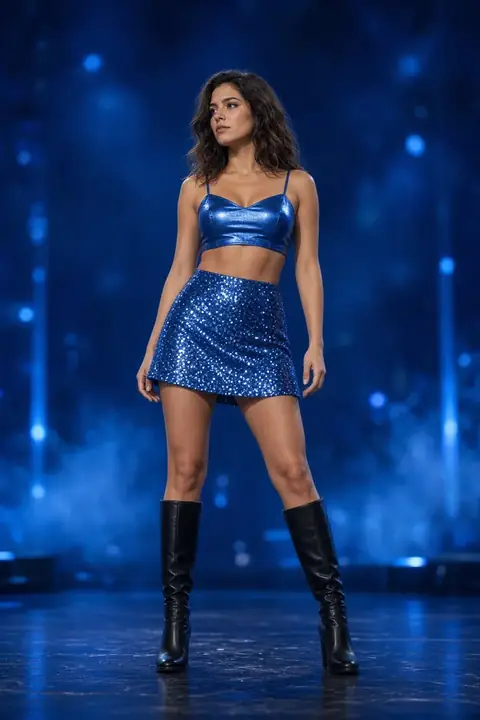 Stage
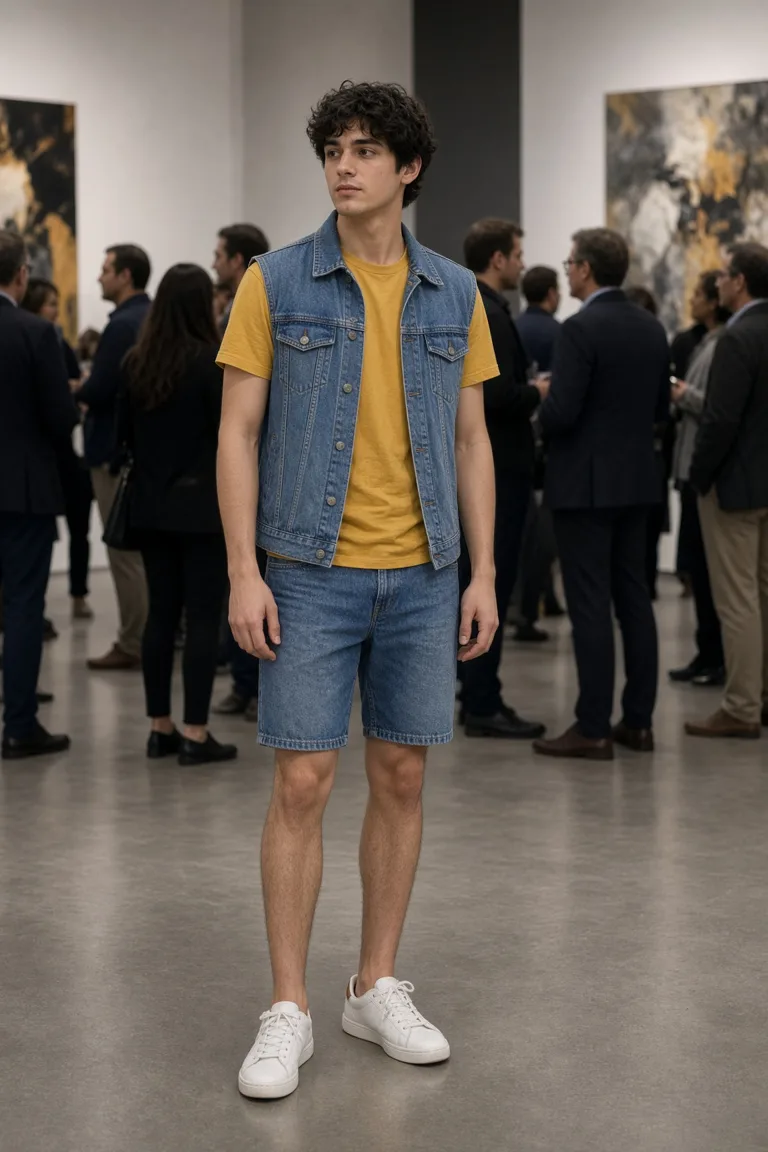
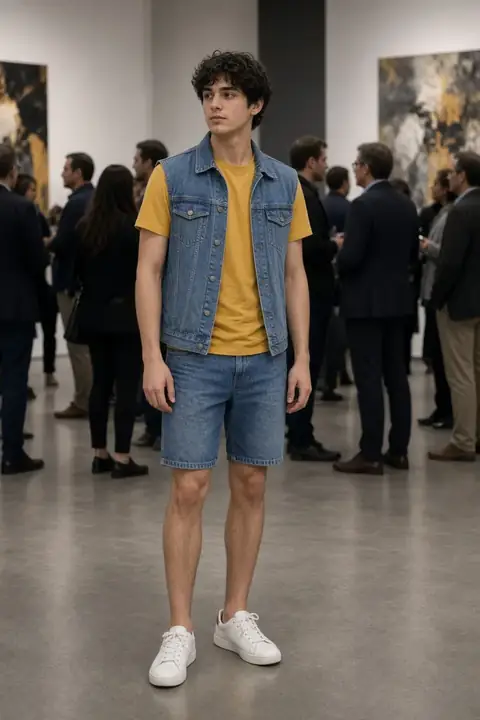 Denim
What a clothes changer changes (and what it leaves alone)
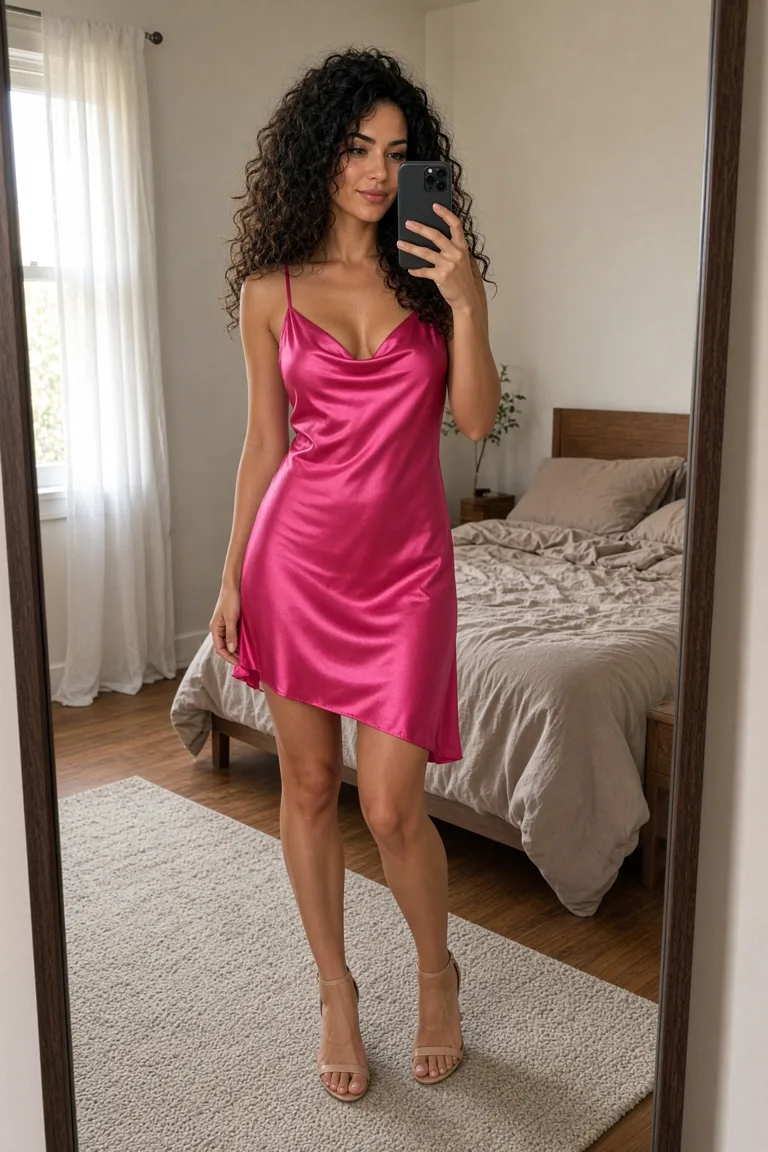
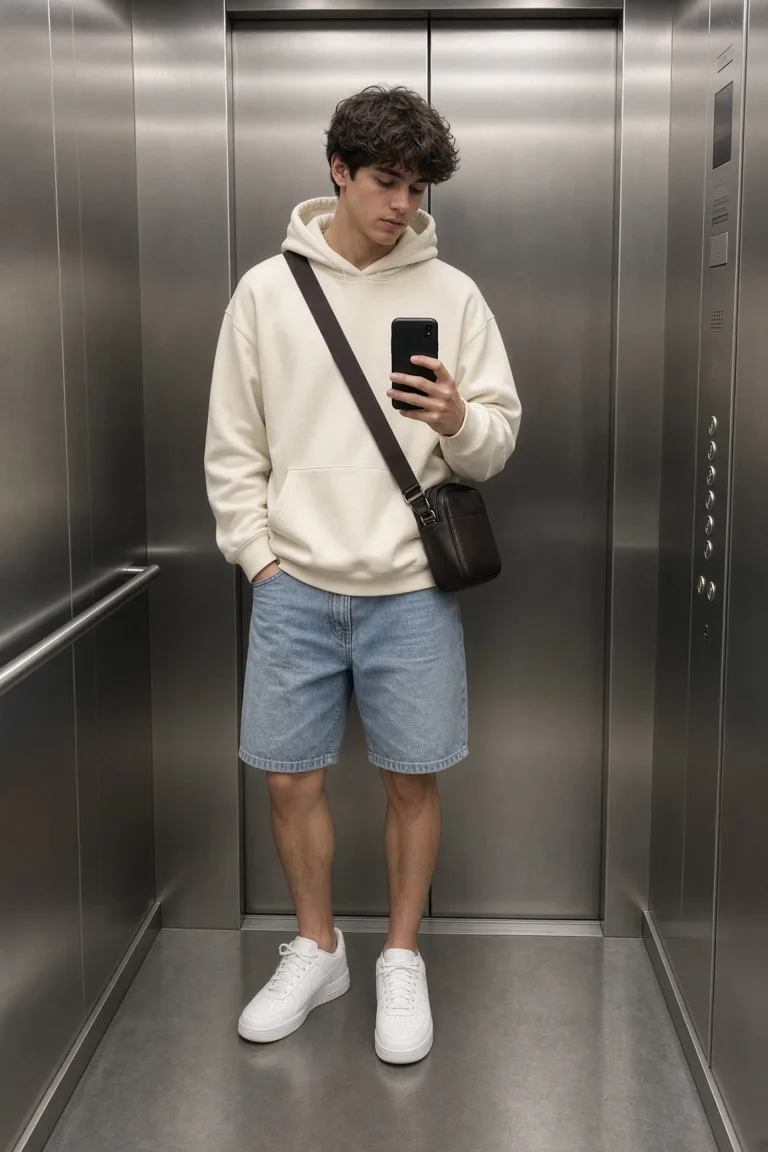
The change is the clothes. A jacket, a dress, a knit, denim, sequins, boots: the pieces you picked. The face, the hair, the pose, and the room are asked to stay the way you uploaded them. A new jaw, a new haircut, or a kitchen that became a street means the run left the clothes. Discard that file. A pretty outfit on someone you do not recognize is not the result.
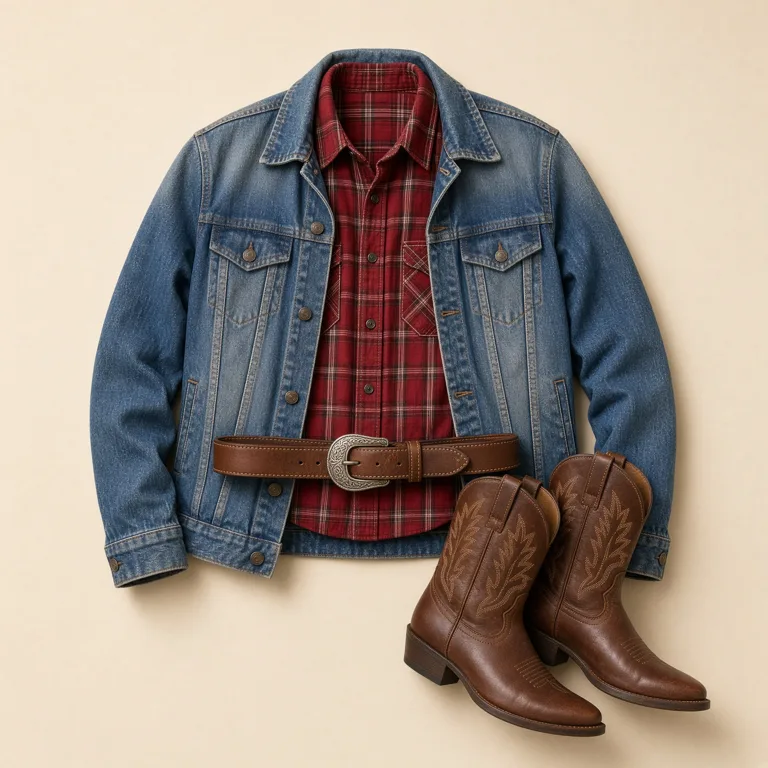
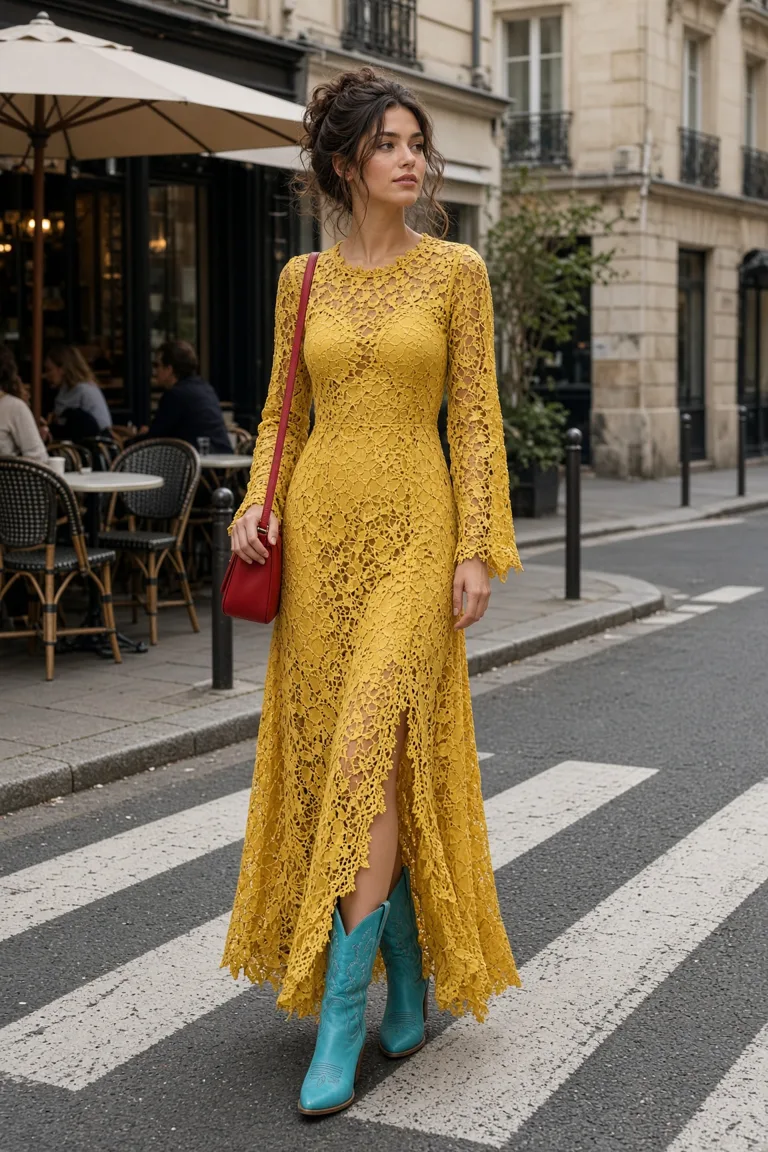
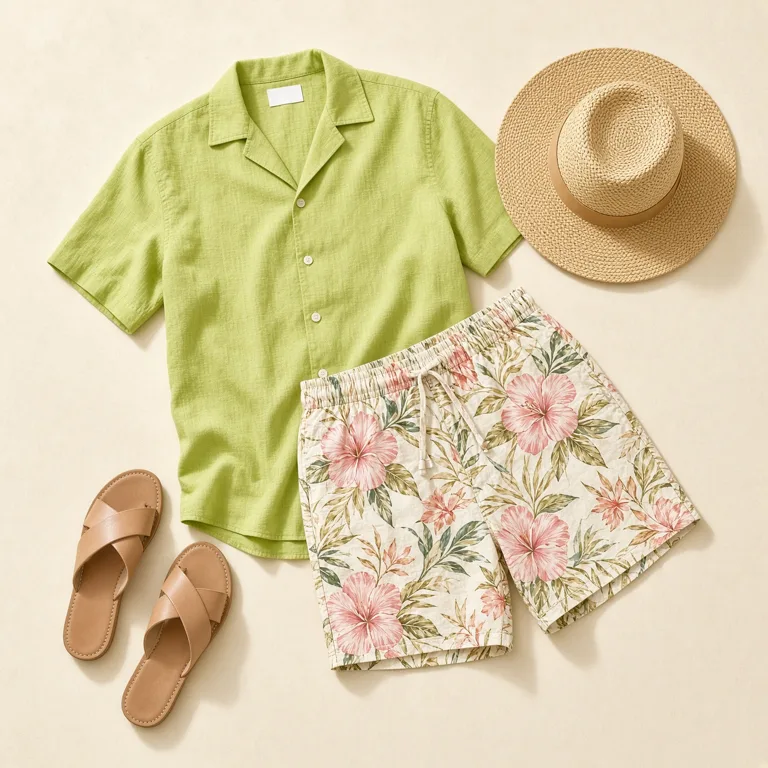
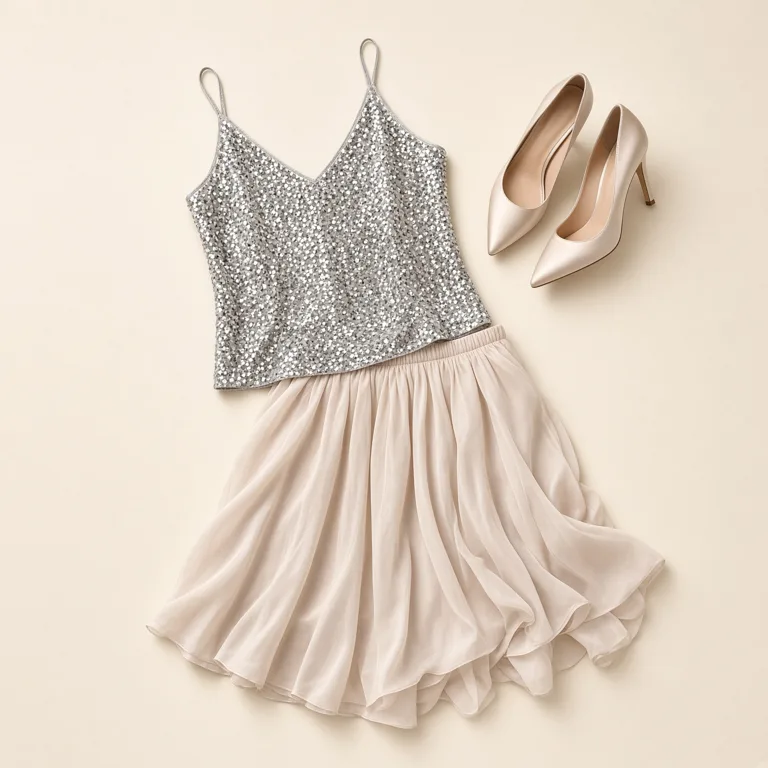
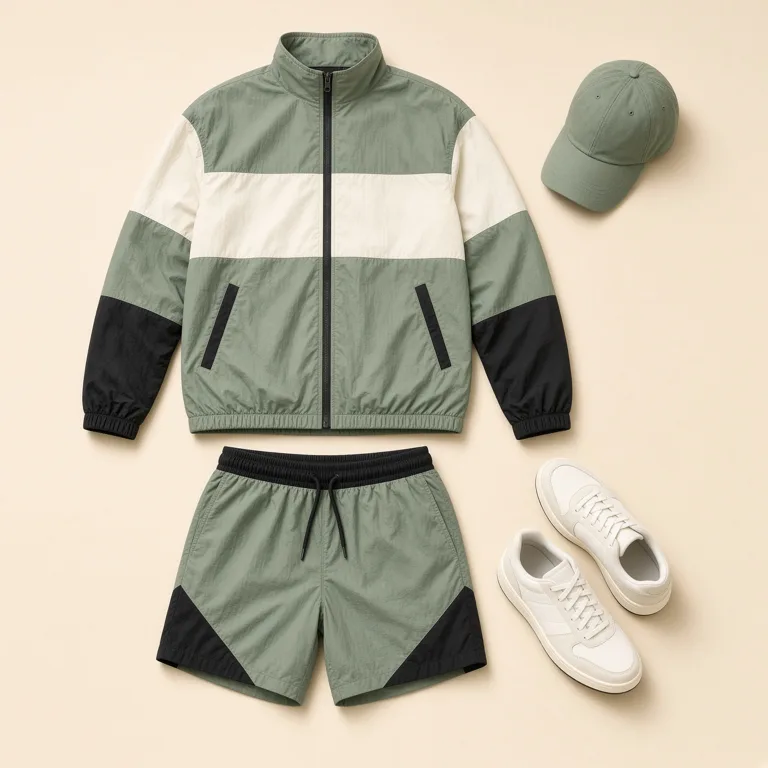
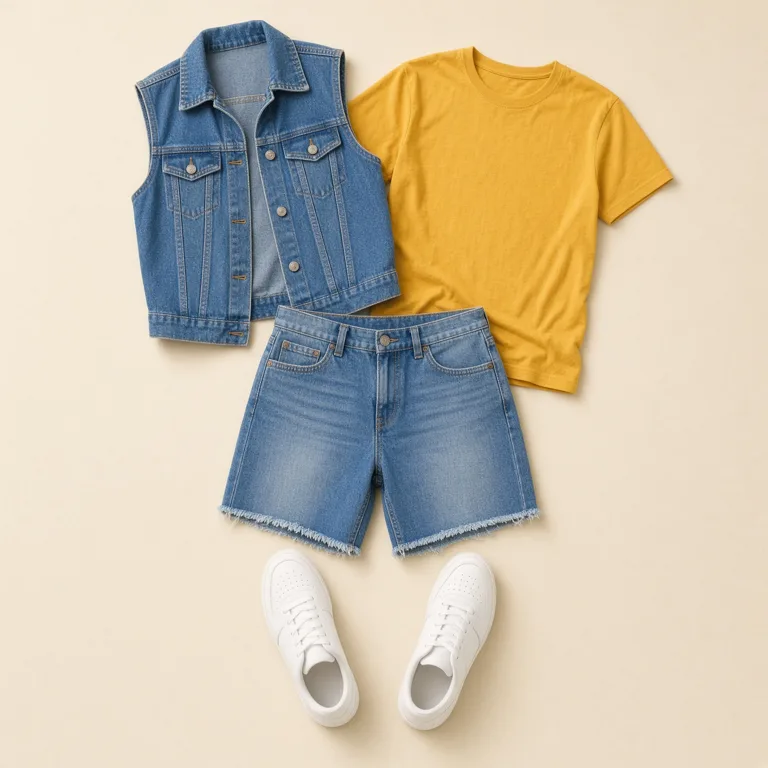
A preset is one outfit. Embroidery, Nordic, sequins, sporty, western, colorblock, paisley, resort, and denim are the cards, and the card is the whole instruction for that run. Upload is a photo of the garment: a flat lay, a hanger, or a product shot. If that photo also contains a model, the edit can borrow their face or their pose. Crop to the clothes. Describe is a short list of pieces and colors. “A yellow lace dress and turquoise boots” is enough. “Make it expensive” is not, because the model has nothing to put on the body.
Clothes changer vs outfit changer
Use this tool when the garment is already the decision: a preset, a clothing photo, or a description of the pieces. Use the outfit changer when the decision is the day. Date night, the office, a wedding guest, travel, streetwear, formal, or the gym. The outfit changer starts from the occasion, and you rewrite the sentence until the clothes are specific.
A sequin card and a date-night sentence are two requests. If you already know the piece, stay here and generate. If you know the plan and not the piece, open the outfit changer and name the garments there. Both ask the face, the hair, the pose, and the place to stay. Neither one measures a size, a fabric hand, or how the clothes would feel after an hour.
Look at the neckline, the sleeves, and the seams
The neckline is where the model lies first. It should meet your skin the way a real garment does: a collar with an edge, a strap with a width, a neckline that closes. A collar that melts into the neck, or a second collar sitting on top of the first, is a drawing. Compare the shoulder seam with the photo you uploaded. Your shoulder should still be your shoulder. A seam that slides down the arm, or a sleeve that fuses into the skin with no cuff, means the clothes were painted on.
Patterns have to survive the turn of the body. Paisley, fair-isle, and embroidery should continue around the side, not stop in a clean stamp on the chest. Sequins should catch the light that is already in the room. A sheet of identical dots with no fold, and no shadow in the crease, is a sticker. Denim needs a seam, a pocket edge, or a hem that frays. A flat blue wash with no construction is a color, not a vest. Logos and tiny text fail. If a word appears on the shirt, it will be nonsense. Leave brand names out of the description.
Look at the hands, the hem, and the shoes
Hands are the other failure. Fingers fuse, a thumb duplicates, or a bag handle grows out of the wrist because the new outfit seemed to need a purse. Count the fingers if they are in frame. A hem should close: a skirt ends, trousers end, shorts end. A hem that fades into the leg, or that opens into a second layer you did not ask for, is unfinished. Shoes should belong to the outfit and to the floor. Heels that float a finger above the pavement, or sneakers that still show the old boots underneath, mean the old clothes were not replaced. If the foot and the floor do not meet, do not keep the file.
The reference photo can leak. When you upload clothes that were photographed on someone else, a hand, a hip, or a neckline from that photo can arrive with the garment. A flat lay is the cleaner reference. The person in your photo should still be the person. Their stance, the bend of the elbow, and the width of the shoulders stay. An outfit that also slims the waist, or fills the jacket by redrawing the body, did more than change clothes. The clothes can look strained. That strain is the limit of putting a new garment on the body you uploaded. A new, looser body drawn so the dress would hang straight is the miss.
Look at the face next to the new clothes
The face is the control. Eyes, ears, and the line of the mouth should match the upload, at the same zoom. A smoother face, a younger face, or a jaw that narrowed so the new neckline would look expensive, is the model dressing someone else. Hair stays. A cut that grows, a color that warms to match the dress, or bangs that appear because the outfit is formal, is a second job. Do the hair after you have accepted the clothes, as two files, so you know which instruction failed. Hair length is the long hair card. A dye is hair color.
The room stays too. Stage light, a gallery wall, a bedroom mirror: if those were not in your photo, the model invented a set to suit the outfit. A new backdrop means the person was regenerated, and a good dress in a new room is not evidence. Sunglasses, a hat pulled low, or a crop that stops at the chin give the edit less of you to hold. Put the torso and the current clothes in the frame. A tight face crop leaves the model to invent the body under the outfit, and the invention is usually a catalog pose, with hands you do not have and a stance you did not stand in.
 Hairstyles
 Hair color
 Facial hair
 Face
 Headshots
 Enhance
 Background
 Remove